37
3 Operation and visualization
Supplementary
text
The instrument automatically supplements the texts by “ON” or “OFF”, to en-
able the distinction between appearance and disappearance of the signal.
Example:
Basic menu ➔
Event list
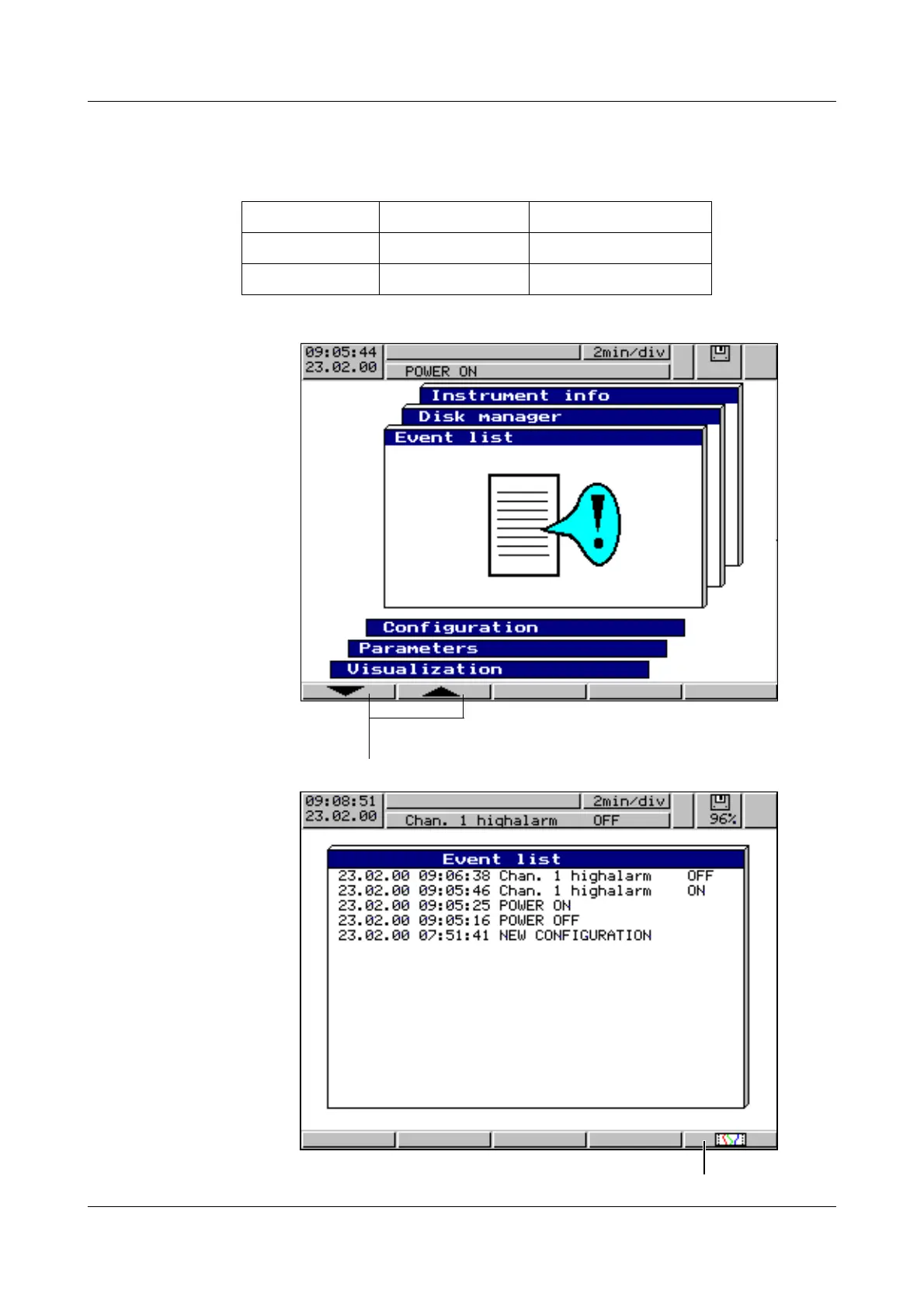
The event list is called up via the basic menu:
Event list
Standard text Supplementary text Entry in event list
Logic input 2 ON Logic input 2 ON
Logic input 2 OFF Logic input 2 OFF
h Select operating level Event list
h Confirm selection with E
jump back directly into diagram presentation



 To Next Page