5 Setup program
66
5.2 Installing the setup program
Running the
installation
program
h Start Microsoft Windows
®
h Insert CD
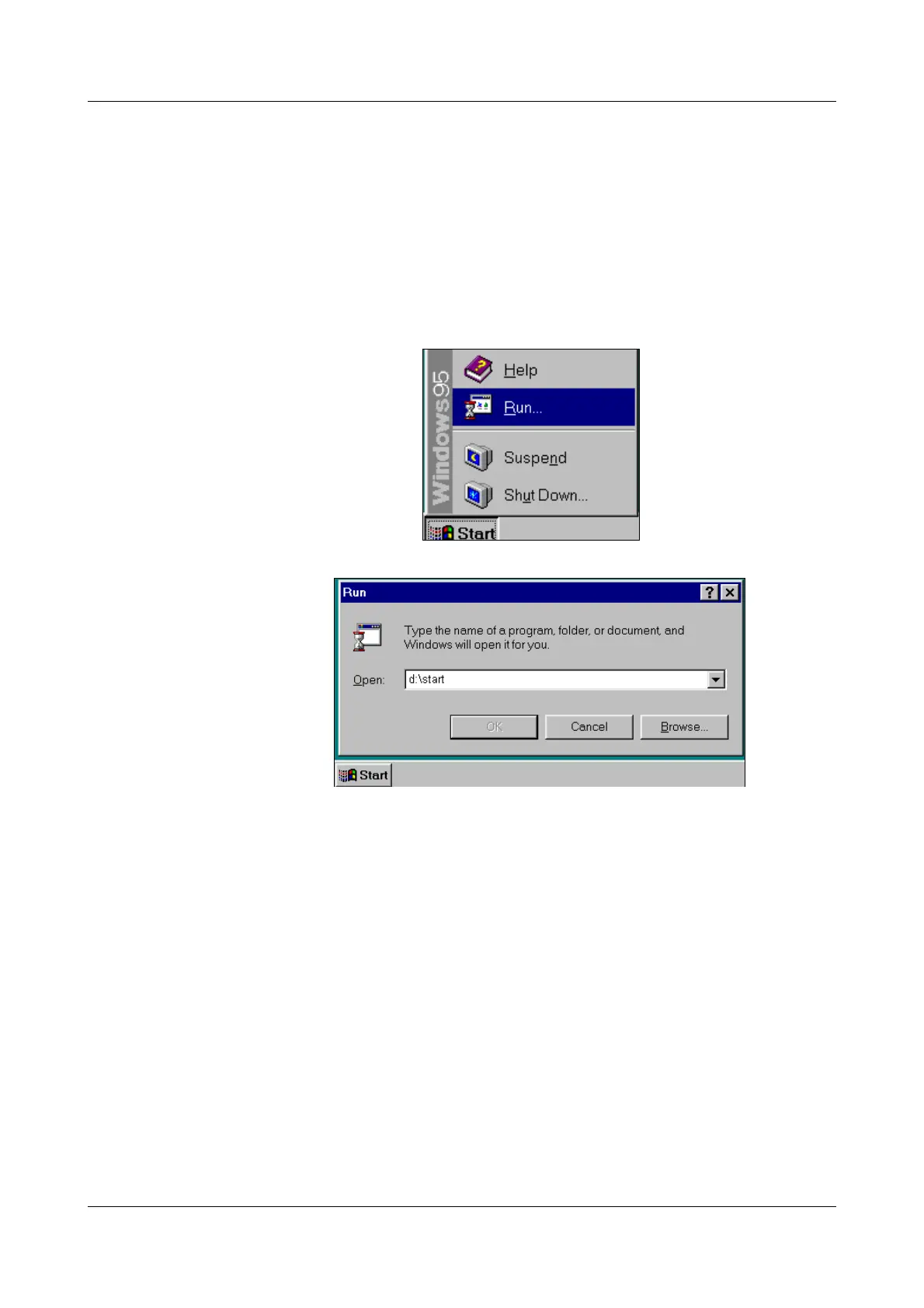
h Select
Start ➔ Run…
h Input e.g. “d:\start”, depending on drive
h Click on OK
The installation program will lead you through the rest of the installation with
screen messages.
H
If Microsoft Windows has already been started, all Windows pro-
grams have to be shut down before installing the setup program.



 To Next Page