3 Operation and visualization
44
3.9 Code number (password entry)
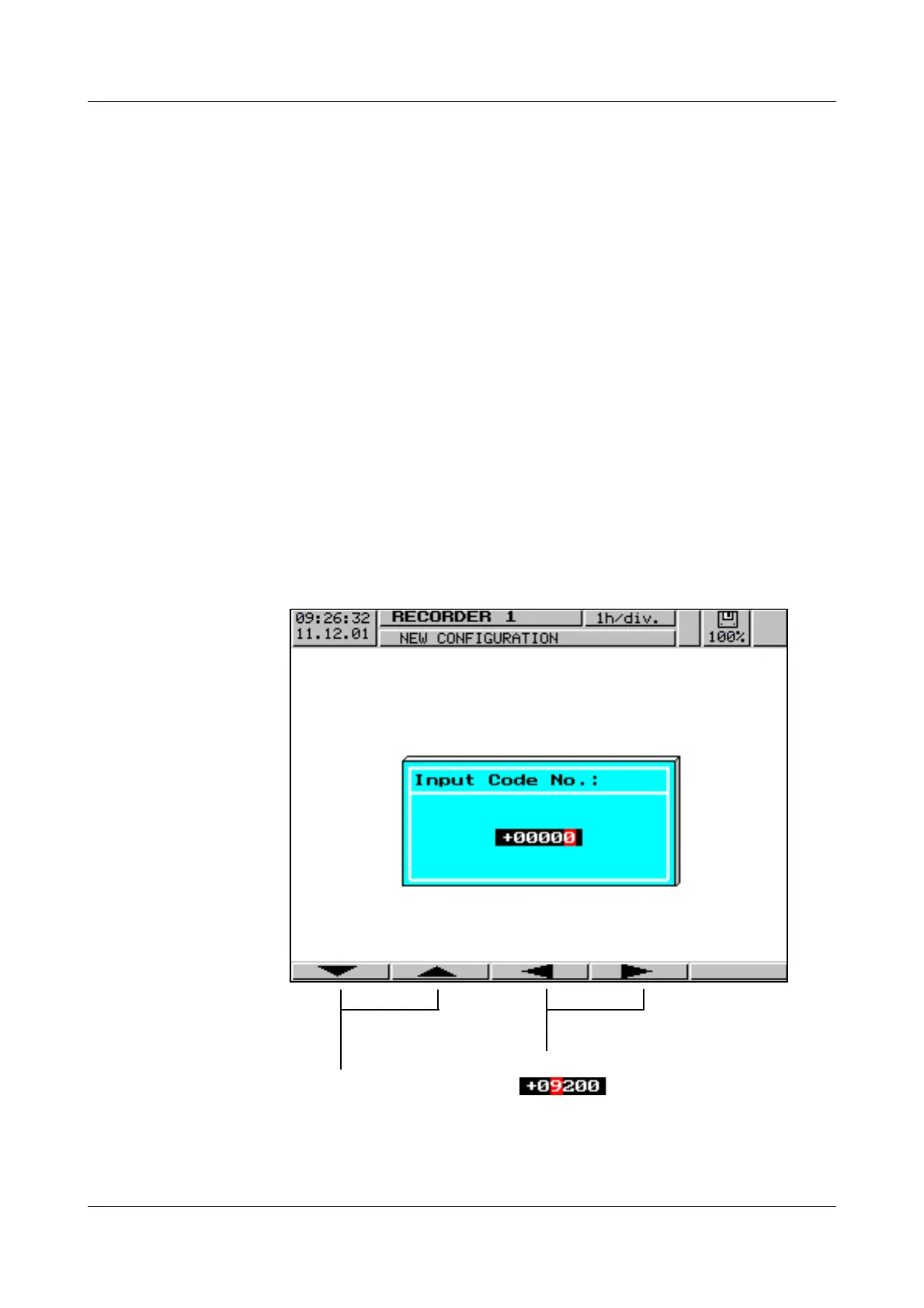
The following functions are protected ex-factory from unauthorized access by
a password request:
-the Configuration menu
-parts of the Disk manager menu
-the Parameters ➔ Counter/Int. reset menu
The factory default setting is 9200.
A password can also be used to secure access to the recorder via the serial in-
terface. In this case, however, the factory setting is 0 (no password request). If
you enter a value unequal to 0, please take into account that this number must
also be sent to the recorder by an attached communication program.
All passwords can be programmed differently (see Chapter 4.2.2
“Configuration - Instrument data”).
Password
request
After the entry has been completed ( ), it can be confirmed by using
the
E key. Using D, the password request will be stopped and the
menu left.
H
Additional information on password request
for the serial interface can be found in the
Interface Description B 95.5015.2.
Increment (+1) or
decrement (-1) the
selected digit
Select the digit to
be altered



 To Next Page