6 Using the unit
3. Adjust the unit height.
4. Guide patient to the unit. Instruct patient to stand as straight and tall as possible
next to the unit. Patient can also be imaged in sitting position. Ask the patient to
take grip on the handles and place chin on the chin rest.
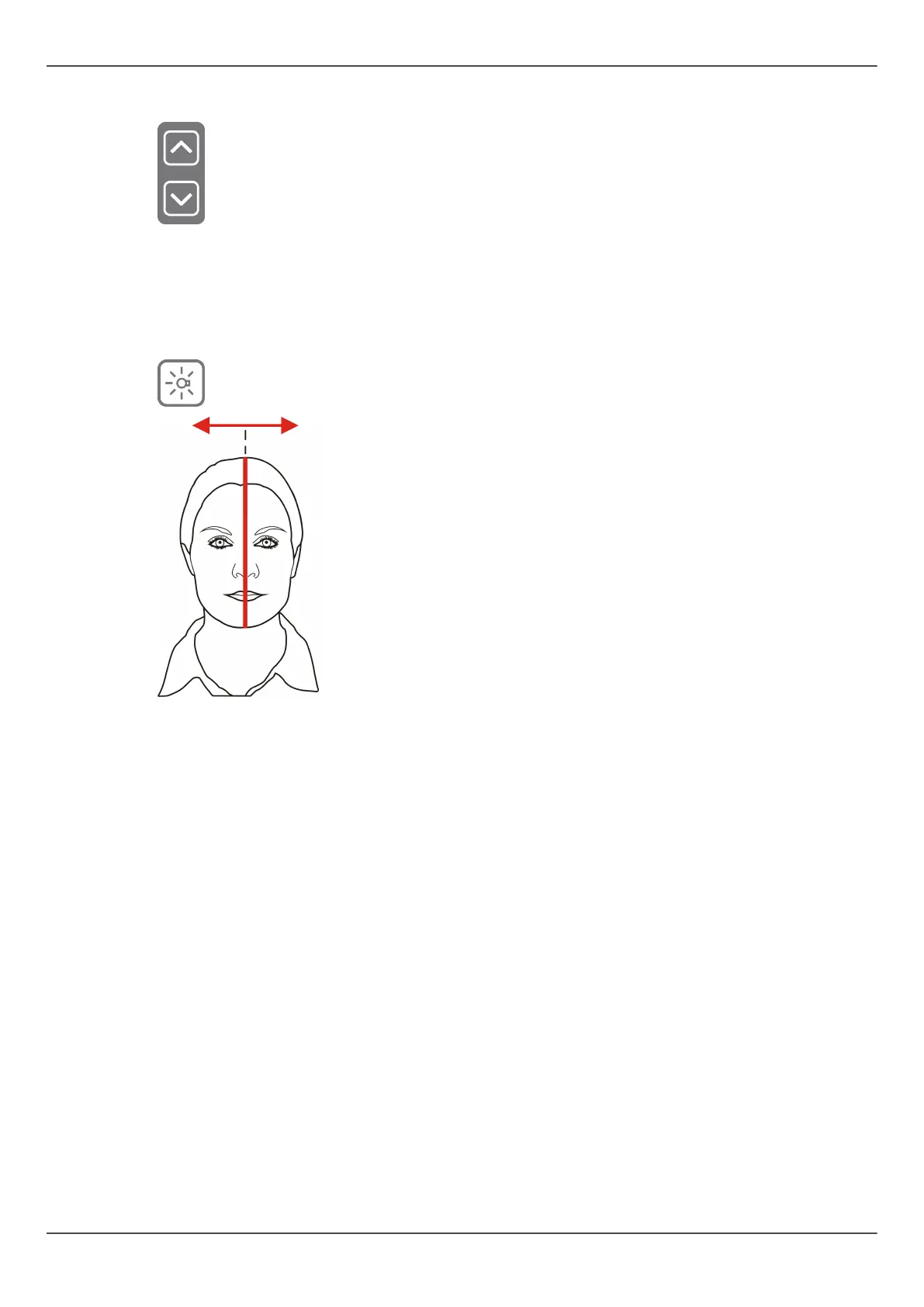
5. Check the position of the midsagittal light. If it is not on the midsagittal plane of the
patient, adjust the patient’s head.
66 ORTHOPANTOMOGRAPH
™
OP 3D Pro















 To Next Page