6 Using the unit
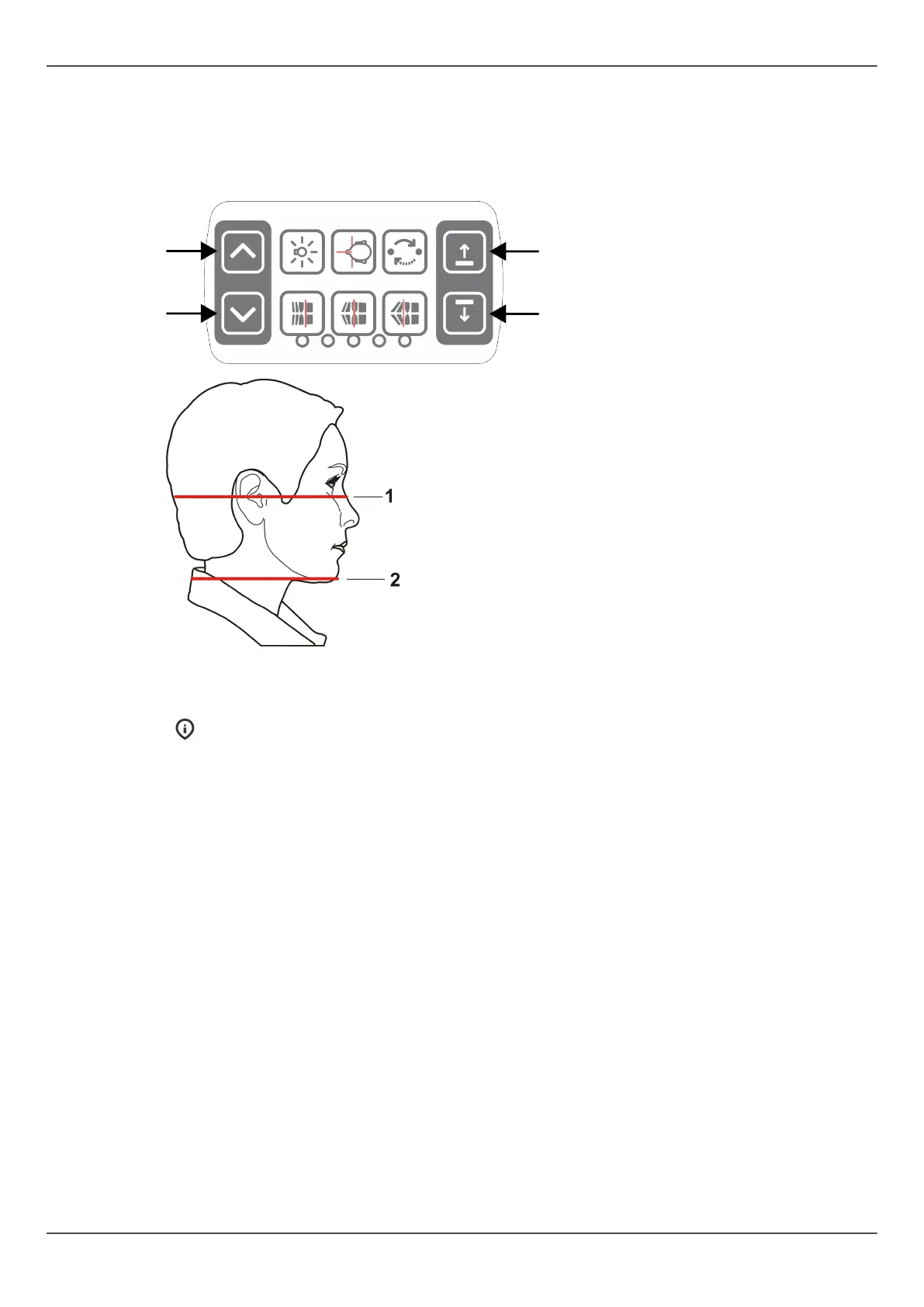
6. Adjust the unit height and chin rest height to get the area of interest between
the top and bottom FOV lights. Position the patient so that the occlusal plane is
horizontal. If the carriage is driven too high during patient positioning, a notification
is shown on the GUI that instructs to drive the carriage downwards. In these cases,
have the patient seated.
1) H light, top of FOV
2) H light, bottom of FOV
NOTICE! With optional FOV 130 x 150 mm, only minor chin rest movement
is allowed. To adjust FOV height, remove the chin rest. The FOV height (130
mm) is indicated with FH light, move the FH light to locking position.
ORTHOPANTOMOGRAPH
™
OP 3D Pro 67















 To Next Page