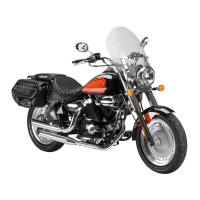
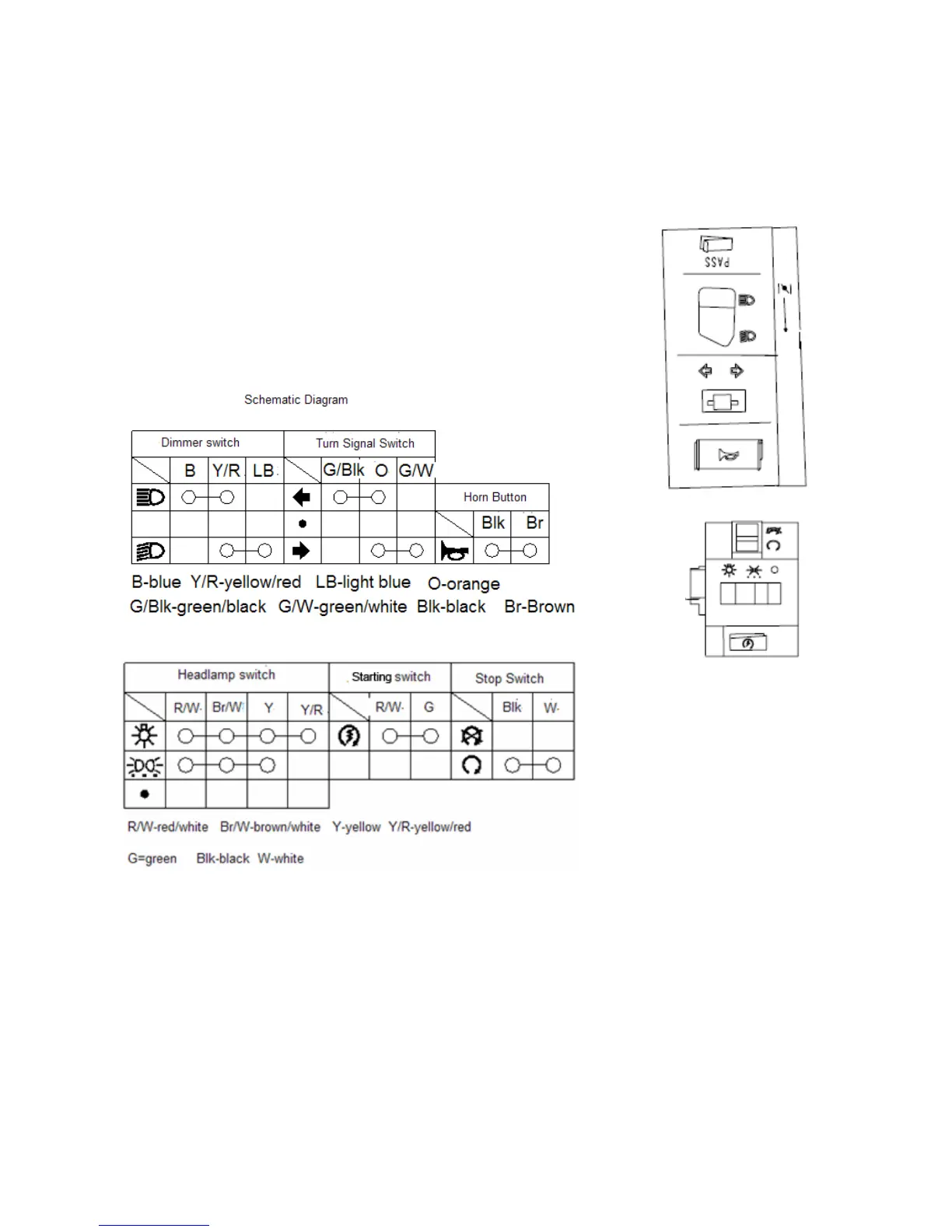
4.9 Handle switch
Remove protecting plate of steering handle.
Screw off mounting bolt on the brake lever and take down the bracket.
Remove bracket for the rear brake lever.
Remove throttle handle and bolts.
Take down throttle handle from the handle and remove the throttle cable.
Remove locknut on the handle and take down the handle.


 To Next Page
 Loading...