English
|
25
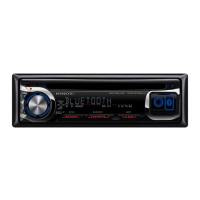
Theft Deterrent Faceplate
The faceplate of the unit can be detached and taken
with you, helping to deter theft.
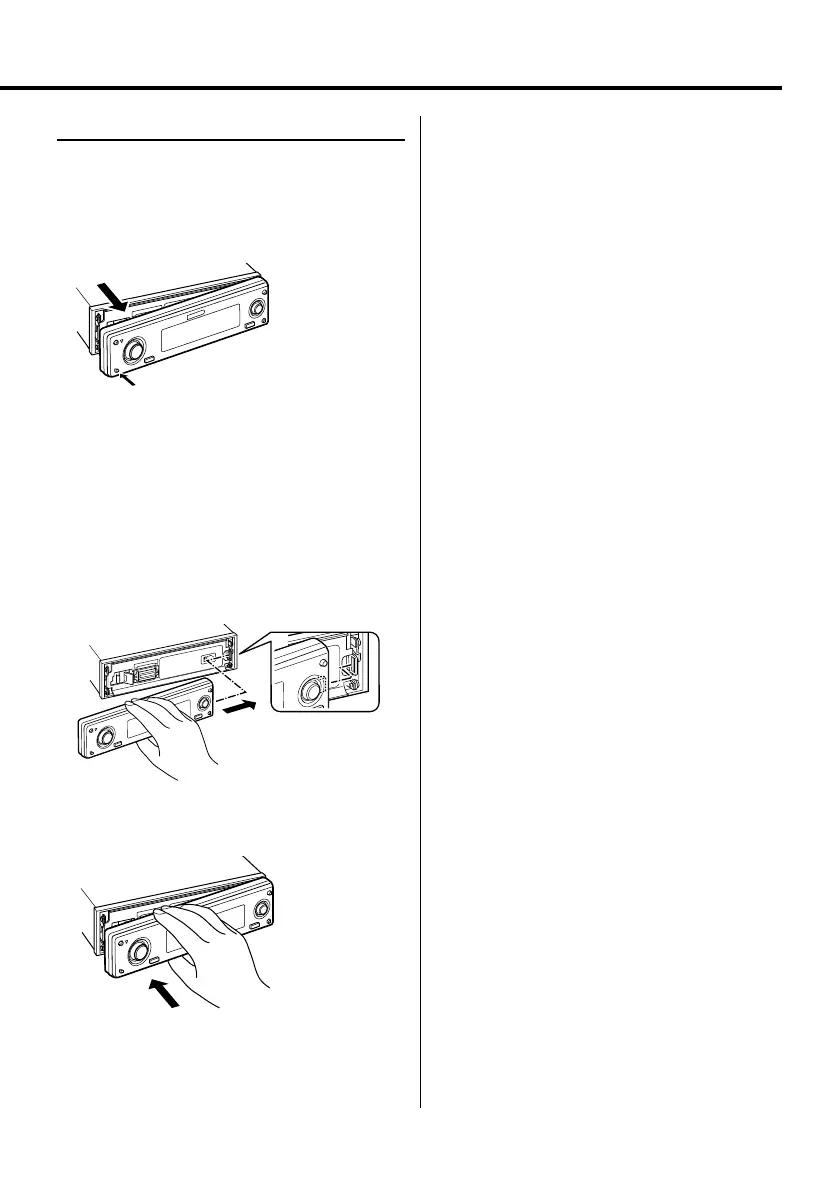
Removing the Faceplate
Press the Release button.
The faceplate is unlocked, allowing you to detach it.
¤
• The faceplate is a precision piece of equipment and can
be damaged by shocks or jolts.
• Keep the faceplate in its faceplate case while detached.
• Do not expose the faceplate (and the faceplate case) to
direct sunlight or excessive heat or humidity. Also avoid
places with too much dust or the possibility of water
splashing.
Reattaching the Faceplate
1 Align the shaft on the unit with the depression
on the faceplate.
2 Push the faceplate in until it clicks.
The faceplate is locked in place, allowing you to use
the unit.
B64-3767-0000KEnglish.indd25B64-3767-0000KEnglish.indd25 07.5.102:15:50PM07.5.102:15:50PM



 To Next Page
 Loading...