28
|
English
RDS features
PTY (Program Type)
Selecting the Program Type and searching for a
station.
1 Enter PTY mode
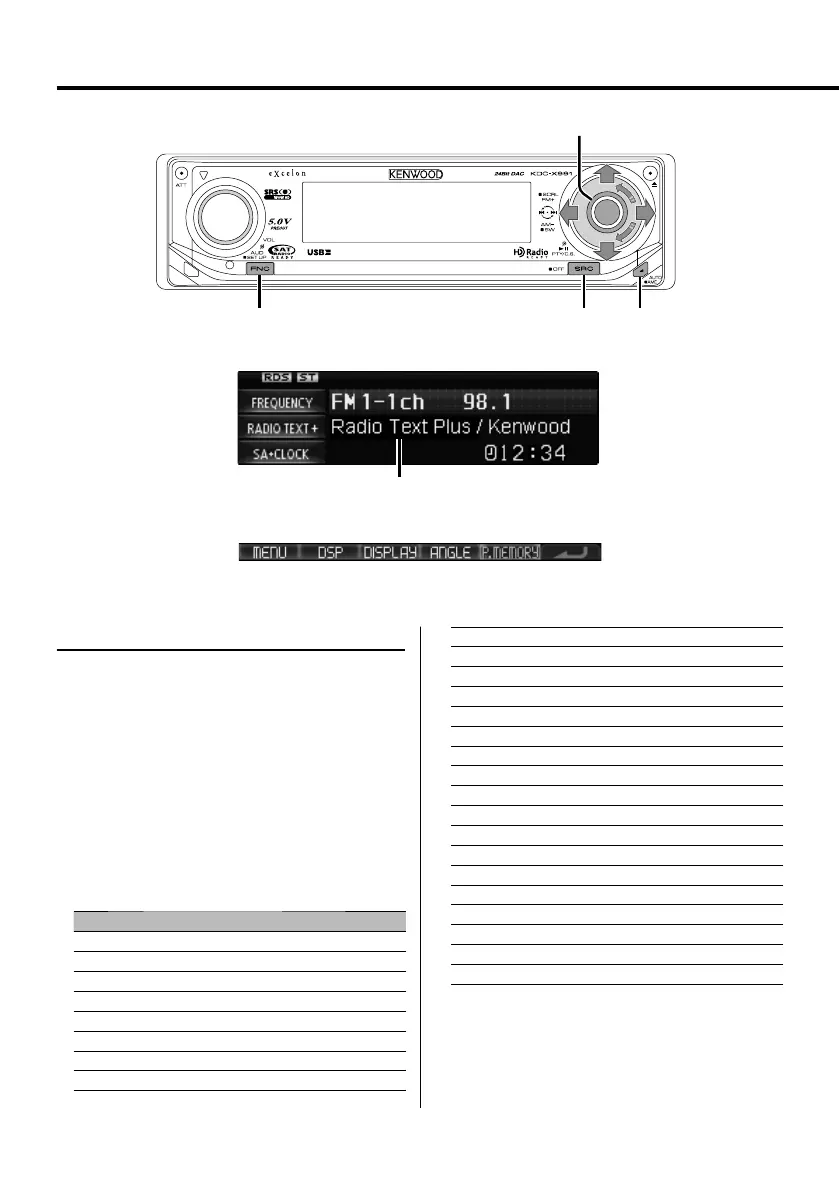
Press the Control knob.
"PTY SELECT" is displayed.
⁄
• The PTY function cannot be used during a traffic bulletin
or AM reception.
2 Select the Program Type
Turn the Control knob or push it towards up or
down.
No. Program Type Display
1. Speech "All Speech"
2. Music "All Music"
3. News "News"
4. Information "Information"
5. Sports "Sports"
6. Talk "Talk"
7. Rock "Rock"
8. Classic Rock "Classic Rock"
9. Adult Hits "Adult Hits"
10. Soft Rock "Soft Rock"
11. Top 40 "Top 40"
12. Country "Country"
13. Oldies "Oldies"
14. Soft "Soft"
15. Nostalgia "Nostalgia"
16. Jazz "Jazz"
17. Classical "Classical"
18. R & B "Rhythm & Blues"
19. Soft R & B "Soft R & B"
20. Language "Foreign Language"
21. Religious Music "Religious Music"
22. Religious Talk "Religious Talk"
23. Personality "Personality"
24. Public "Public"
25. College "College"
26. Weather "Weather"
⁄
• Speech and Music include the Program type below.
Music: No.7 — 19, 21
Speech: No.3 — 6, 20, 22 — 26
FM
AM
D
FNC SRC AUTO
Control knob
Radio text
Function icon
B64-3767-0000KEnglish.indd28B64-3767-0000KEnglish.indd28 07.5.102:15:52PM07.5.102:15:52PM



 To Next Page
 Loading...