34
|
English
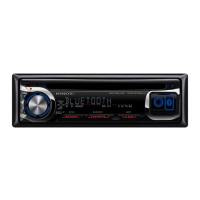
Text/Title Scroll
Scrolling the displayed CD text, Audio file text, or
MD title.
Push the Control knob toward up for at least 2
seconds.
⁄
• When the <Display Illumination Control> (page 47) is set
to OFF, the display may black out while scrolling.
CD/Audio file (USB/iPod/Internal Memory) control features
B64-3767-0000KEnglish.indd34B64-3767-0000KEnglish.indd34 07.5.102:15:56PM07.5.102:15:56PM



 To Next Page
 Loading...