MIDI Remix
NEW MIDI REMIX FEATURES
Two options for MIDI REMIX storing have been •
added:
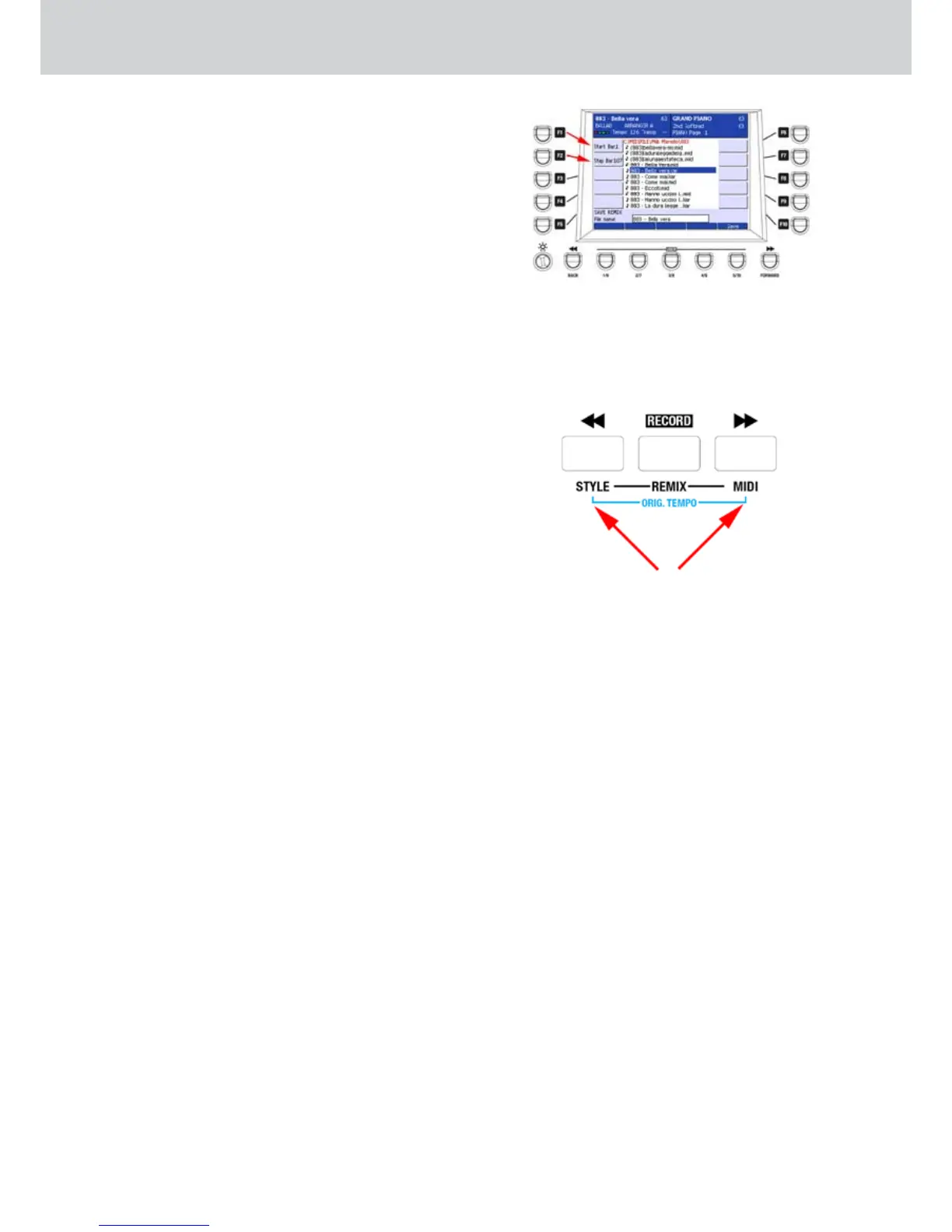
F1–START BAR
F2–STOP BAR
Start Bar and Stop Bar (• Figure 290) indicate the
start bar of the MIDI REMIX and the stop bar,
respectively.
Please note that if the Start Bar is not 1, the drum •
of the MIDI file will play during the bars before the
Start Bar. In the same way, if the Stop Bar value is
set more than the total number of bars of the MIDI
file, when the MIDI REMIX ends, the drum of the
MIDI file will still play.
STYLE AND MIDI BUTTONS
The STYLE and MIDI buttons in the User Style/•
Disk Area section are now implemented (Figure
291).
While the REMIX is running these buttons enable/•
disable the REMIX using the style.
You can store the changes of the Arranger, Fill, •
Break, Style and MIDI. In this way, when the
next REMIX start again, these changes will apply
automatically.
While you are making a MIDI REMIX, press the •
RECORD button to store the changes.
All the changes will be stored into the MIDI file.•
To save them definitely into the MIDI file, press •
SAVE while the MIDI REMIX is running, while the
RECORD button is lit.
You can also make a REMIX by using the MIDI file •
already playing. Just activate the REMIX by using
the current MIDI file playing and select a style.
Now you can change the style during the REMIX. •
This operation can be useful to find the right style
to combine with the MIDI file.
Figure 290
Figure 291



 To Next Page