The Audio Style Modeling is the powerful system
of Audya sound engine. The place where you
can “model” the style is the Style View section.
By entering the Style View section you
•
can see all the sections of the style on the
display. Normally, if you select a section, you
can change the Program Change by using
the DATA/VALUE wheel or choosing directly
the sound. You can control the volume with
the CURSOR buttons.
On some sections, by pressing twice the
•
button, you can access directly to a specific
Library of that section. The tables of the
Library can work in place of the MIDI parts
usually programmed for the Style.
By pressing twice the F1, F2, F3, F9 and F10
•
buttons you can select from the Audio Style
Modeling Libraries or from the ordinary MIDI
parts. For example:
F1-Audio Drum (audio only)
F2-Groove Bank (audio + MIDI)
F3-Bass Bank (MIDI)
F9-Arp & Lick (MIDI)
F10-Live Guitar (audio + MIDI)
For all the sections, you can scroll by using
•
the DATA/VALUE wheel or choosing directly
the Program Change number by using the
0-9 numeric keypad.
You can find the Program Change numbers
•
and all the Libraries reference at the the end
of this manual.
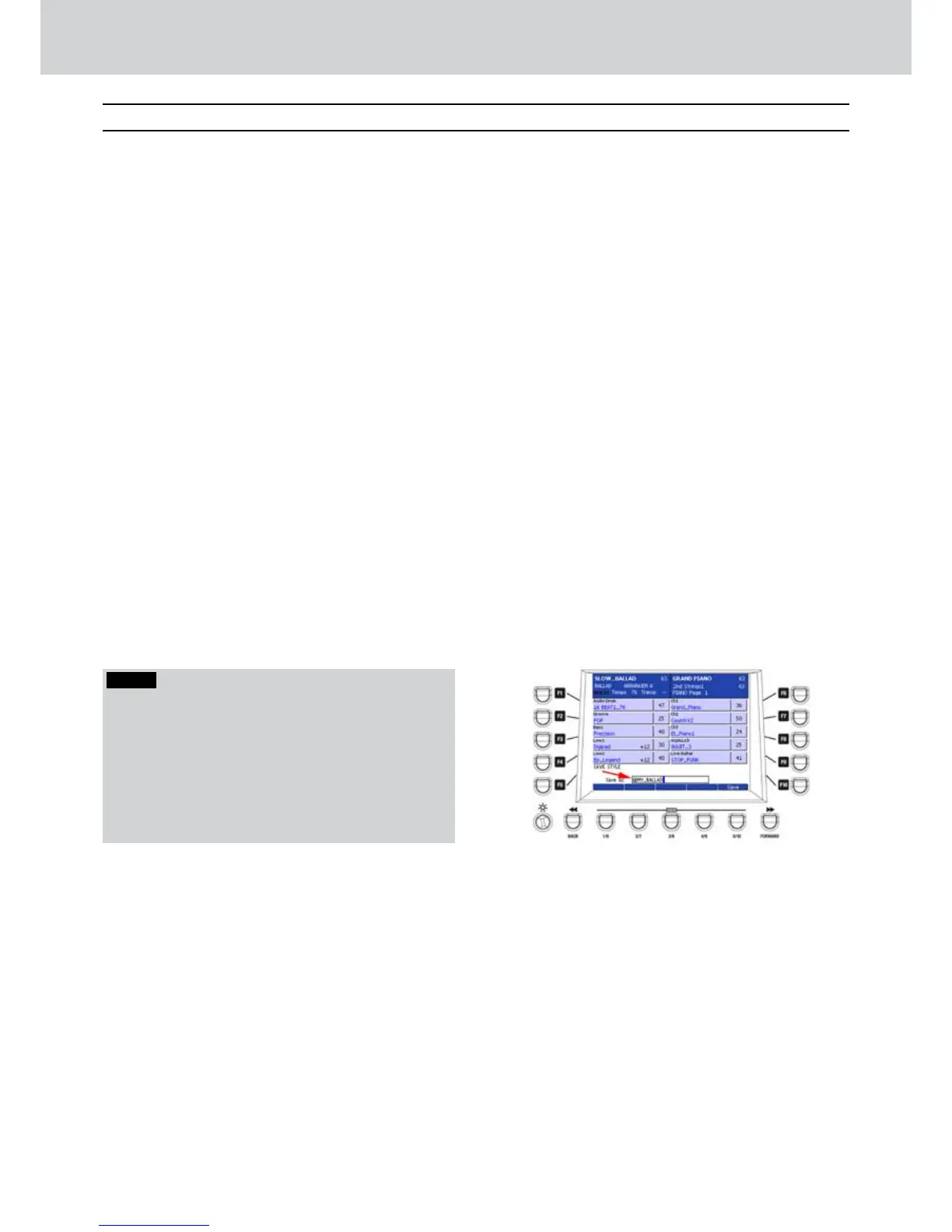
NOTE
If the style uses some audio parts (e.g. Audio Drum or
Live Guitar) a symbol ^ appears in front of the style
name. For this reason, when you store a style with
audio parts inside, it’s useful to keep the @ character in
front of the name (Figure 132). In this way the symbol
^ will appear in front of the style name and you will
be able to distinguish between the MIDI styles and the
styles containing audio parts.
Style View
Audio Style Modeling
Figure 132



 To Next Page