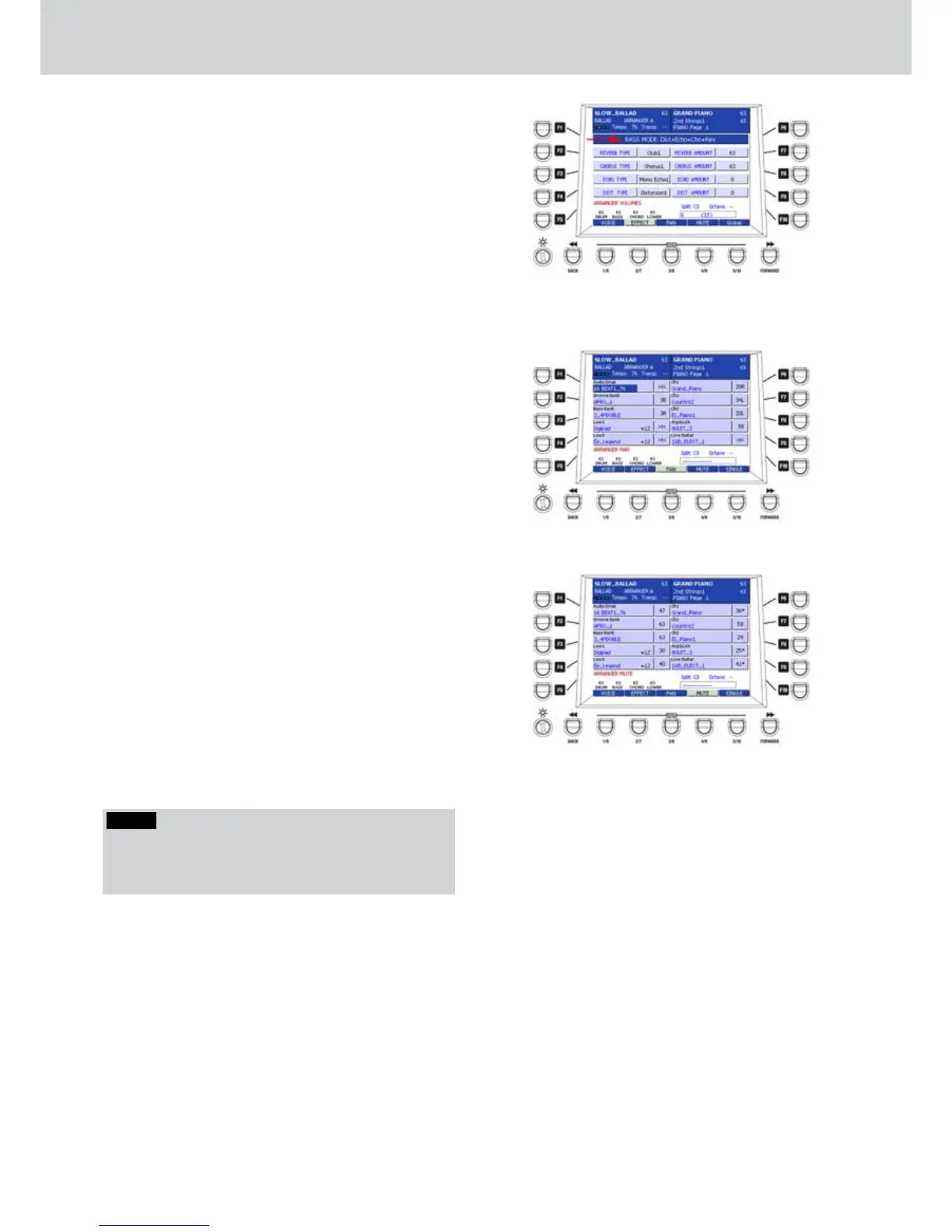
For any other part you can set the routing of the
effects up to four effects (Figure 129).
By using the F1 button you can select the routing of
the effects for the parts. Please note that you select
the part on the previous VOICE page (USER 1). By
using the F2-F3-F4-F5 buttons you select the effect
type:
REVERB TYPE
CHORUS TYPE
ECHO TYPE
DIST. TYPE
By rotating the DATA/VALUE wheel or the CURSOR
Ó Á but
tons you can set the effect types for
each part. By pressing the CURSOR
Ó Á
buttons
together, you set the first default effect.
By using the buttons from F7, F8, F9 and F10 you set
the amount of the effect for the selected part.
By pressing the
CURSOR
Ó Á
buttons
together you
set the amount to 0.
PAN (USER 3)
▀
By pressing PAN, you can edit the panoramic
position of each part of the style (Figure 130) by
using the CURSOR Ó Á
buttons. Please note
that the PAN cannot be modified for the Audio
Drum part.
MUTE (USER 4)
▀
By pressing MUTE, you can mute the parts of the
style by using the F1-F10 buttons. The “muted”
parts have an asterisk after the name (Figure 131).
Once you have set the MUTE parts in a style, the
parts remain muted also changing the style.
Style View
Figure 129
Figure 130
Figure 131
NOTE
By pressing button USER 5 you can select the SINGLE
or GLOBAL mode in order to change the single Varia-
tion of the style or all the Variations.



 To Next Page