By pressing the DOUBLE button in the VOICE
section, you can activate the function to double
the octave of the voice for the right hand.
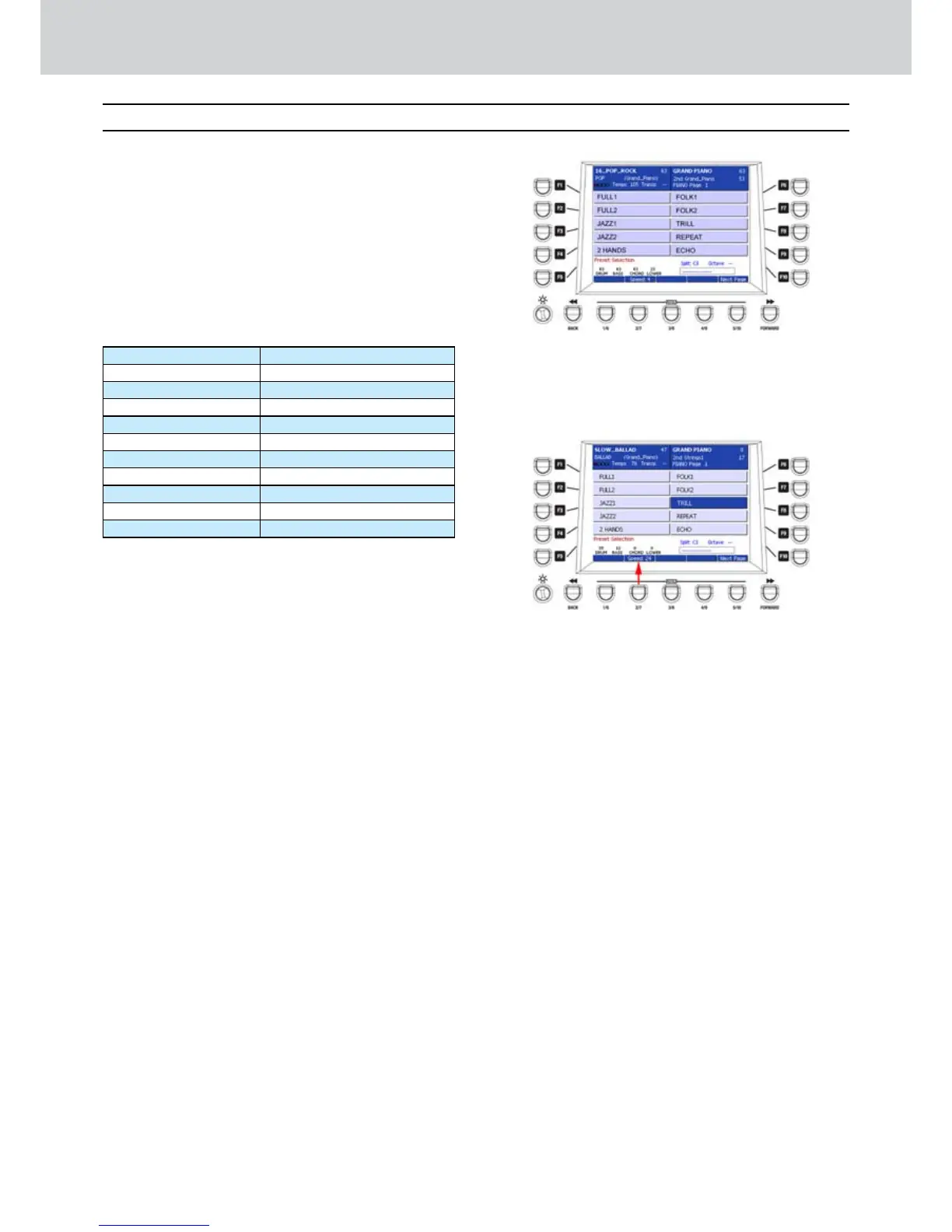
By pressing the HARMONY button in the
VOICE section, you can enable the function
to harmonize the voice for the right hand. Two
pages with 10 options each are available (Figure
122). By using the F1-F10 buttons, you can
access the following harmonizations:
PAGE 1 PAGE 2
F1–FULL1 F1–DOWN1
F2–FULL2 F2–UP1
F3–JAZZ1 F3–DOWN2
F4–JAZZ2 F4–UP2
F5–2 HANDS F5–3RD DOWN
F6–FOLK1 F6–6TH UP
F7–FOLK2 F7–BLUEGRASS DOWN
F8–TRILL* F8–BUEGRASS UP
F9–REPEAT* F9–COUNTRY UP
F10–ECHO* F10–COUNTRY DOWN
The types of HARMONY marked by an asterisk
on the table above, are special effects of trill,
repetition and echo. You can access the speed
parameter (SPEED) for these special effects by
pressing repeatedly the USER 2 button below
the display. The available SPEED values are: 6,
8, 12 and 24.
In the example shown in Figure 123, if you
select the TRILL effect, you will hear the trill
effect produced by the note played at right or
left of the starting note. You can modify the
speed of the trill by using the SPEED parameter
corresponding to the USER 2 button.
Double, Harmony
Figure 122
Double, Harmony
Figure 123



 To Next Page