MSP function
Saving and loading an MSP
▀
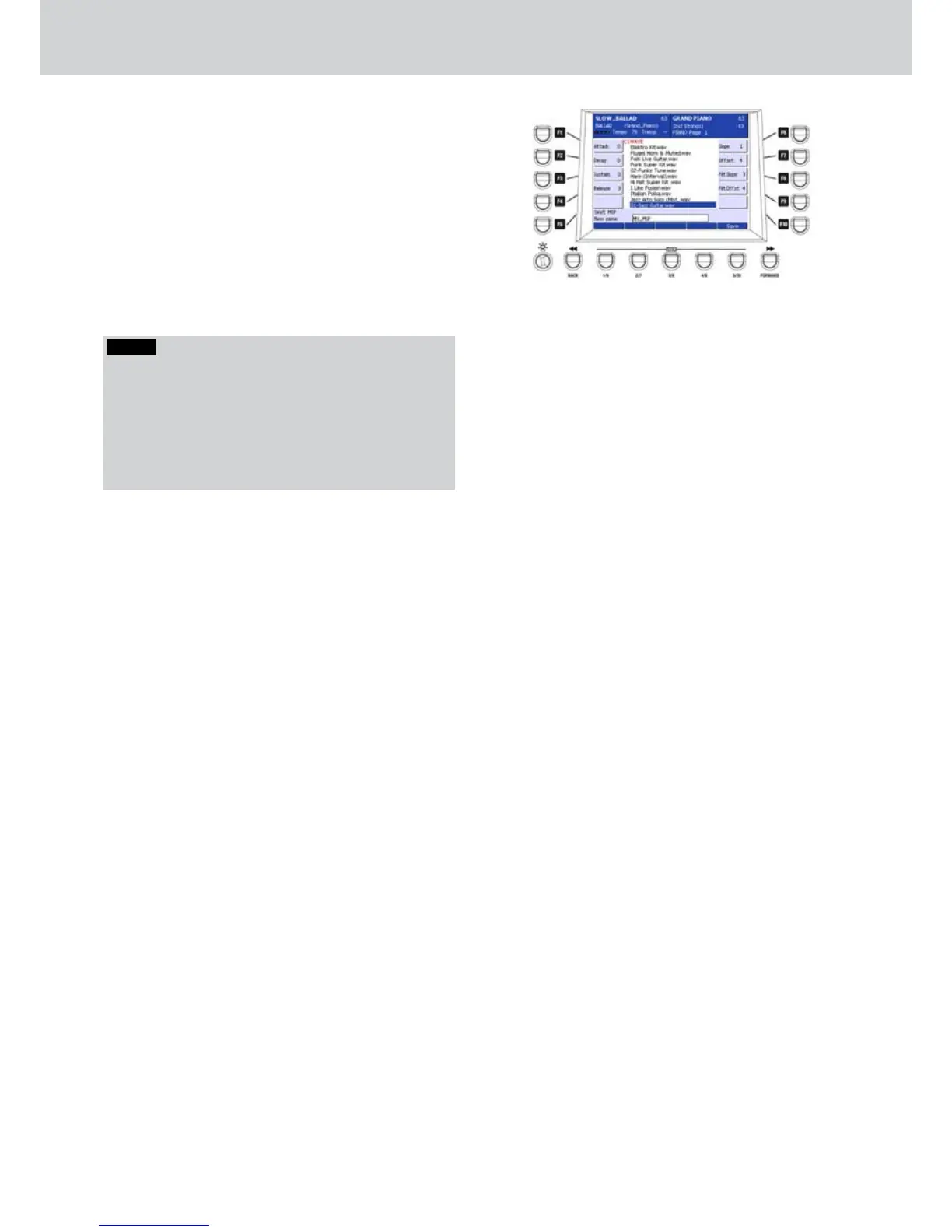
When you finish editing, save the MSP by using 1.
the USER 5 button (SAVE). Digit a name on the
dialogue box by inputting characters directly from
the keyboard and press SAVE again (Figure 336).
Select an MSP from disc to load it into memory. 2.
By pressing the ENTER button, a progress bar
will appear. When the file is loaded, you can
select it by pressing the INS-EFFECT SFX. It will
be treated as an INS voice (Program or MIDI
insertion, etc.).
Figure 336
NOTE
The MSP files created by Audya will be stores in a
single file containing all the information data to work,
unlike the previous versions of KETRON files which
need to have the WAV files in the same folder. Ot
means that, if you want to use a previous version of
MSP file, you should put all the linked WAV files in the
same folder of the MSP file.



 To Next Page