Main View
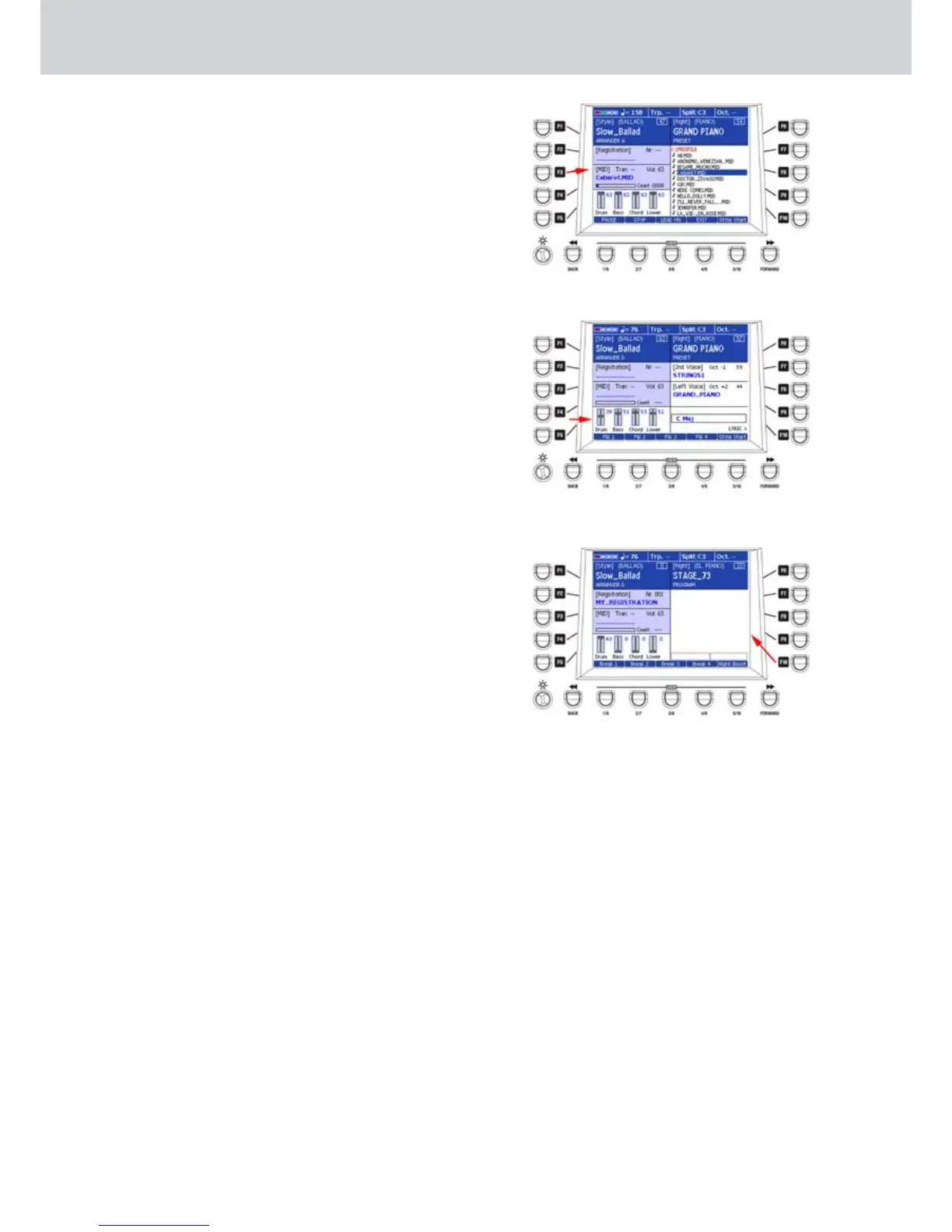
F3/F4 – The F3 button (or F4) opens the default
window for MIDI files selection. It also shows
the value of the volume set on the MIDI Player
(Figure 44). More details on “MIDI Player
(MAIN VIEW)” section of this manual.
F5 – The F5 button does not open any window. It
indicates the MAIN VIEW section corresponding
to the mixer parts of the Arranger. In this section
the volume values of Drum, Bass, Chord and
Lower (Figure 45) are displayed.
F6 – The F6 button opens the window of VOICES
selection for the right hand (RIGHT). It also
shows the value of the volume set for the right
hand and the type of VOICE, such as PRESET,
PROGRAM, DRAWBARS or INSTRUMENT
(SUPERSOLO).
F7 – The F7 button opens the window for VOICES
selection for the 2ND VOICE. It also shows the
value of the volume set for the 2ND VOICE and
the octave shift (set by PROGRAM). If you select
an instrument from the MAIN VIEW window, the
octave will be set to the standard 0 value and “—”
will appear.
F8 – The F8 button opens the window for VOICES
selection for the left hand (LEFT VOICE). It also
shows the value of the volume set for and octave
shift.
F9 – The F9 button does not open any window.
F10 – The F10 button opens the LYRIC window. If no
MIDI file is selected or the MIDI file does not
contain lyrics, the LYRIC section of this window
will appear empty (Figure 46). To return to the
MAIN VIEW display, press the F10 button again,
or any other button (STYLE, VOICES, DRUM
SET, PROGRAM or Player button).
Figure 44
Figure 45
Figure 46



 To Next Page