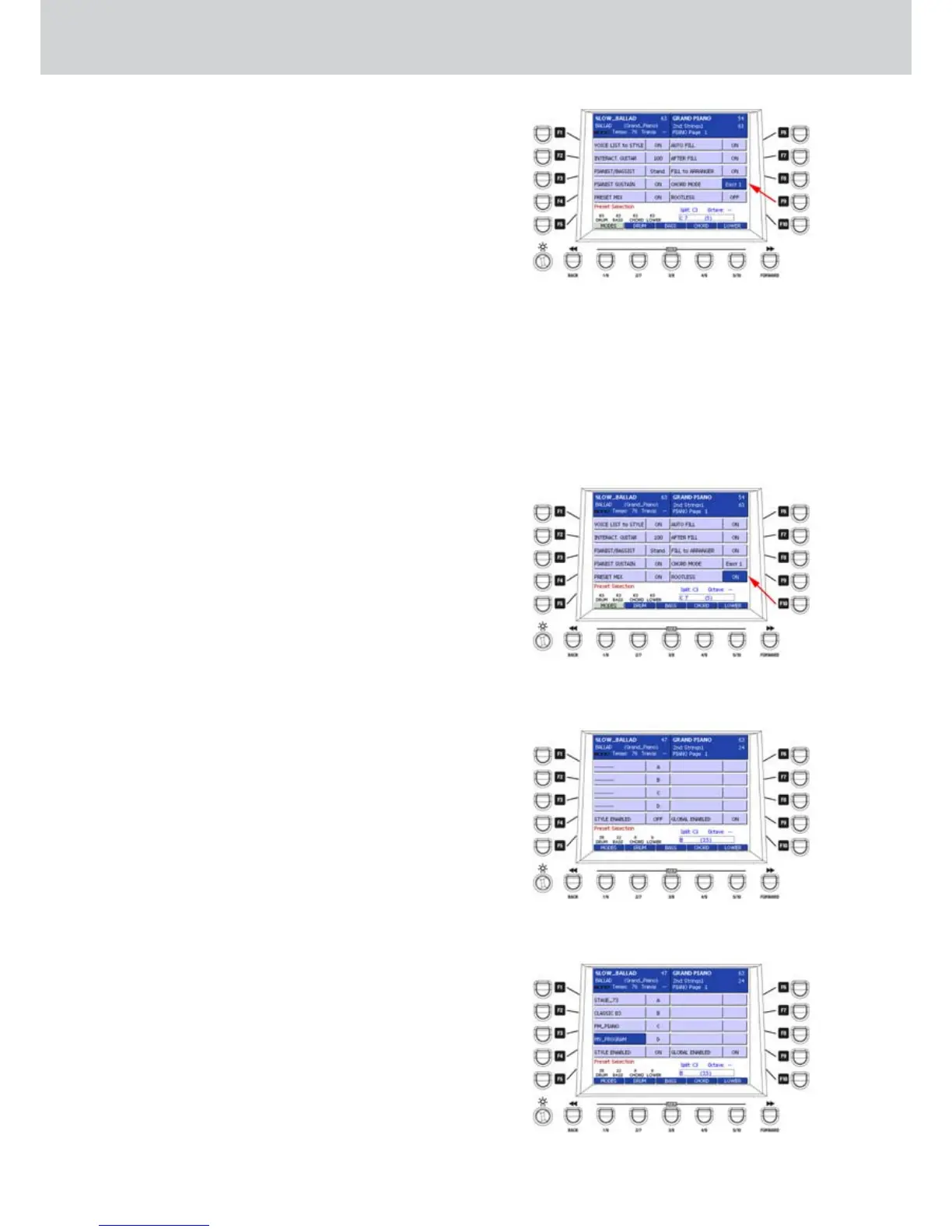
CHORD MODE
Once CHORD MODE is selected, you can choose
among four operative modes for the automatic
chords,
by using the CURSOR Ó Á
buttons or the
DATA/VALUE wheel (Figure 147).
Easy 1•
Standard functionality with normal chord
recognition. Some chord can be recognized even
if they are played partially. For example, you
obtain a major chord playing only the root. By
using the root and the minor third you obtain the
minor chord. By using the root and the seventh
you obtain the seventh chord.
Easy 2•
Similar to Easy 1, but it keeps in memory all the
previously played notes, even if one note or more
are released.
Fingered 1•
The chord is recognized only by the notes really
played.
Fingered 2•
Similar to Fingered 1, but it keeps in memory all
the previously played notes, even if one note or
more are released.
ROOTLESS
When the parameter is ON (Figure 148) it allows a
particular recognition of the chords without the root.
MODES (2)
▀
By pressing the USER 1 button twice, you can
access the second MODES window
(Figure 149).
This screen allows to enable/disable the VOICE
TO ARRANGE function. This function lets you
play an instrument on the right split accordingly
to Variation A, B, C, D of any style.
From the window with the empty slots (1. Figure
149), press any F1-F4 buttons.
Press a button on the VOICE section (Preset, 2.
Program or GM Voice).
By using the CURSOR
3.
Ó Á
buttons or the
DATA/VALUE wheel select an instrument within
the category. For example, FM_PIANO of the
EL.Piano category (Figure 150).
Repeat the operation for each slot4. .
Press the F5 button (Style Enabled) to enable the
5.
function for the single Style.
Press the F10 button (Global Enabled) to enable
6.
the VOICE TO ARRANGE function globally for all
the Styles.
Save your choices into the current style by
7.
pressing the SAVE button on the front panel.
Figure 147
Figure 148
Style Mode
Figure 149
Figure 150



 To Next Page