Features and Functions 4
Keysight 34970A/34972A User’s Guide 123
– Front-Panel Operation: From the front panel, data is available for the last 100
readings on each channel readings taken during a scan (all of the data is
available from the remote interface). After turning the knob to the desired
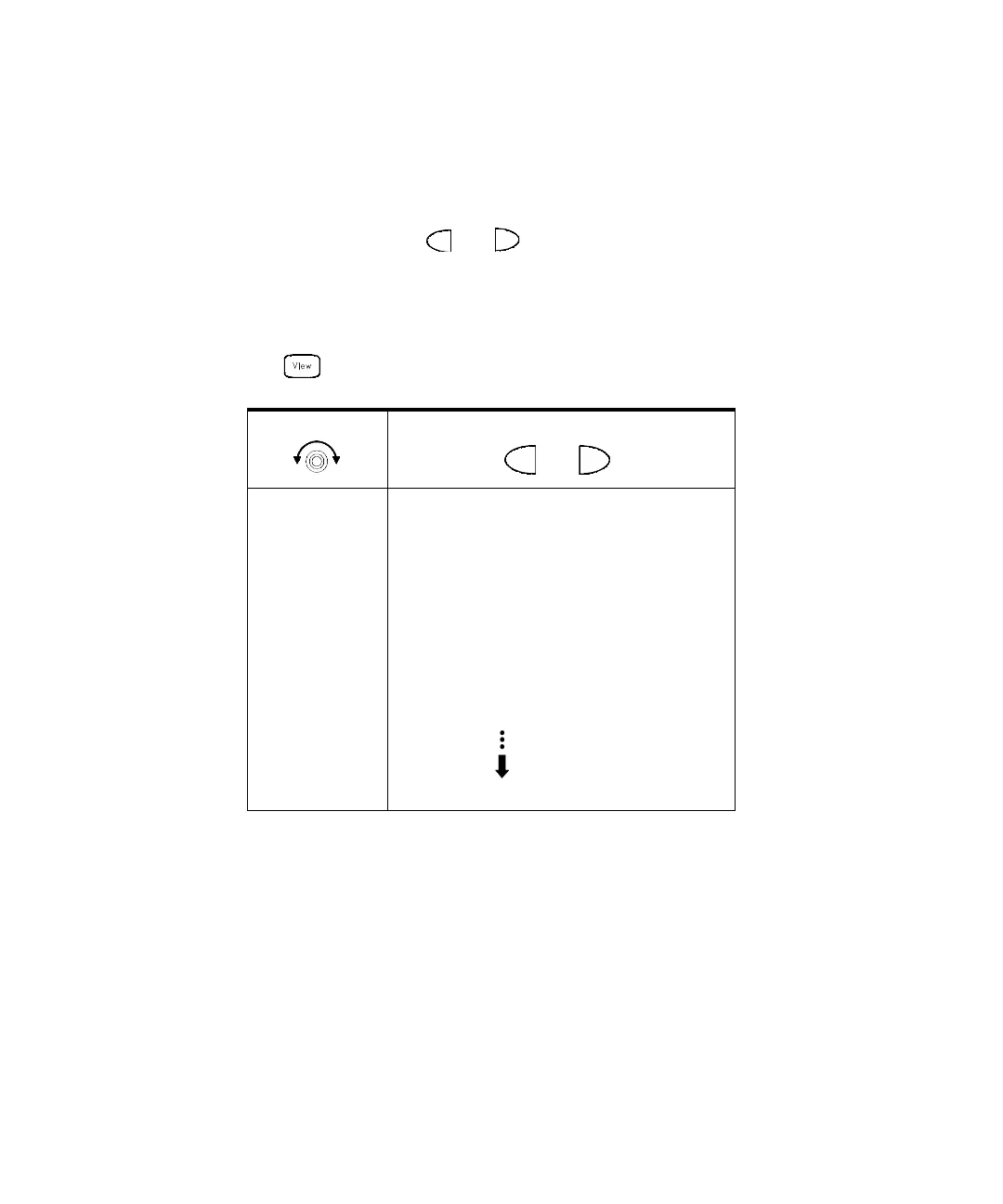
channel, press the and keys to choose the data that you want to view
for the selected channel as shown below (the LAST, MIN, MAX, and AV G
annunciators turn on to indicate what data is currently being viewed). Reading
memory is not cleared when you read it. Note that you can view readings from
the front panel even while the instrument is in remote.
READINGS
.
– Remote Interface Operation: The following command retrieves stored readings
from memory (the readings are not erased).
FETCH?
Select Channel
Last Reading on Channel
Time of Last Reading
Minimum Reading on Channel
Time of Minimum Reading
Maximum Reading on Channel
Time of Maximum Reading
Average of Readings on Channel
Second Most Recent Reading on Channel
Third Most Recent Reading on Channel
99th Most Recent Reading on Channel



 To Next Page