79
4
4
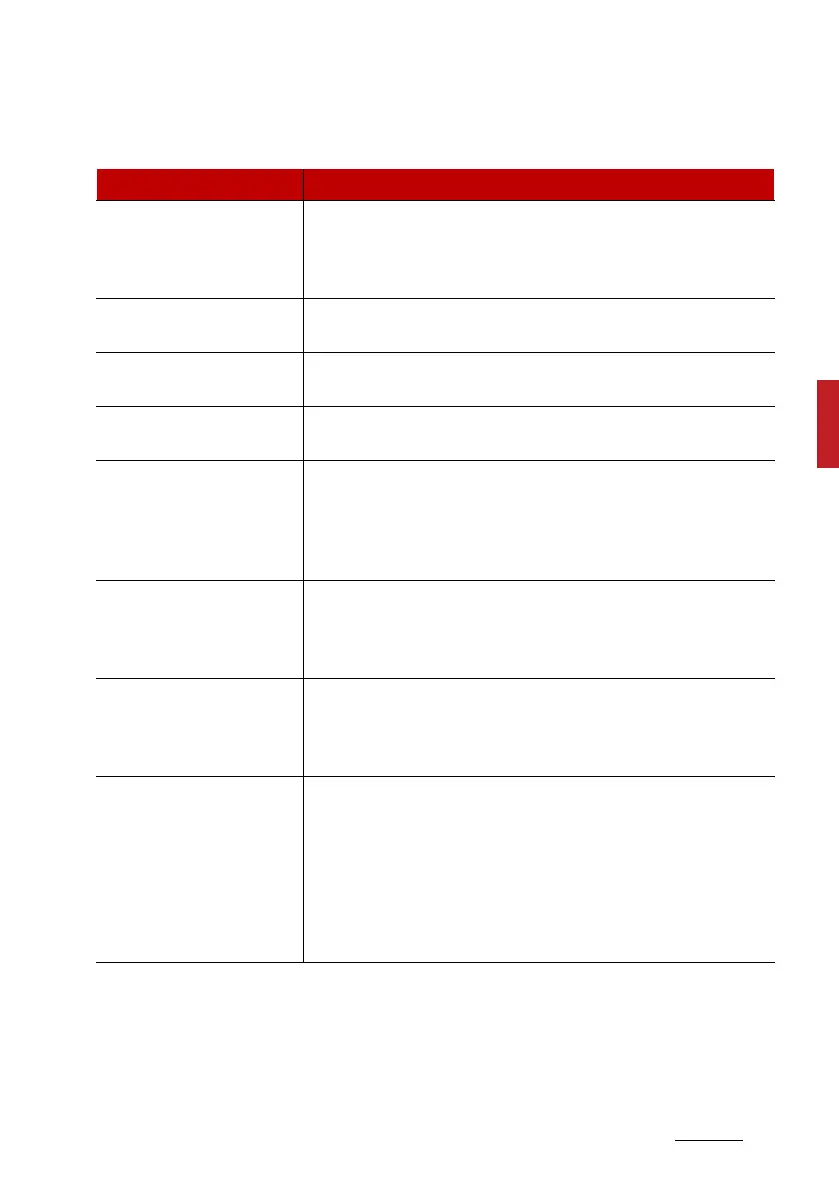
Features of your vehicle LCD display
Driver Assistance (if equipped)
Items Explanation
SCC Reaction (if
equipped)
䳜 Fast/Normal/Slow
To adjust the sensitivity of Smart Cruise Control.
* For more details, refer to "Smart Cruise Control (SCC) (if
equipped)" on page 6-132.
Haptic Warning (if
equipped)
䳜 If this item checked, the Haptic Warning will be activated.
Warning Timing (if
equipped)
䳜 Normal/Late
To select the Warning Time.
Warning Volume (if
equipped)
䳜 High/Medium/Low/Off
To select the Warning Volume.
Driver Attention Warning
(if equipped)
䳜 Leading vehicle departure alert/Inattentive Drive Warn
-
ing
To select the function.
* For more details, refer to "Driver Attention Warning (DAW)
(if equipped)" on page 6-121.
Forward Safety (if
equipped)
䳜 Active Assist/Warning Only/Off
To select the functions.
* For more details, refer to "Forward Collision-Avoidance
Assist (FCA) (Sensor fusion) (if equipped)" on page 6-83.
Lane Safety (if equipped)
䳜 Active Assist/Assist/Warning Only/Off
To select the functions.
* For more details, refer to "Lane Keeping Assist (LKA) (if
equipped)" on page 6-98.
Blind-Spot Safety (if
equipped)
䳜 Safe Exit Warning
To select the function.
* For more details, refer to "Safe Exit Warning (SEW) (if
equipped)" on page 4-25.
䳜 Active Assist/Warning Only/Off
To select the function.
* For more details, refer to "Blind-Spot Collision-Avoidance
Assist (BCA) (if equipped)" on page 6-105.


 To Next Page