109
6
6
Driving your vehicle Blind-Spot Collision-Avoidance Assist (BCA)
When the vehicle is first delivered,
Warning Timing is set to 䳒Normal䳓. If
you change the Warning timing, the
warning time of other Driver Assis
-
tance functions may change.
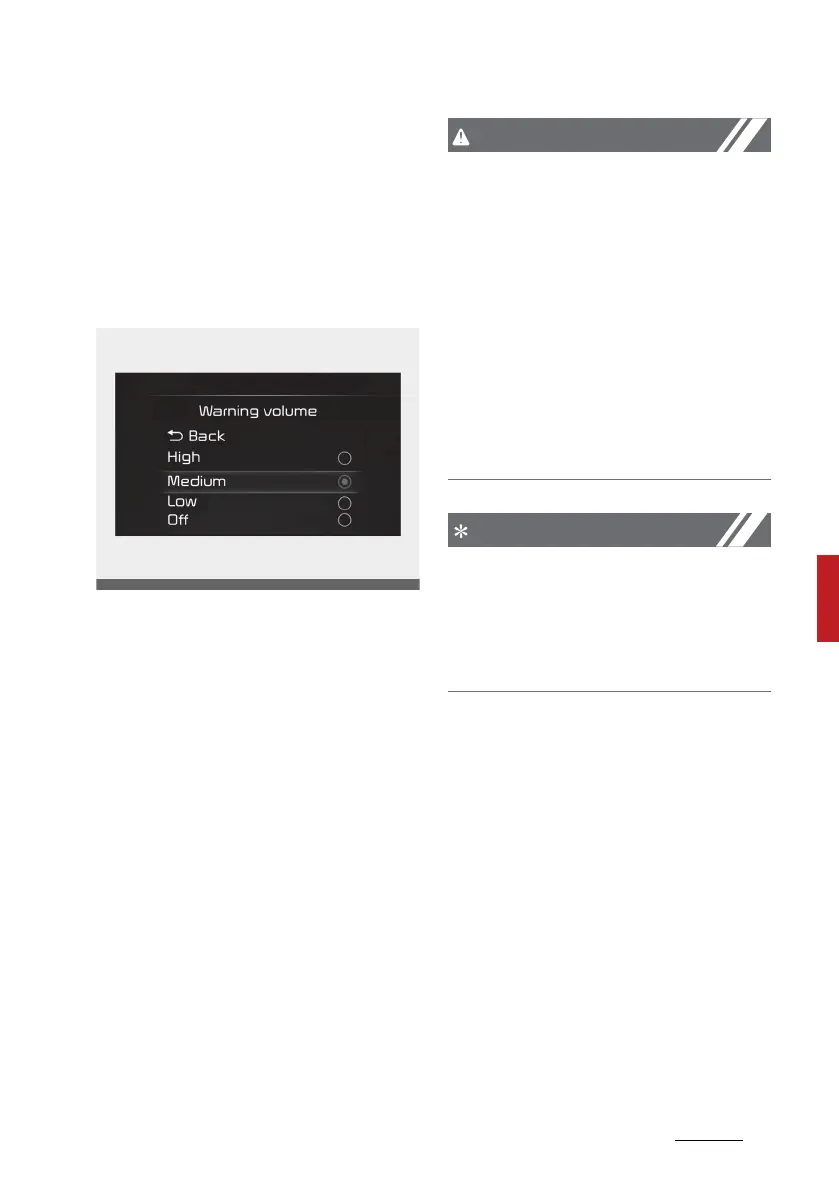
Warning volume
With the ignition switch or ENGINE
START/STOP button in the ON posi
-
tion, select 'Driver assistance →
Warning volume' from the 'Setup →
Vehicle (LCD Display) or Settings →
Vehicle (Infotainment System
screen)' menu to change the Warn
-
ing Volume to 'High', 䳒Medium䳓, 䳒Low䳓
or 䳒Off䳓 for Blind-Spot Collision-
Avoidance Assist.
However, when Warning volume is
turned Off, the steering wheel
vibration function will turn on if it
was turned Off.
If you change the Warning volume,
the warning volume of other Driver
Assistance functions may change.
䳜 The setting of the Warning timing
and Warning volume applies to all
functions of the Blind-Spot
Safety system.
䳜 Even though 䳒Normal䳓 is selected
for Warning timing, if the vehicles
approaches at high speed, the ini
-
tial warning activation time may
seem late.
䳜 Select 䳒Late䳓 for Warning Timing
when traffic is light and when
driving speed is slow.
If your vehicle is equipped with addi
-
tional Infotainment System, please
scan the QR code in a separately
supplied Car Infotainment System
Quick Reference Guide.



 To Next Page