Driving your vehicle
1406
Smart Cruise Control (SCC)
If the function is temporarily
cancelled, the 䳒SCC (Smart Cruise
Control) cancelled' warning message
will appear on the cluster, and an
audible warning will sound to warn
the driver.
If Smart Cruise Control is temporar
-
ily cancelled whilst the vehicle is at a
standstill with the function operat
-
ing, EPB (Electronic Parking Brake)
maybe applied.
When the function is temporarily
cancelled, distance with the front
vehicle will not be maintained.
Always have your eyes on the road
whilst driving, and if necessary,
depress the brake pedal to reduce
your driving speed in order to main
-
tain a safe distance.
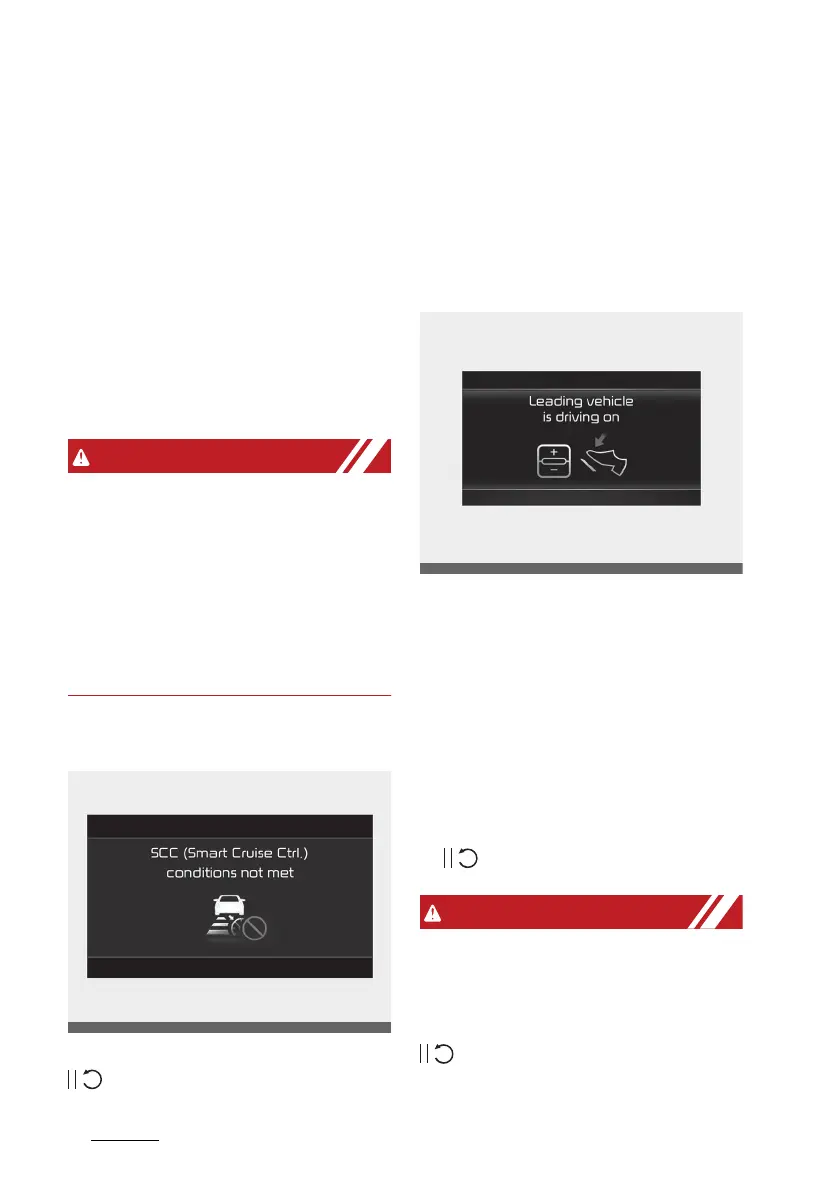
Function conditions not satisfied
If the Driving Assist button, +, - or
switch is pushed when the
function䳓s operating conditions are
not satisfied, the 䳒SCC (Smart Cruise
Control) conditions not met䳓 will
appear on the cluster, and an audi
-
ble warning will sound.
In traffic situation
In traffic, your vehicle will stop if the
vehicle ahead of you stops. Also, if
the vehicle ahead of you starts
moving, your vehicle will start as
well. In addition, after the vehicle
has stopped and a certain time have
passed, the 䳒Leading vehicle is driv
-
ing on䳓 message will appear on the
cluster. Depress the accelerator
pedal or push the + switch, - switch
or switch to start driving.
whilst the message is displayed on
the cluster, if there is no vehicle in
front or the vehicle is far away from
you, and the + switch, 䳍 switch or
switch is pushed, Smart Cruise
Control will automatically cancel and



 To Next Page