139
6
6
Driving your vehicle Smart Cruise Control (SCC)
(3) Whether there is a vehicle ahead
and the target vehicle distance are
displayed.
䳜 When temporarily cancelled
(1) CRUISE indicator is displayed.
(2) The previous set speed is
shaded.
䳜 The actual distance with the front
vehicle is displayed.
䳜 The target distance may vary
according to the vehicle speed and
the set distance level. If vehicle
speed is low, even though the
vehicle distance have changed,
the change of the target vehicle
distance may be small.
To temporarily accelerate
If you want to speed up temporarily
when Smart Cruise Control is on,
depress the accelerator pedal for a
certain amount. whilst depressing
the accelerator pedal for a certain
amount, the set speed, distance
level and target distance will blink on
the cluster. However, if the acceler
-
ator pedal is insufficiently
depressed, the vehicle may slow
down.
Be careful when accelerating tem
-
porarily, because the speed is not
controlled automatically even if
there is a vehicle in front of you.
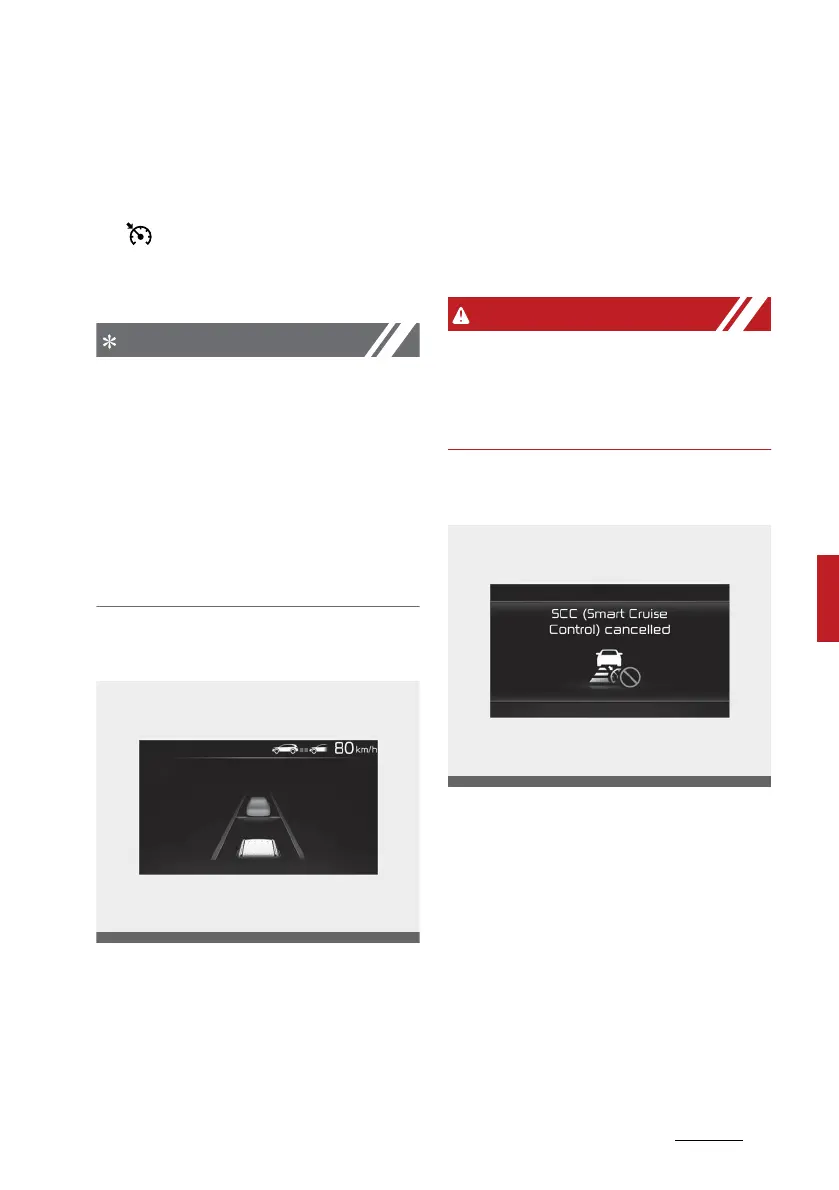
Function temporarily cancelled
Smart Cruise Control will be tempo
-
rarily cancelled automatically when:
䳜 The vehicle speed is above 180
km/h (110 mph)
䳜 The vehicle is stopped for a cer
-
tain period of time
䳜 The accelerator pedal is continu
-
ously depressed for a certain
period of time
䳜 The conditions for Smart Cruise
Control to operate is not satisfied



 To Next Page