82
AUTOMATION AND CONTROL SYSTEM FOR UNITS EVO-T; EVO-T COMPACT
OPERATION AND MAINTENANCE MANUAL
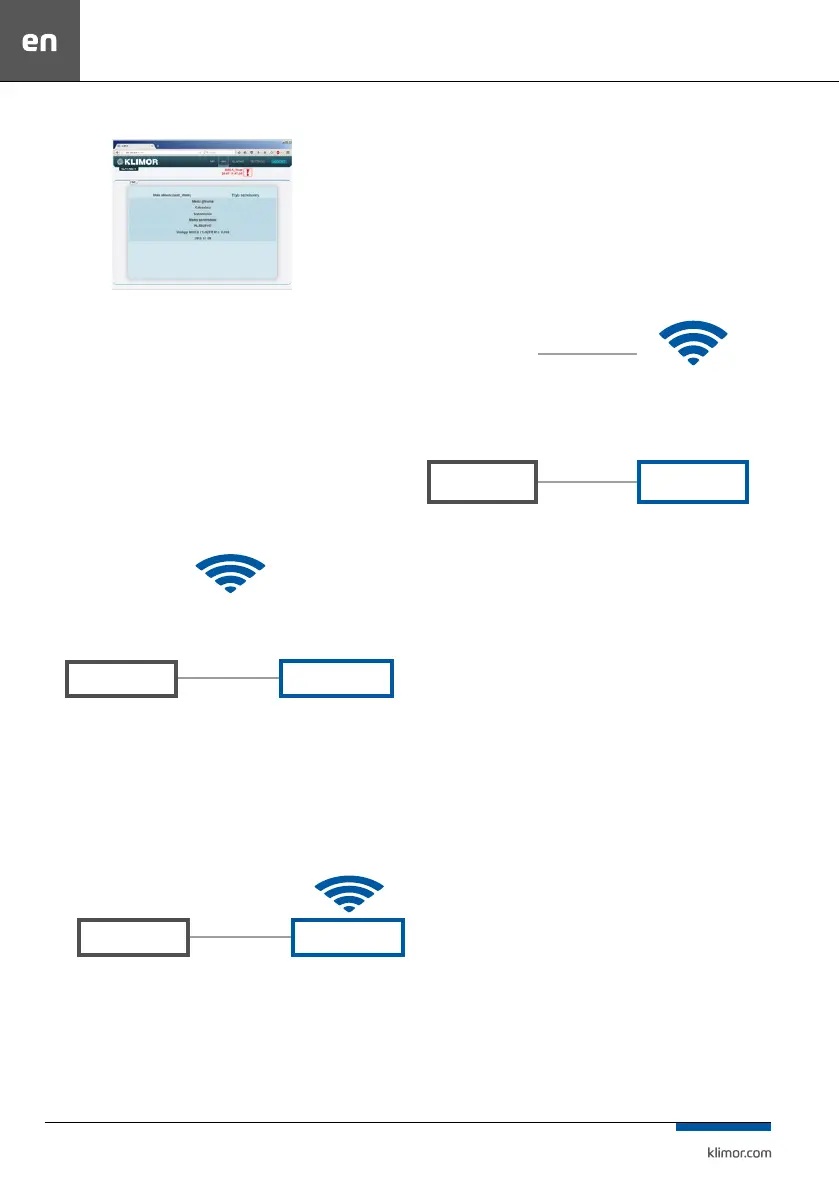
Fig. 14 Controller HMI screen
4. The controller has Ethernet interface so in order to
connect the controller in wireless mode with local wire
-
less network (WIFI) please use an additional router – con-
gure a local WIFI network as a access point and then
connect the controller to the router. The network settings
of the router and controller must be matched properly.
Forward the ports to the router external address.
Examples of connection methods are shown below:
1. Connecting the controller to a local network via WIFI
Fig. 15 Connecting the controller to a local network via WIFI
Router with port forwarding: 80 from the ELP controller, i.e.:
192.168.0.8:80 to the router external address: 10.10.10.31, so
that we can see the ELP controller in the local WIFI network.
Access to the controller is provided via http://10.10.10.31
2. Direct communication with the controller via the WIFI
Router
Fig. 16 Direct communications with the controller via the WIFI Router
Router with port forwarding: 80 from the controller, i.e.:
192.168.0.8:80 to the router external address: 192.168.0.1, so
that we can see the controller in the local WIFI network. Con
-
necting with a dedicated router network enables access to the
controller via http://192.168.0.8
3. Connecting the controller with the local WIFI network with
external sharing
Port forwarding at the main router from the controller’s WIFI
router: port: 80 with IP: 10.10.10.31 to the external IP: port
80 IP: 83.100.100.1
Fig. 17 Connecting the controller with the local WIFI network with external sharing
Router with port forwarding: 80 from the controller, i.e.:
192.168.0.8:80 to the router external address: 10.10.10.31, so
that we can see the controller in the local WIFI network. Con
-
necting with any Internet connection enables access to the
controller via http://83.100.100.1
LOCAL WIFI NETWORK
np. 10.10.10.1
PLC
ROUTER
192.168.0.8
Default address
192.168.0.1
Subnet address
WIFI network address
10.10.10.31
PLC
ROUTER
192.168.0.8
Default address
192.168.0.1
Subnet address
LOCAL WIFI NETWORK
e.g. 10.10.10.1
PLC
ROUTER
192.168.0.8
Default address
ISP
Static IP:
83.100.100.1
192.168.0.1
Subnet address
WIFI network address
10.10.10.31


 To Next Page