Troubleshooting104 105
Fault Possible causes and rectification
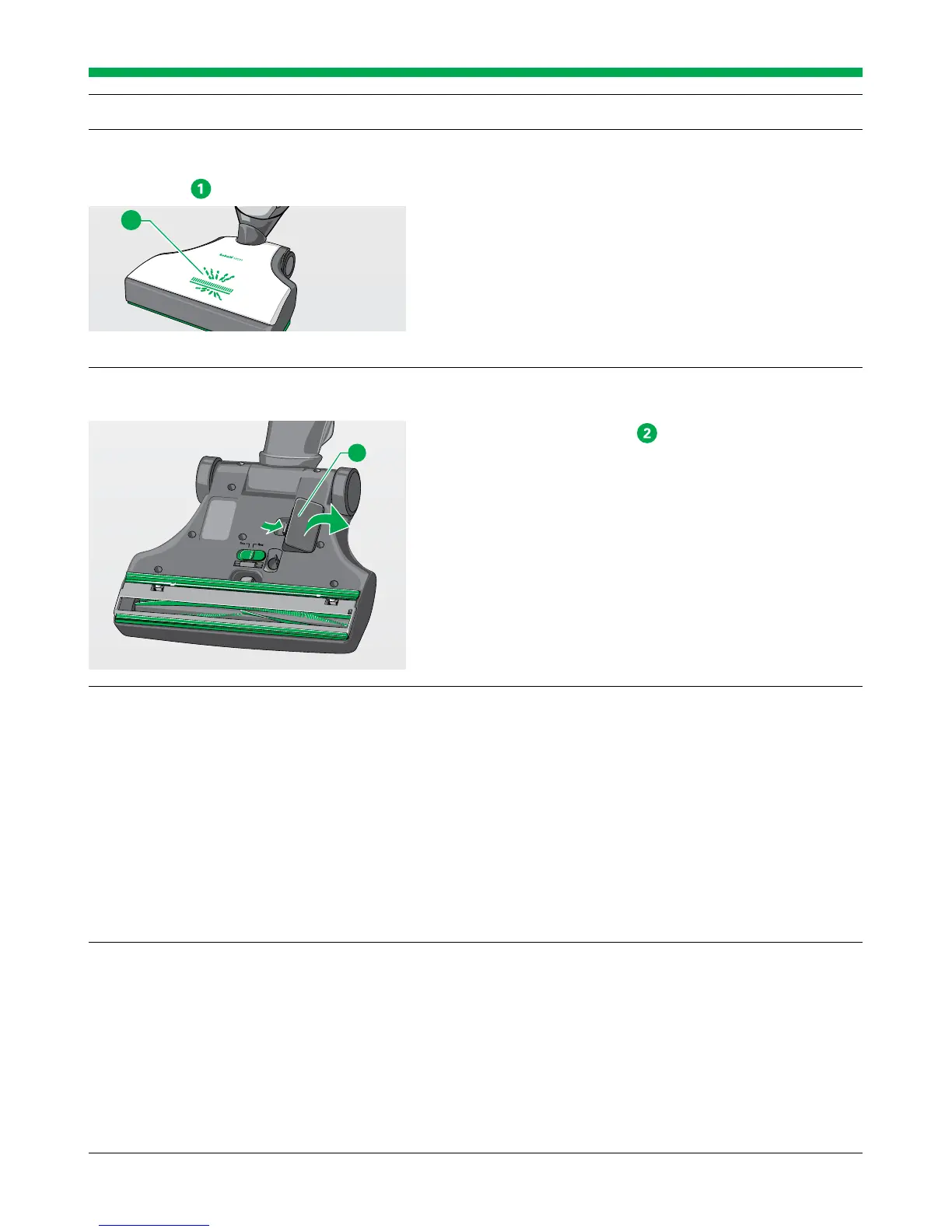
The Automatic Electric Brush switch-
es itself off, the operating display
flashes red
.
A vacuumed object is blocking the brush of the
Automatic Electric Brush.
• Switch the device off and unplug the mains plug
from the socket.
• Remove the object.
Threads block the brush of the Automatic Electric
Brush.
• Cut the threads as described in the chapter “Clean-
ing the roller brush” on page 94.
The suction channel of the Automatic
Electric
Brush is blocked.
Switch the device off and unplug the mains plug from
the socket.
• Open the inspection flap
on the underside of the
Automatic Electric Brush.
• Remove the blockage.
• To do this, use an appropriate object (e.g. screwdriver,
crochet needle).
The Automatic Electric Brush is hard
to push.
You might have set the power performance level too
high.
• Use the main switch on the handle of the Upright
Vacuum Cleaner to set the device to a lower power
performance level or use power performance level
auto in general.
The Automatic Electric Brush may be in manual oper-
ating mode.
• Switch the Upright Vacuum Cleaner off and back on
again.
After replacing the roller brush, the
device does not work any more.
The Automatic Electric Brush is not properly connect-
ed to the Upright Vacuum Cleaner.
• Check if the plug connection between the Automat-
ic Electric Brush and the Upright Vacuum Cleaner is
correctly engaged.
The roller brush is not correctly inserted.
• Mount the roller brush exactly on the TORX
®
cam of
the drive axle.
1
2


 To Next Page