SWITCHING ON
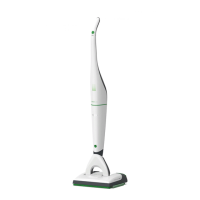
To switch the SP600 on, you need to switch the
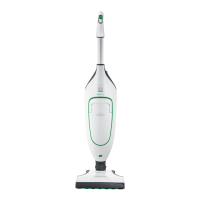
vacuum cleaner on:
1. Take the vacuum cleaner out of the standby posi-
tion as described in the chapter “Taking the de-
vice out of the standby position” on page 53.
The vacuum cleaner is now no longer in the
standby position.
2. Switch the vacuum cleaner to the power perfor-
mance level auto.
The vacuum cleaner starts running, the LED
lights up as usual and the SP600 starts operating
in dry mode (further information on this can be
found in the chapter on “3.4.8 Automatic applica-
tion of moisture and dry mode” on page 61).
SWITCHING OFF THE DEVICE
To switch off the Kobold SP600, you need to switch
off the vacuum cleaner:
1. Switch the vacuum cleaner off at the handle and
put it into the standby position.


 To Next Page