EasyManua.ls Logo

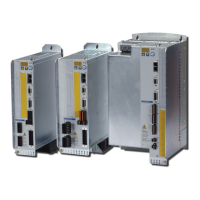
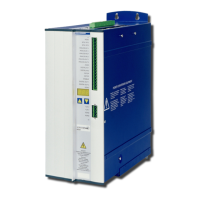
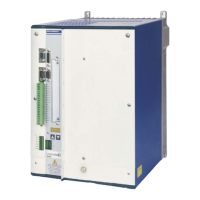
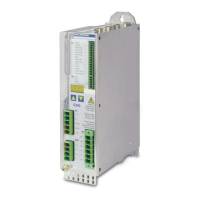
Kollmorgen S7240 - User Manual

Default Icon
166 pages
Print Icon
To Next Page IconTo Next Page
Loading...
Edition 07/2014
Translation of the original instruction manual.
Valid for Hardware Revision 02.10
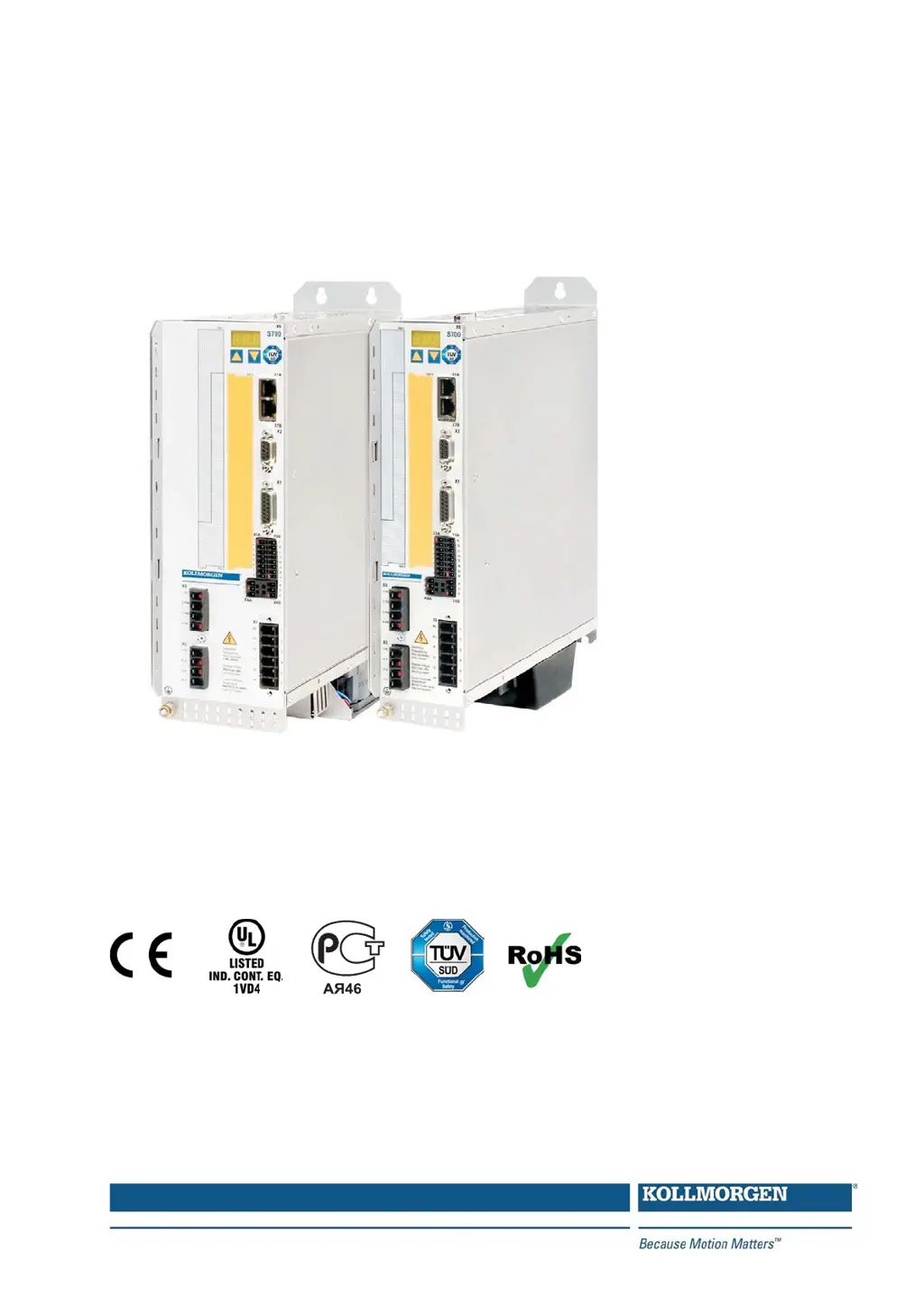
S700
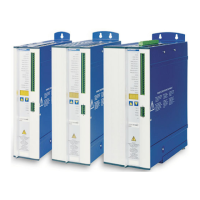
Digital Servo Amplifier S701x2…S724x2 (STO dual channel)
Instruction Manual
Keep all manuals as a product component
during the life span of the product.
Pass all manuals to future users and owners
of the product.
File s701_e.***

Table of Contents

Questions and Answers

  • A
    Andrea MitchellAug 13, 2025
    How to fix communication fault HMI message on Kollmorgen S7240?
    • N
      nicholsonvalerieAug 14, 2025
      A communication fault may occur due to several reasons: * Using the wrong cable, so use a null-modem cable. * The cable might be plugged into the wrong position on the servo amplifier or PC, so plug the cable into the correct sockets. * The wrong PC interface might be selected, so select the correct interface.
  • H
    hosborneAug 17, 2025
    What to do if Kollmorgen Amplifier drive reports following error?
    • A
      Amy WardAug 17, 2025
      If the drive reports a following error, it could be because I or I rms peak is set too low, so increase I or I rms peak, but keep within motor ratings. Alternatively, the accel/decel ramp might be too long, so shorten the ramp +/-.
  • S
    Stacey OliverAug 21, 2025
    What to do if Kollmorgen Amplifier motor does not rotate?
    • G
      Gregory DaughertyAug 21, 2025
      If the motor does not rotate, several factors could be at play. Ensure the servo amplifier is enabled by applying the ENABLE signal and that the software enable is set. Check the setpoint cable for any breaks and verify that the motor phases are correctly sequenced. Confirm that the brake is released and that the drive is not mechanically blocked. Also, ensure the motor pole number and feedback are set up correctly.
  • J
    Justin WeaverAug 26, 2025
    Why does my Kollmorgen Amplifier motor oscillate?
    • T
      tracymedinaAug 26, 2025
      Motor oscillation can occur if the gain is too high in the speed controller; reduce Kp (speed controller) to resolve this. Another cause could be a broken feedback cable shielding, in which case you should replace the feedback cable. Also, ensure AGND is wired up by joining it to CNC-GND.
  • N
    nicholasvillaAug 28, 2025
    What causes Kollmorgen S7240 Amplifier drive to run roughly?
    • C
      Christopher GordonAug 28, 2025
      If the drive runs roughly, it could be due to several reasons. The Kp (speed controller) might be too high, so reduce it. Alternatively, the Tn (speed controller) might be too low, so use the motor default value. Also, ARLPF / ARHPF might be too low, so increase them. Finally, ARLP2 might be too low, so increase it.
  • M
    Maureen JonesSep 1, 2025
    What causes Kollmorgen S7240 Amplifier motor overheating?
    • D
      Donald BrownSep 1, 2025
      Motor overheating can occur if the I / I rms peak is set too high, so reduce I / I rms peak.
  • B
    brownjohnSep 5, 2025
    Why is my Kollmorgen S7240 drive too soft?
    • D
      deanenglishSep 5, 2025
      A drive might feel too soft due to several reasons. The Kp (speed controller) could be too low, so increase it. The Tn (speed controller) might be too high, so use the motor default value. Also, ARLPF / ARHPF might be too high, so reduce them. Finally, ARLP2 might be too high, so reduce it.
  • N
    nrichSep 9, 2025
    How to stop axis drifts at setpoint = 0V in Kollmorgen S7240 Amplifier?
    • C
      Crystal WheelerSep 9, 2025
      Axis drift at setpoint = 0V may be due to the offset not being correctly adjusted for analog setpoint provision; adjust the offset (analog I/O). Another cause could be AGND not joined to the controller-GND of the controls; join AGND and controller-GND.

Summary

Safety Instructions

General Safety Precautions

Highlights critical safety points like reading documentation, checking revisions, and technical data.

Use As Directed

Specifies intended use, installation environment, and operational guidelines for servo amplifiers.

Prohibited Use

Lists applications and environments where the servo amplifier must not be used.

Approvals and Certifications

Functional Safety

Covers safety certificates and their implications for achieving functional safety.

Technical Description

Technical Data

Presents detailed electrical, mechanical, and performance specifications for S7xx0 and S7xx6 models.

Stop and Safety Functions

Covers Stop functions (0, 1, 2) and the critical Safety Torque Off (STO) function.

Mechanical Installation

Electrical Installation

Setup Procedures

Quickstart Guide

Provides a step-by-step guide for initial setup, including preparation and connection.

Motion Service (Jog Mode)

Explains how to use the motion service for manual drive control (jogging).

Error and Warning Messages

Lists and explains system error and warning codes for troubleshooting.

Troubleshooting Common Faults

Provides a guide to diagnosing and resolving common operational faults and issues.

Expansions and Options

Safety Card Functions

Explains the safe drive functions provided by the Safety 1-2 (S3) and Safety 2-2 (S4) cards.

Kollmorgen S7240 Specifications

General IconGeneral
TypeServo Amplifier
Input Voltage120-480 VAC
Control MethodDigital
FeedbackResolver, Encoder
Communication InterfaceCANopen
Protection FeaturesOvercurrent, Overvoltage, Overtemperature

Related product manuals