EasyManua.ls Logo

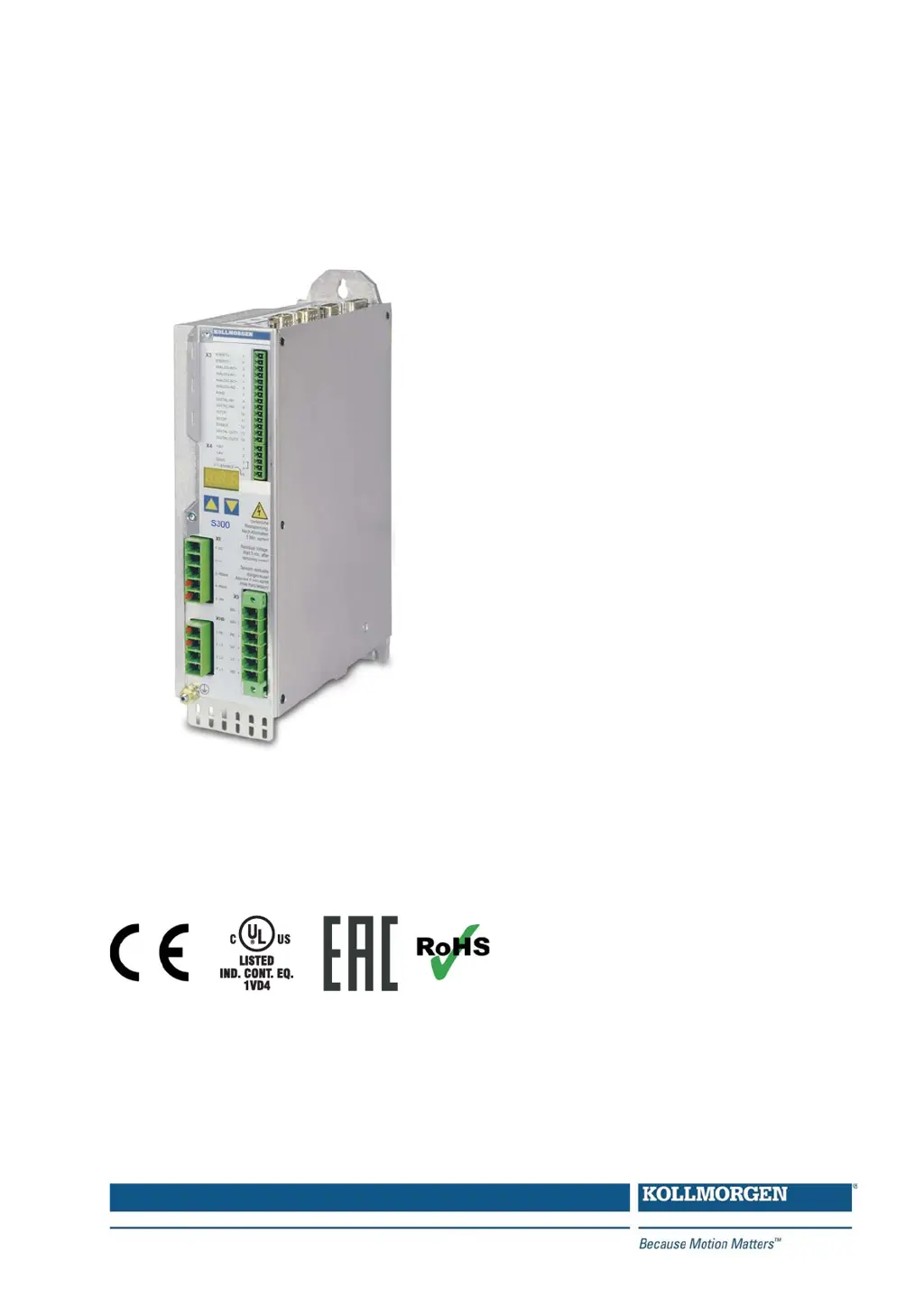
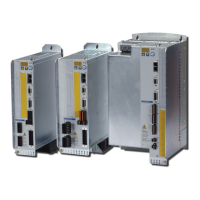
Kollmorgen SERVOSTAR 300 - User Manual

Kollmorgen SERVOSTAR 300
138 pages
Print Icon
To Next Page IconTo Next Page
Loading...
Edition 02/2017
Translation of the original instructions.
Valid for Hardware Revision 04.20
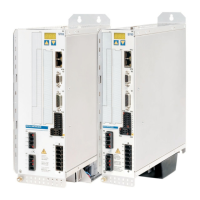
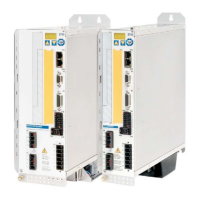
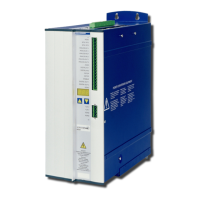
SERVOSTAR 300
Digital Servo Amplifier S300
Instruction Manual
Keep all manuals as a product component
during the life span of the product.
Pass all manuals to future users / owners
of the product.
File sr300_e.***

Table of Contents

Other manuals for Kollmorgen SERVOSTAR 300

Questions and Answers

  • S
    Sarah JimenezAug 20, 2025
    What to do if Kollmorgen Servo Drives reports a following error?
    • F
      ferrellgloriaAug 20, 2025
      If the drive reports a following error, it could be due to the I or I setting being too low, or the RMS peak setpoint ramp being too long. Try increasing the I or I, keeping within the motor's limits, and shorten the setpoint ramp.
  • P
    perezmichaelAug 22, 2025
    What causes a communication fault in Kollmorgen Servo Drives?
    • T
      Toni PalmerAug 22, 2025
      A communication fault can occur due to several reasons: using the wrong cable, plugging the cable into the wrong position on the servo amplifier or PC, or selecting the wrong PC interface. Use a null-modem cable, plug the cable into the correct sockets on both the servo amplifier and PC, and select the correct interface to resolve this.
  • C
    Carol SotoAug 25, 2025
    What to do if my Kollmorgen Servo Drives reports a following error?
    • S
      Samantha GarzaAug 25, 2025
      If your Kollmorgen Servo Drive reports a following error, it could be due to the current limit (I or I) being set too low or the setpoint ramp being too long. To resolve this, try increasing the current limit (I or I) while staying within the motor's limits, or shorten the setpoint ramp.
  • T
    Terry MyersAug 26, 2025
    What to do if I get a communication fault on Kollmorgen Servo Drives?
    • J
      jacqueline96Aug 26, 2025
      If you're getting a 'communication fault' HMI message on your Kollmorgen Servo Drives, it might be due to using the wrong cable, plugging the cable into the wrong position on the servo amplifier or PC, or selecting the wrong PC interface. Try using a null-modem cable, plugging the cable into the correct sockets on both the servo amplifier and PC, and selecting the correct interface.
  • F
    Frederick HarrisAug 28, 2025
    What to do if Kollmorgen Servo Drives motor does not rotate?
    • J
      jgrossAug 28, 2025
      If the motor does not rotate, several issues could be the cause. First, ensure the servo amplifier is enabled by applying an enable signal. Then, check the setpoint cable for any breaks. Verify that the motor phase sequence is correct and that the brake is properly released. Also, confirm that the drive is not mechanically blocked and that the number of motor poles is set correctly. Finally, ensure that the feedback is set up correctly.
  • T
    thomasjaclynAug 29, 2025
    Why is my Kollmorgen Servo Drives motor overheating?
    • N
      nicholasthomasAug 30, 2025
      Motor overheating can occur if the I rms/I peak settings are too high. To resolve this, reduce the I rms/I peak values.
  • S
    sarahfrancoSep 1, 2025
    How to stop Kollmorgen Servo Drives motor from oscillating?
    • S
      Samantha RobersonSep 1, 2025
      If the motor oscillates, it may be due to the gain being too high in the speed controller, broken shielding in the feedback cable, or AGND not wired up. To fix this, reduce Kp (speed controller), replace the feedback cable, and join AGND to CNC-GND.
  • N
    Nathaniel KellerSep 3, 2025
    Why does my Kollmorgen Servo Drives feel too soft?
    • W
      William CoxSep 3, 2025
      If the drive feels too soft, it could be because Kp (speed controller) is too low, Tn (speed controller) is too high, or ARLPF/ARHPF or ARLP2 are too high. To correct this, increase Kp (speed controller), use the motor default value for Tn (speed controller), and reduce ARLPF/ARHPF and ARLP2.
  • W
    William MclaughlinSep 4, 2025
    What causes Kollmorgen Servo Drives to run roughly?
    • P
      Paul LewisSep 5, 2025
      A drive may run roughly if Kp (speed controller) is too high, Tn (speed controller) is too low, or ARLPF/ARHPF or ARLP2 are too low. Reduce Kp (speed controller), use the motor default value for Tn (speed controller), and increase ARLPF/ARHPF and ARLP2.
  • J
    Judy JohnsSep 7, 2025
    What to do if Kollmorgen Servo Drives axis drifts at setpoint = 0V?
    • M
      Megan Oneill DDSSep 7, 2025
      If the axis drifts when the setpoint is at 0V, it may be due to an incorrectly adjusted offset for the analog setpoint provision, or AGND not joined to the CNC-GND of the controls. Adjust the setpoint-offset for the analog I/O and join AGND and CNC-GND to resolve this.

Summary

SERVOSTAR 300 Series Instruction Manual

Product Overview

Introduces the SERVOSTAR 300 digital servo amplifier.

Safety

Key Safety Precautions

Highlights critical safety measures for operation.

Prohibited Use and Environments

Lists forbidden applications and environments.

Safety Function STO Details

Technical data and notes for STO.

Technical Description

S300 Servo Amplifier Family

Overview of the S300 series features.

Technical Data

Detailed electrical and mechanical specifications.

Connectors and Fusing

Details on connectors, their assignments, and fusing.

Mechanical Installation

Important Installation Notes

Key considerations before starting installation.

Installation Guide

Steps for mechanical installation, site, ventilation, assembly.

Dimensions

Physical dimensions of the servo amplifier.

Electrical Installation

Critical Installation Notes

Essential safety and wiring precautions.

Wiring and Connections

Detailed wiring instructions and diagrams.

Electrical Supply

Connecting to various mains supply networks.

Feedback Systems

Overview of supported feedback types.

Setup

Important Setup Notes

Critical safety and initial setup precautions.

Setup Software

Information about the DRIVEGUI setup software.

Quickstart Guide

Step-by-step initial setup and testing procedures.

Error and Warning Messages

Lists and explains error and warning codes.

Troubleshooting

Guidance for diagnosing and resolving common faults.

Expansion Cards

Installing Expansion Cards

Step-by-step guide for expansion card installation.

I;O-14;08 Expansion Card

Features, data, and connectors of the I/O card.

PROFIBUS, SERCOS, DeviceNet Expansion Cards

Details on communication expansion cards.

FB-2 to1 Expansion Card

Details the FB-2to1 feedback extension card.

Kollmorgen SERVOSTAR 300 Specifications

General IconGeneral
TypeDigital Servo Amplifier
CoolingConvection
Continuous Output PowerVaries by model
Control ModePosition, Velocity, Torque
Communication InterfaceRS232
Feedback OptionsResolver, Encoder
Protection FeaturesOvercurrent, Overvoltage, Overtemperature
Supply Voltage24-75 VDC (Control Supply)

Related product manuals