EasyManua.ls Logo

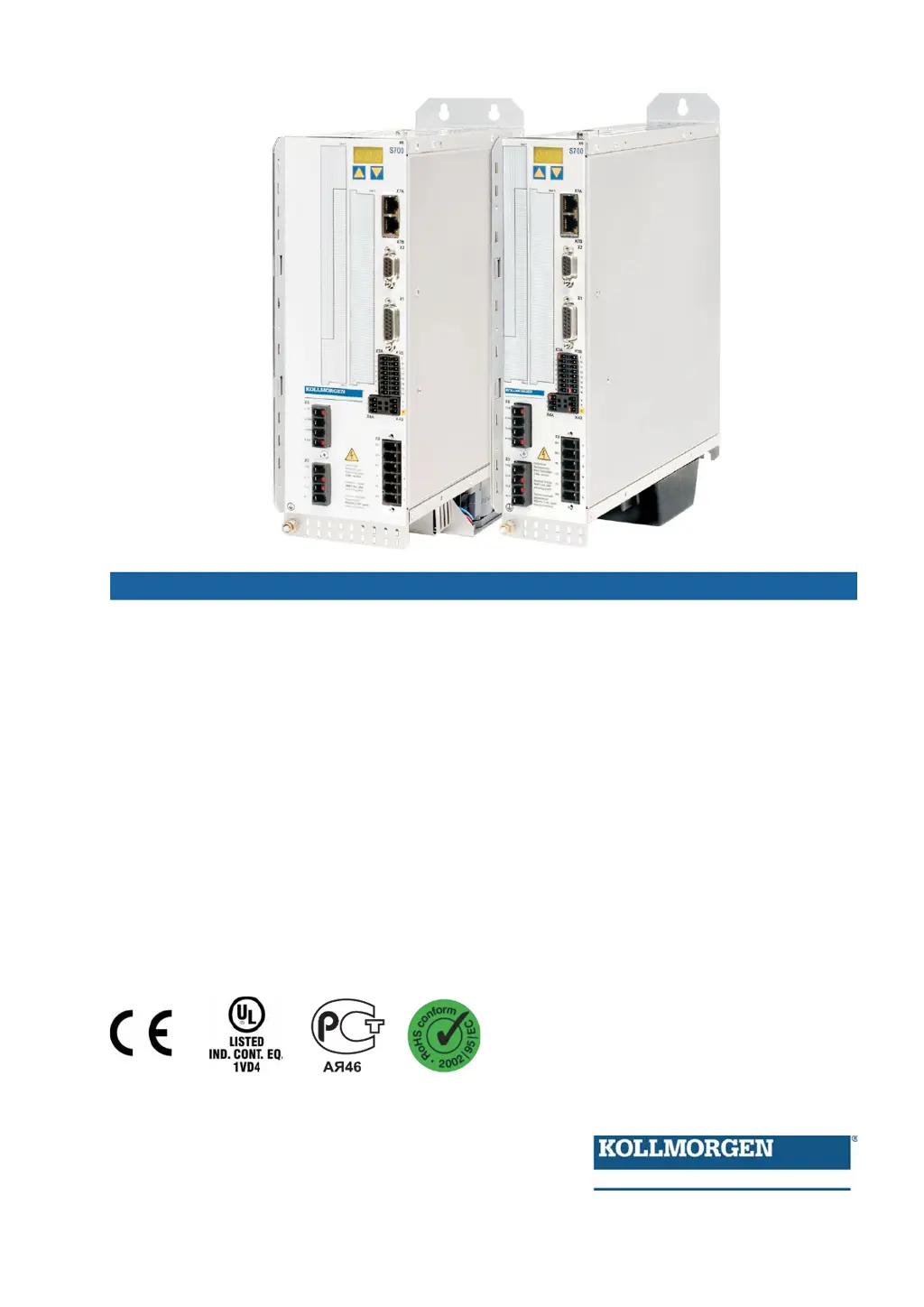
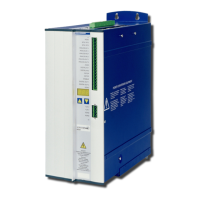
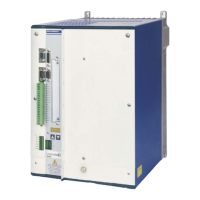
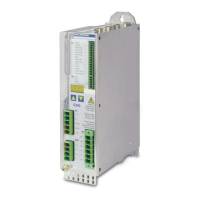
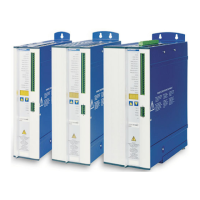
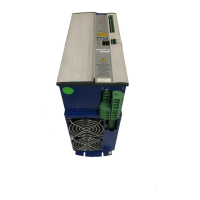
Kollmorgen S70101 - User Manual

Kollmorgen S70101
138 pages
Print Icon
To Next Page IconTo Next Page
Loading...
Instruction Manual
Translation of the original instruction manual.
Edition 12/2010a
Valid for Hardware Revision 02.10
S700
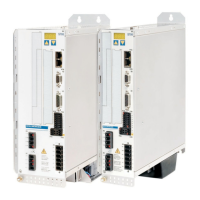
Digital Servo Amplifier S70101...S72401 (STO single channel)
Keep all manuals as a product component
during the life span of the product.
Pass all manuals to future users / owners
of the product.
File s701_1_e.***

Table of Contents

Questions and Answers

  • S
    selena63Sep 18, 2025
    Why does my Kollmorgen Servo Drives axis drifts at setpoint = 0V?
    • O
      osimonSep 18, 2025
      If your Kollmorgen Servo Drives axis drifts at a setpoint of 0V, it could be because the offset is not correctly adjusted for analog setpoint provision; adjust the offset (analog I/O). Another potential cause is that AGND is not joined to the controller-GND of the controls; join AGND and controller-GND.
  • C
    cfranklinAug 25, 2025
    How to solve communication fault HMI message on Kollmorgen Servo Drives?
    • S
      Samantha SchwartzAug 25, 2025
      A communication fault HMI message on Kollmorgen Servo Drives can be caused by using the wrong cable, plugging the cable into the wrong position on the servo amplifier or PC, or selecting the wrong PC interface. Use a null-modem cable, plug the cable into the correct sockets on both the servo amplifier and PC, and select the correct interface to resolve this issue.
  • J
    Jeremy TaylorAug 25, 2025
    What to do if my Kollmorgen S70101 drive reports a following error?
    • C
      Charles MckinneyAug 26, 2025
      If your Kollmorgen Amplifier drive reports a following error, it could be due to the current settings being too low or the setpoint ramp being too long. Try increasing the current settings, but stay within the motor limits, or shorten the setpoint ramp.
  • T
    Theresa WilliamsAug 27, 2025
    How to fix Kollmorgen S70101 communication fault?
    • S
      Steven RayAug 27, 2025
      To resolve a communication fault HMI message on your Kollmorgen Amplifier, ensure you are using the correct null-modem cable and that the cable is plugged into the correct sockets on both the servo amplifier and the PC. Also, verify that the correct PC interface is selected.
  • W
    William DavisSep 18, 2025
    What to do if my Kollmorgen Amplifier motor does not rotate?
    • J
      James PerkinsSep 18, 2025
      If the motor does not rotate, several factors could be at play. First, ensure the servo amplifier is enabled by applying the ENABLE signal and setting the software enable. Check the setpoint cable for any breaks and correct the motor phase sequence if the phases are swapped. Also, verify the brake control to ensure the brake is released and inspect the mechanism for any mechanical blockages. Confirm that the motor pole number is set correctly and that the feedback is properly configured.
  • J
    Jennifer WoodsSep 23, 2025
    What to do if Kollmorgen Amplifier axis drifts at setpoint = 0V?
    • P
      Paul SanfordSep 23, 2025
      If the axis drifts when the setpoint is at 0V, it might be due to an incorrectly adjusted offset for the analog setpoint provision; in this case, adjust the offset (analog I/O). Another potential cause is AGND not being joined to the controller-GND of the controls; connect AGND and controller-GND.
  • E
    Erica KnoxSep 9, 2025
    Why does my Kollmorgen S70101 drive feel too soft?
    • S
      Sonya BallSep 9, 2025
      If the Kollmorgen Amplifier drive is too soft, the gain might be too low, or other settings might be incorrect. Try increasing the gain and using the motor's default value. Reduce the ARLPF / ARHPF and reduce ARLP2.
  • W
    Wendy GrossSep 10, 2025
    Why does my Kollmorgen S70101 drive run roughly?
    • S
      Samantha HillSep 12, 2025
      If the Kollmorgen Amplifier drive runs roughly, it could be due to incorrect gain settings. Try reducing the gain and using the motor's default value. Increase the ARLPF / ARHPF and increase ARLP2.
  • S
    Scott TerrySep 3, 2025
    Why is my Kollmorgen Servo Drives too soft?
    • M
      Maria WhiteSep 3, 2025
      If your Kollmorgen Servo Drives feels too soft, it could be because the Kp (speed controller) is too low, Tn (speed controller) is too high, or ARLPF/ARHPF or ARLP2 are too high. Increase Kp (speed controller), use the motor default value for Tn (speed controller), and reduce ARLPF/ARHPF and ARLP2.
  • C
    Caroline NguyenSep 1, 2025
    How to fix Kollmorgen Servo Drives motor oscillations?
    • U
      ucooperSep 1, 2025
      If your Kollmorgen Servo Drives motor oscillates, it could be due to several reasons. The gain might be too high, so try reducing Kp (speed controller). Check if the shielding in the feedback cable is broken and replace the cable if necessary. Ensure that AGND is properly wired up by joining it to CNC-GND.

Kollmorgen S70101 Specifications

General IconGeneral
SeriesS700
Continuous Output Current10 A
Input Voltage24 VDC
Output Current10 A
Communication InterfaceEtherCAT, CANopen
Protection ClassIP20
Operating Temperature0 to 40 °C
Storage Temperature-25 to 70 °C
Humidity5% to 95%, non-condensing

Related product manuals