SECTION 2 - SET-UP
-2-8
2-8 © 2018 Konami Gaming Inc P/N 810440
KX43
(Original Instructions)
3� Turn key 90° clockwise to open Main Deck Door, then
return it to the original position�
4� Make sure that the lock is installed properly by opening
and closing the door�
If any of the following problems arise before turning on the
power, check that the above procedure was performed
properly�
• You cannot easily release or engage the door�
• You cannot easily open or close the door�
• You cannot remove or turn the key�
If the MAIN DOOR OPEN message appears after turning the
power on, check that the above procedure was performed
properly�
The probable causes of the error are:
• The lock is not installed properly�
• The Sub Door Switch is not depressed completely�
If the MAIN DOOR ACCESSED message appears after
turning the power on, turn the Reset Key Switch�
For information on how to check the status of the Main Door
Switch, refer to the Door section in the KP3�5 Setup Manual,
part number 810239�
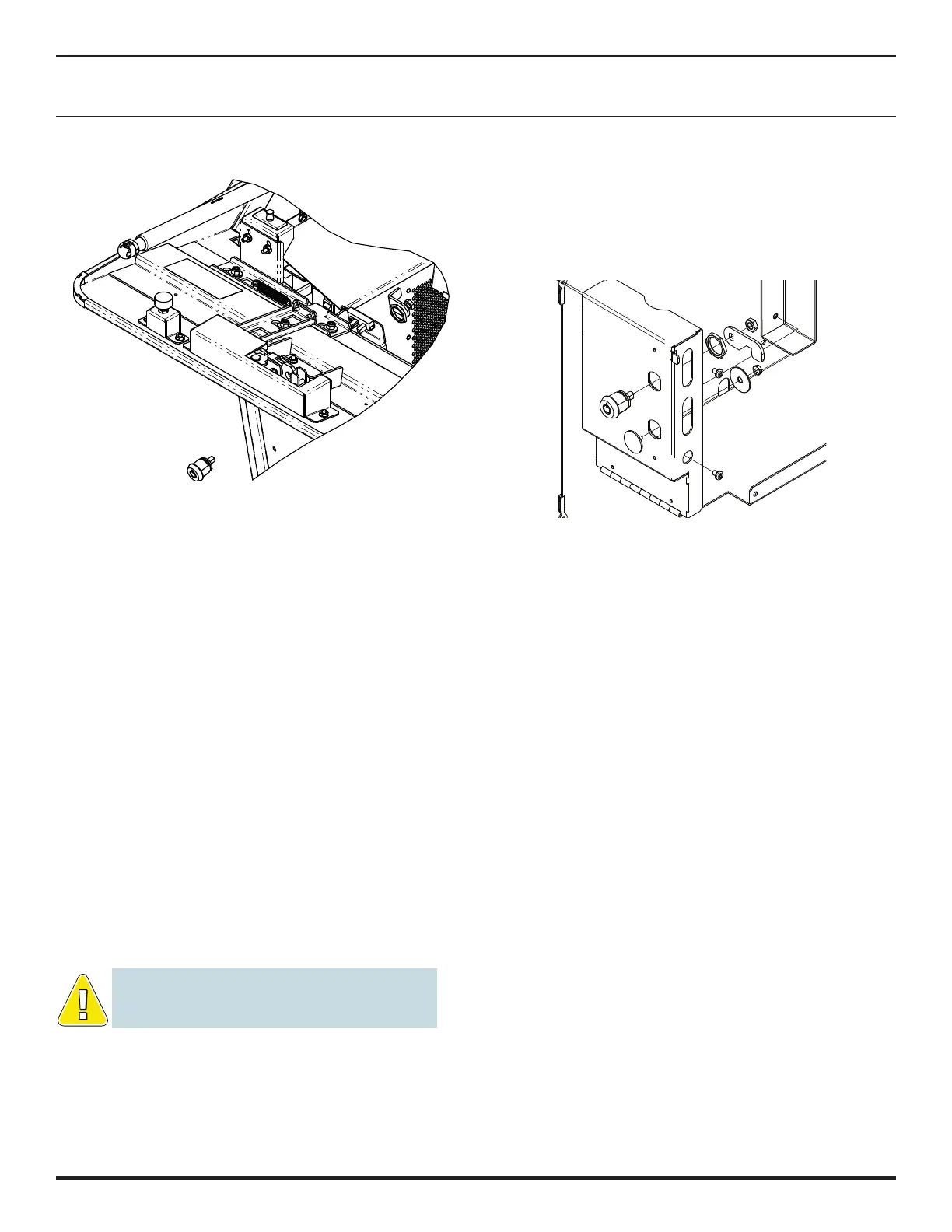
NOTE: Remove the spacer for a short lock. Retain the
spacer and other small parts for future use if not required
for this application.
bill validator door loCk replaCeMent
1� Open Cashbox Door�
2� Open Bill Validator Door�
3� Replace lock�
4� Turn key 90° counter-clockwise to open the Bill Validator
Door, then return it to the original position�
Make sure that the lock is installed properly by opening and
closing the door�
If any of the following problems arise before turning the power
on, check that the above procedure was performed properly:
• You cannot easily open or close the door�
• You cannot remove or turn the key�
If the 014 BILL DOOR OPEN message appears after turning
on the power, check that the above procedure was performed
properly�
The probable causes of the error are:
• The lock is not installed properly�
• The Bill Validator Door switch is not depressed
completely�
If the 034 BILL DOOR ACCESSED message appears after
turning the power on, turn the Reset Key Switch�
For more information on checking the status of the Bill Door
Switch and Sensor, refer to the DOOR section in the KP3�5
Setup Manual, part number 810239�
option the bill aCCeptor (FaCtory preSet)
The Bill Acceptor either accepts or rejects bills inserted into
the Bill Validator Module (Bill Head)�
Accepted bills are transported to the Cash Cassette, and an
appropriate number of credits registered on the Credit Meter�
For example, an accepted U�S� $1 bill shows as four credits
on a machine with a denomination of 25 cents� Rejected bills
are returned to the player�
• Remove the bill validator module (refer to Section 3 -
Assemblies, Parts & Hardware)�














 To Next Page