DRIVE BELT
Remove the left crankcase cover.
INSPECTION
Check the drive belt for cracks, separation or
abnormal or excessive wear.
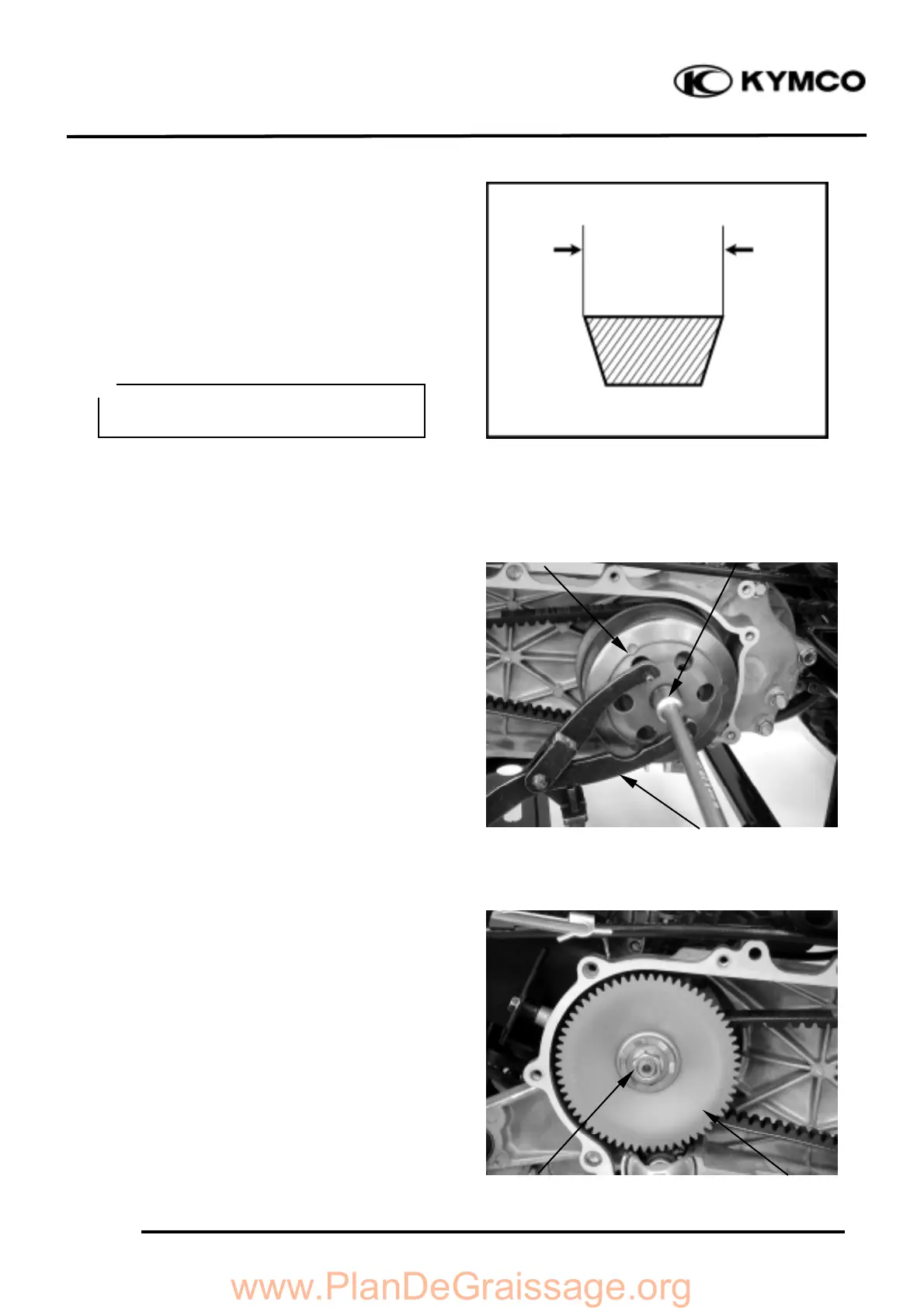
Measure the drive belt width.
Service Limit: 16.5mm replace if below
REPLACEMENT
Remove the left crankcase cover bolts and left
crankcase cover. (
!
9-3)
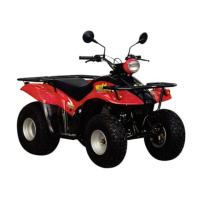
Hold the clutch outer with the universal
holder and remove the clutch outer nut and
clutch outer.
Hold the drive pulley with the holder and
remove the drive face nut.
Remove the drive pulley face.



 To Next Page