3.9 Operating the Storage Device
3-66
5
55
5
Press the ENTER key. A question mark (?) appears.
6
66
6
Press the ENTER key. Processing appears and the printing of the list starts.
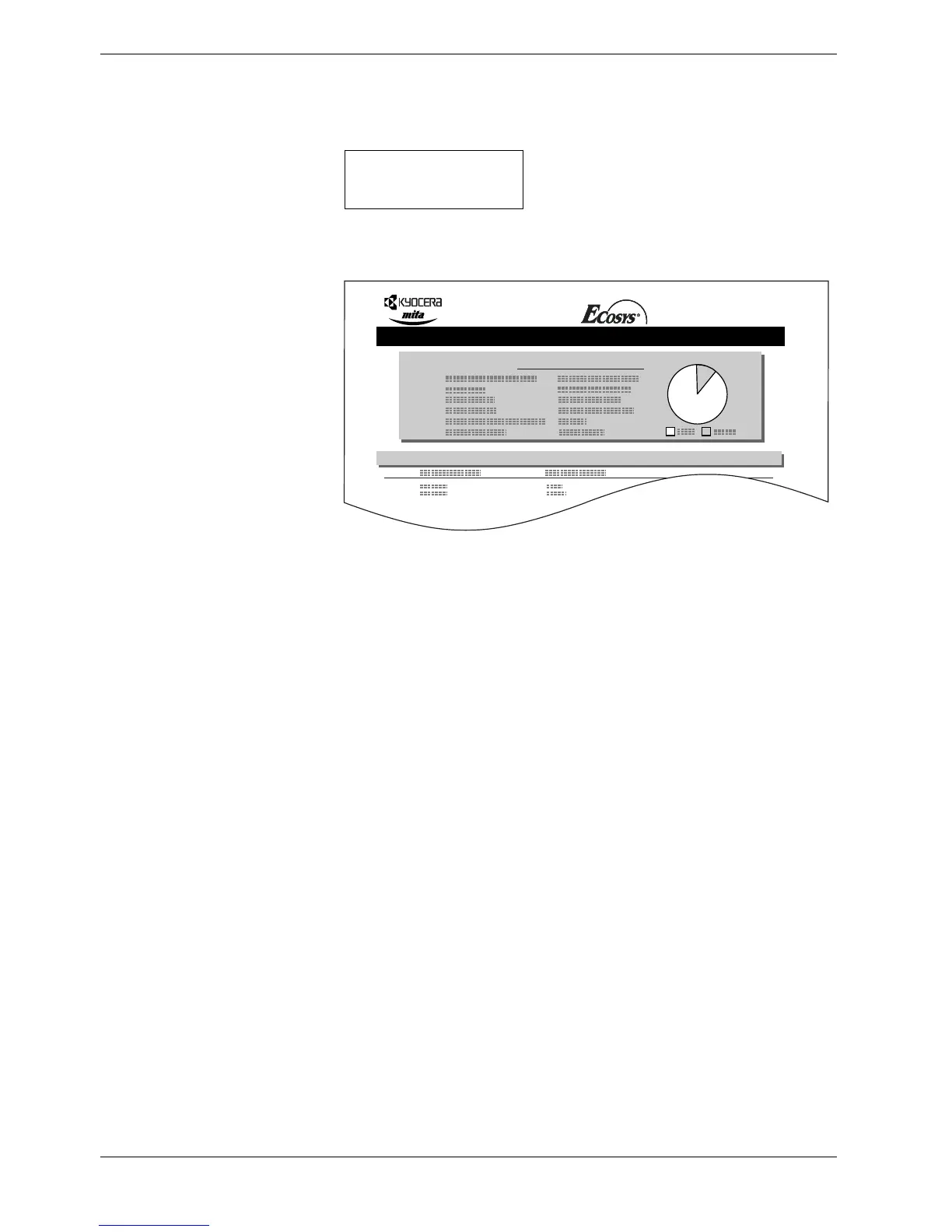
Figure 3-12
The printout (example above) includes the following information:
When the list of file names (partition list) for the memory card is printed, the display
returns to Ready.
Device Name/Number: MEMORY CARD/A is indicated for the memory card.
Capacity: The total capacity of the memory card in bytes.
Used Space: The total size of the data stored in the memory card in bytes.
Free Space: The size of the capacity remaining in the memory card for stor-
ing further data, including the amount of memory that the
printer uses for its system.
Partition Name: The name of the written data assigned automatically by the
printer.
Partition Size: The size of the written data in bytes.
Partition Type: The type of the written data i.e., whether it is host data (Data)
or font data (Font).
>List of
Partitions ?
Partition Information
Device Information
PARTITION LIST
FS-C8008N Page Printer



 To Next Page