d2, 2big, and 5big Network 2 User Manual 102
Windows Vista & Windows 7 Users
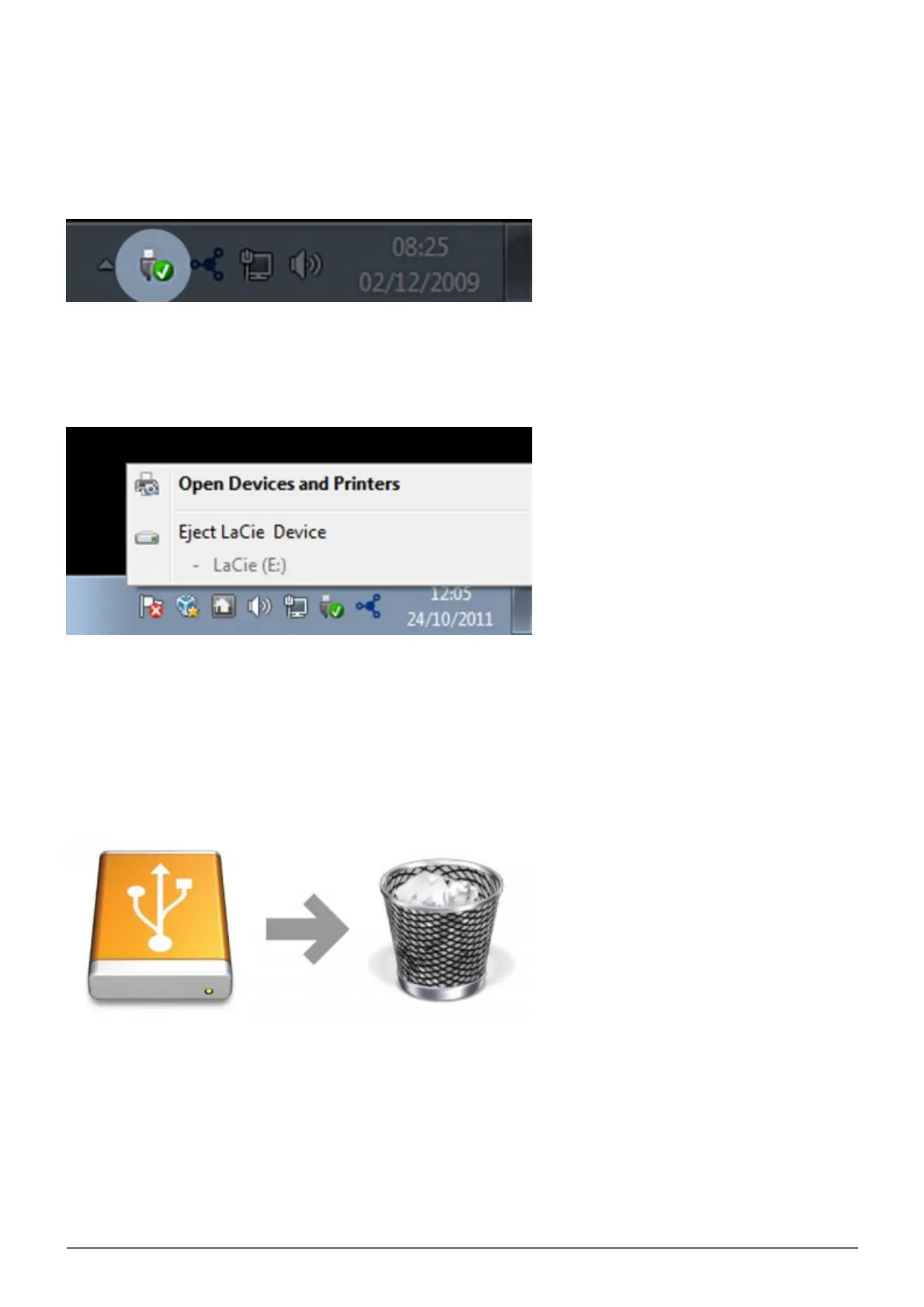
From the System Tray (located in the lower right-hand side of your screen) click on the plug icon (note the white
check mark inside a green circle).
A message will appear, detailing the devices that may be safely unmounted.
Select Eject for the device you wish to unmount. A message will appear notifying you that it is safe to remove
the device.
Mac Users
Drag the hard drive icon to the trash. (The icon pictured below is a generic USB device icon. Your drive may be
represented by an icon that looks like the drive itself.)
When the icon disappears from the desktop, the drive can be disconnected.














 To Next Page