d2, 2big, and 5big Network 2 User Manual 37
Existing User
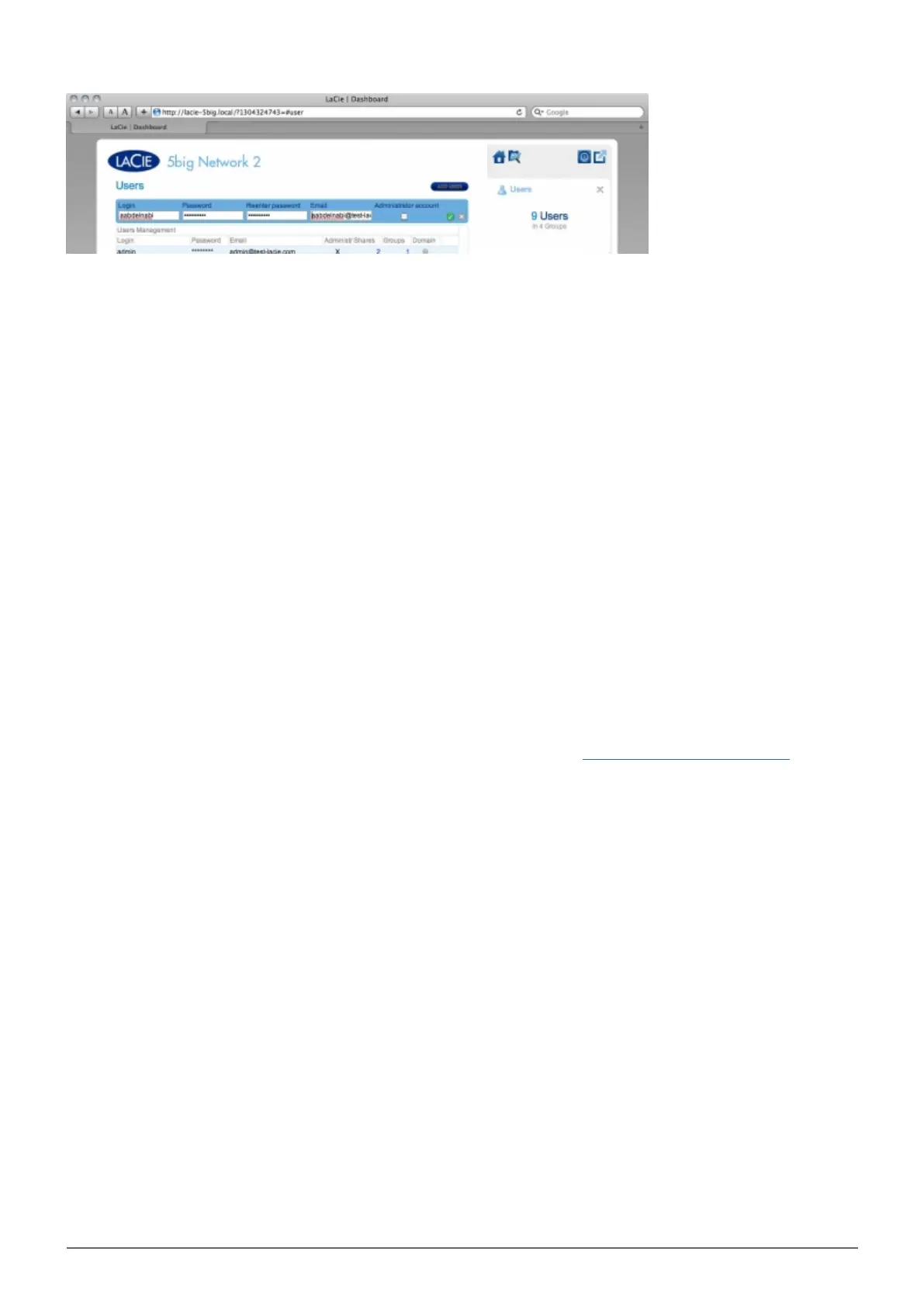
User data is organized in a table.
Click the text in the Login column to change the user name.
■
Click the text in the Password column to change the user's password.
■
Click the text in the Email column to change the user's email address.
■
An X in the Administrator column indicates the user has administrative privileges.
■
The number in the Shares column indicates to how many shares the user has access. Click the number to view
■
the assigned share(s).
The number in the Groups column shows to how many groups the member belongs. Click the number to view
■
the group(s).
The bullet in the Domain column indicates whether the user has been inherited from when the product joined
■
a domain, or if it was created using the Dashboard.
Importing Users from Active Directory
If you have successfully connected to an Active Directory domain (see Dashboard - General Settings), you will1.
see a button on the Dashboard - Users page labelled IMPORT FROM DOMAIN. Click the button.














 To Next Page