d2, 2big, and 5big Network 2 User Manual 95
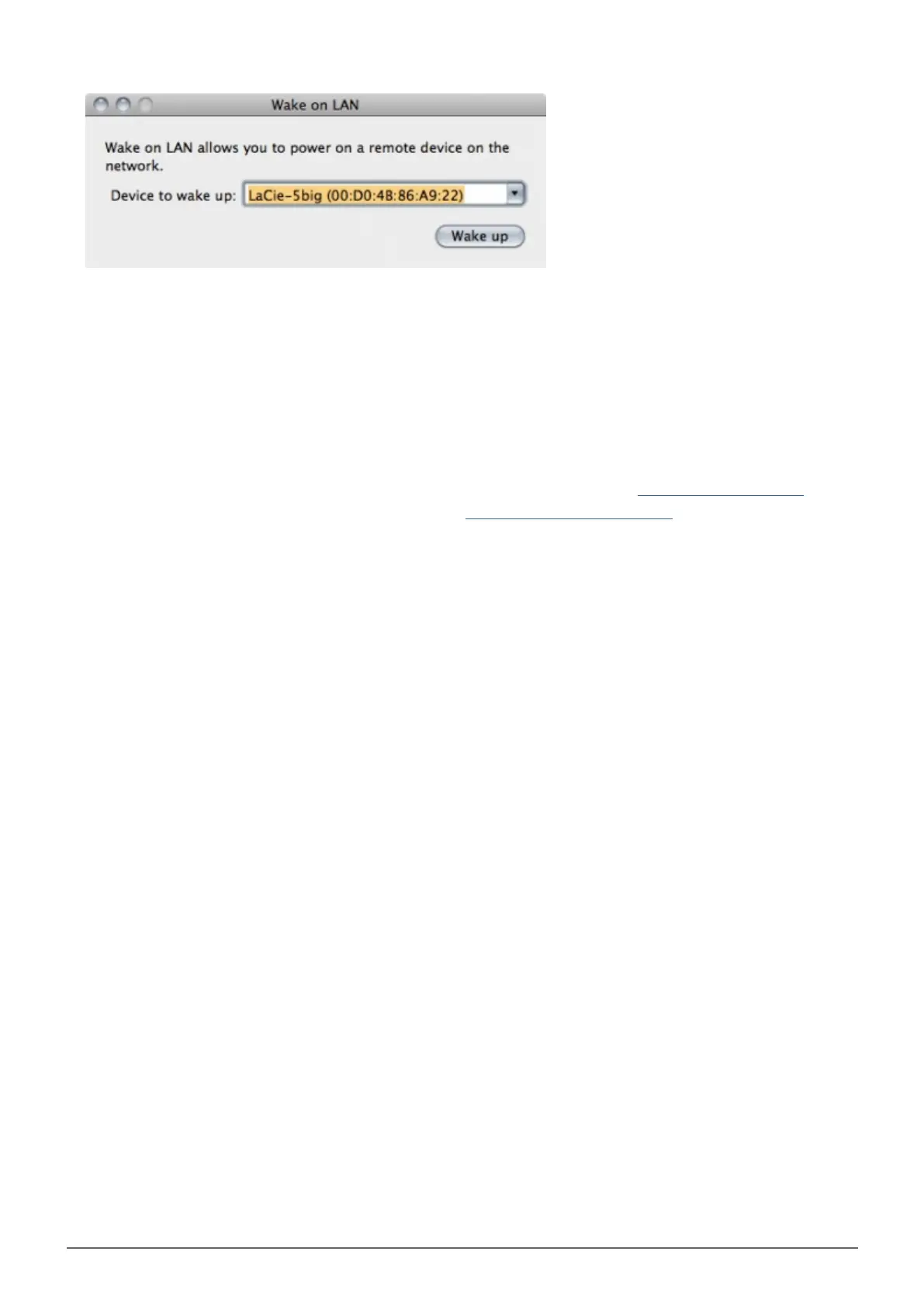
Click Wake Up.3.
MEDIA SERVERS
You can configure your LaCie NAS to share files (read-only) with UPnP/DLNA devices connected to the same
network. Follow these steps:
Make sure your LaCie NAS is connected to your home network as described in Connect to the Network.1.
Enable the Multimedia service on the Dashboard (see Dashboard - General Settings).2.
Now you will be able to play files located on your NAS' share onto any other UPnP/DLNA-certified3.
player/adapter (such as an XBox 360, Play Station 3, a DLNA mobile phone, etc.) that is connected to your
network.
Reindex the Media Server
If some files seem missing on your multimedia device, you can force a re-scan of your media files. To do so:
Navigate in the Dashboard to the General Settings page, then click the Services tab.1.
Click the configuration icon in the Options column of the Multimedia row.2.
Click the Re-index link. Note that if you have a lot of multimedia files on your NAS, this process could take3.
more than an hour.














 To Next Page