d2, 2big, and 5big Network 2 User Manual 34
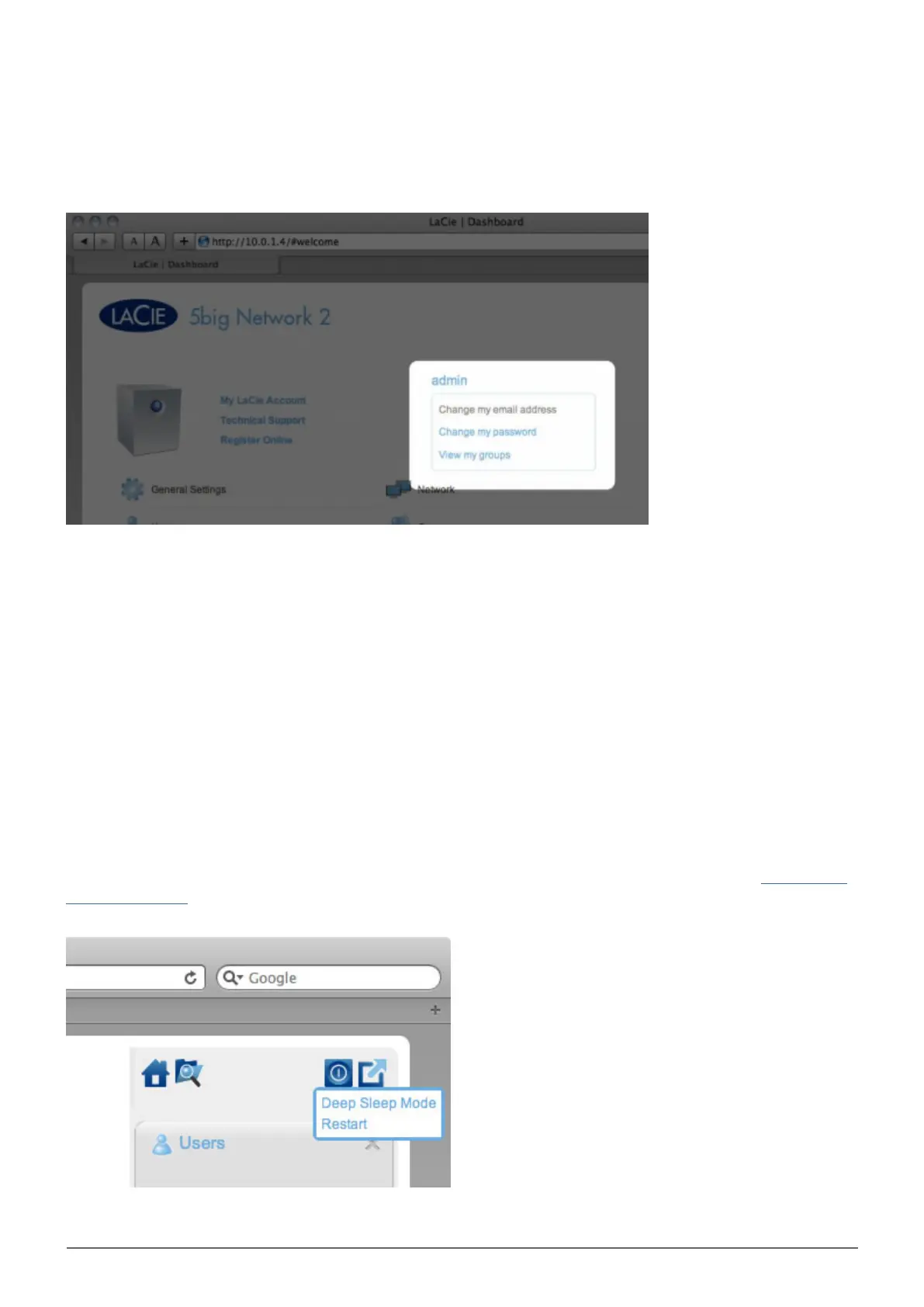
Logged in User Information
To change the username for the currently logged in user, click the username (admin in the above screenshot)
■
and type a new one.
Click Change my email address: (if you haven't input one already) or click the actual email address (if you
■
have). Giving an email address allows you to receive notifications from your LaCie NAS or to recover your
password if you forget it. Note that an SMTP server also needs to be defined on the Dashboard or you won't be
able to modify the email address.
Click Change my password to modify the currently logged in user's password.
■
Click View my groups to see to which groups the currently logged in user belongs.
■
Restart or Deep Sleep Mode
To restart or put the NAS into deep sleep mode, click this button, then choose between Restart and Deep
Sleep Mode. Note that Deep Sleep Mode must be enabled or this option will not be available (see Dashboard -
Eco Management).














 To Next Page