d2, 2big, and 5big Network 2 User Manual 63
Remote Backup
Remote backup will let you back up your NAS onto another NAS, whether it be on the local network or through
the Internet. Note that the system will not store multiple iterations of the same backup, so a new backup will
replace the existing one.
Compatibility Preconditions
In the case of remote backup, both the source NAS and the destination NAS must be accessible to the Internet.
■
You may have to open ports on your router of both networks in order to accomplish this. Refer to your router's
documentation for details.
The target NAS must be rsync compatible.
■
A LaCie NAS must have the most up-to-date operating system and netbackup server enabled; see Enable
■
Netbackup Server.
About NetBackup Share
When a remote backup is performed, a share called netbackup will be created on the target NAS which will
contain the backed up files. This share will be not be password-protected by default.
Initiate a Remote Backup
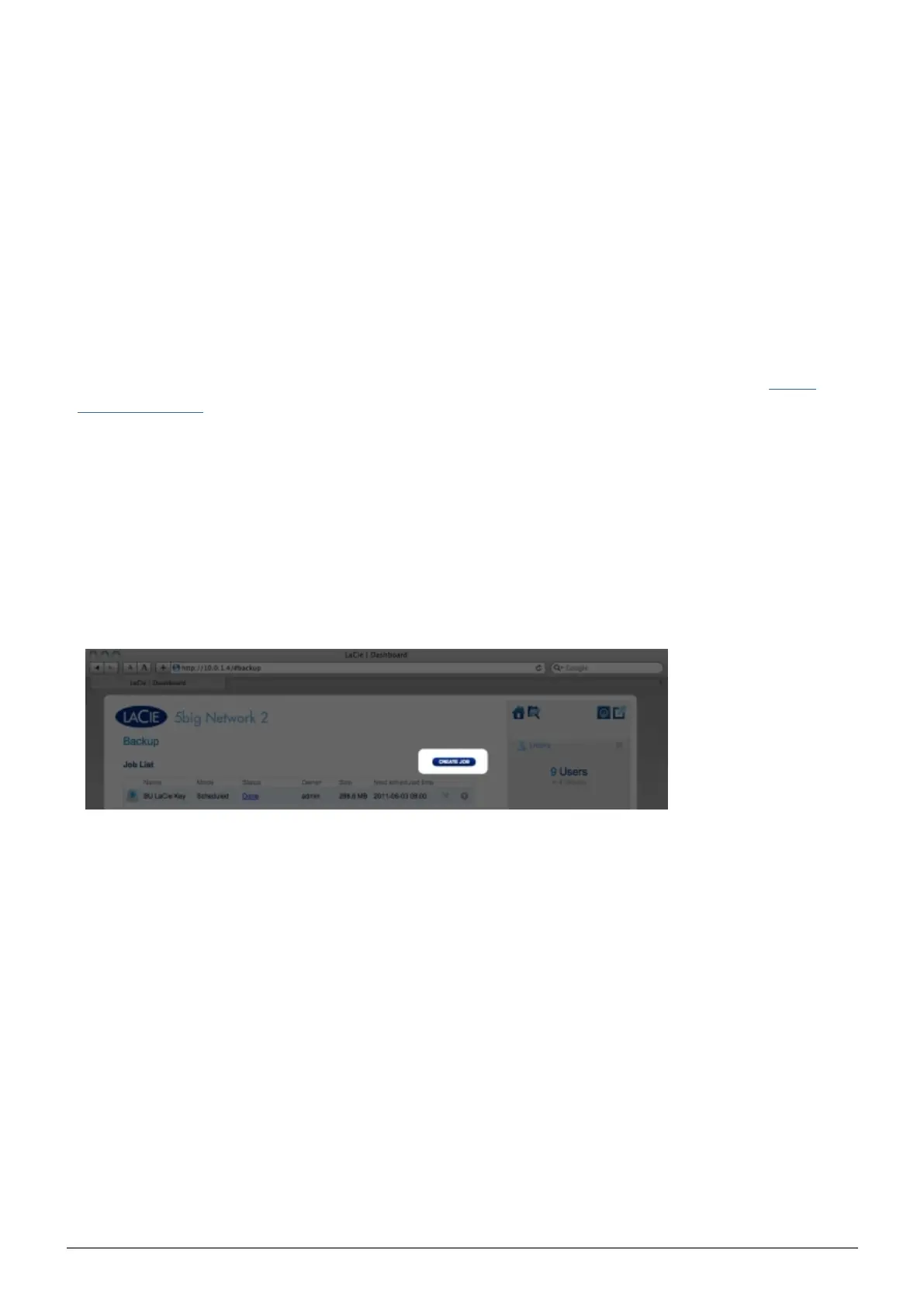
Click the CREATE JOB button, then choose Backup.1.
Next, choose Remote backup, then click NEXT.2.














 To Next Page