d2, 2big, and 5big Network 2 User Manual 93
ACCESSING SHARES VIA FTP
The FTP protocol is used to transfer files from one computer to another through a local network or over the
internet. This protocol allows you to exchange files with your friends or relatives securely, as only people with a
user account will have access.
The FTP service is disabled by default, so you must enable it in on the Dashboard - Network page.
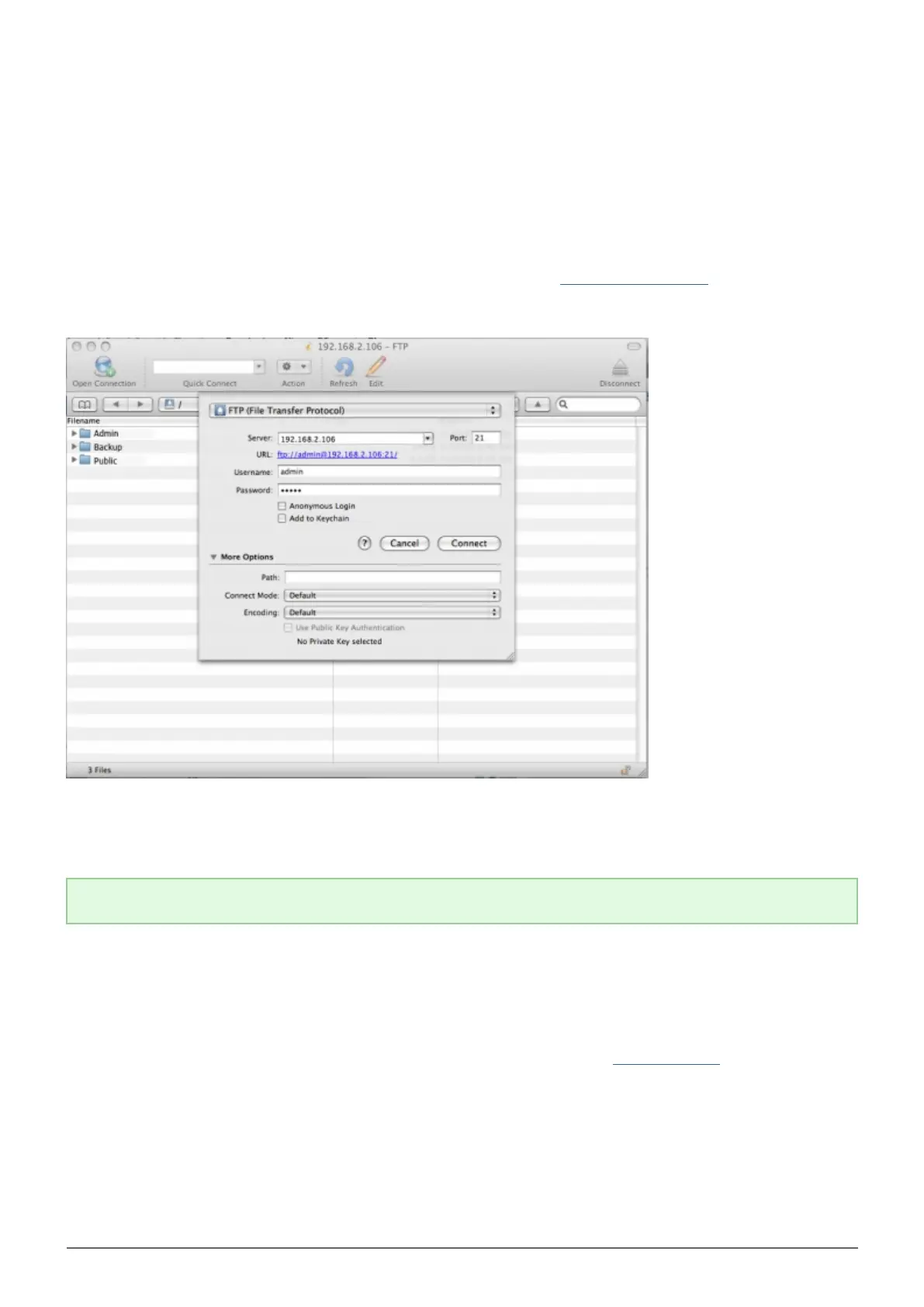
To connect to your NAS via FTP locally on the LAN, enter in your browser's or FTP client's address field:
ftp://[IP-address]
Example: ftp://192.168.10.149
Technical note: Find your NAS' IP address in the LaCie Network Assistant Configuration Window.
OR
ftp://[username:password]@[ip or machine name]/
Example: ftp://ringo:4xtp23@lacie-5big/
To login, enter your Dashboard username and password. (By default, admin/admin.)
To remotely access the share from a computer NOT on your network, refer to Remote Access. Instead of the
machine name or LAN IP address, you will use the host name created by the DYNDNS service.














 To Next Page