d2, 2big, and 5big Network 2 User Manual 58
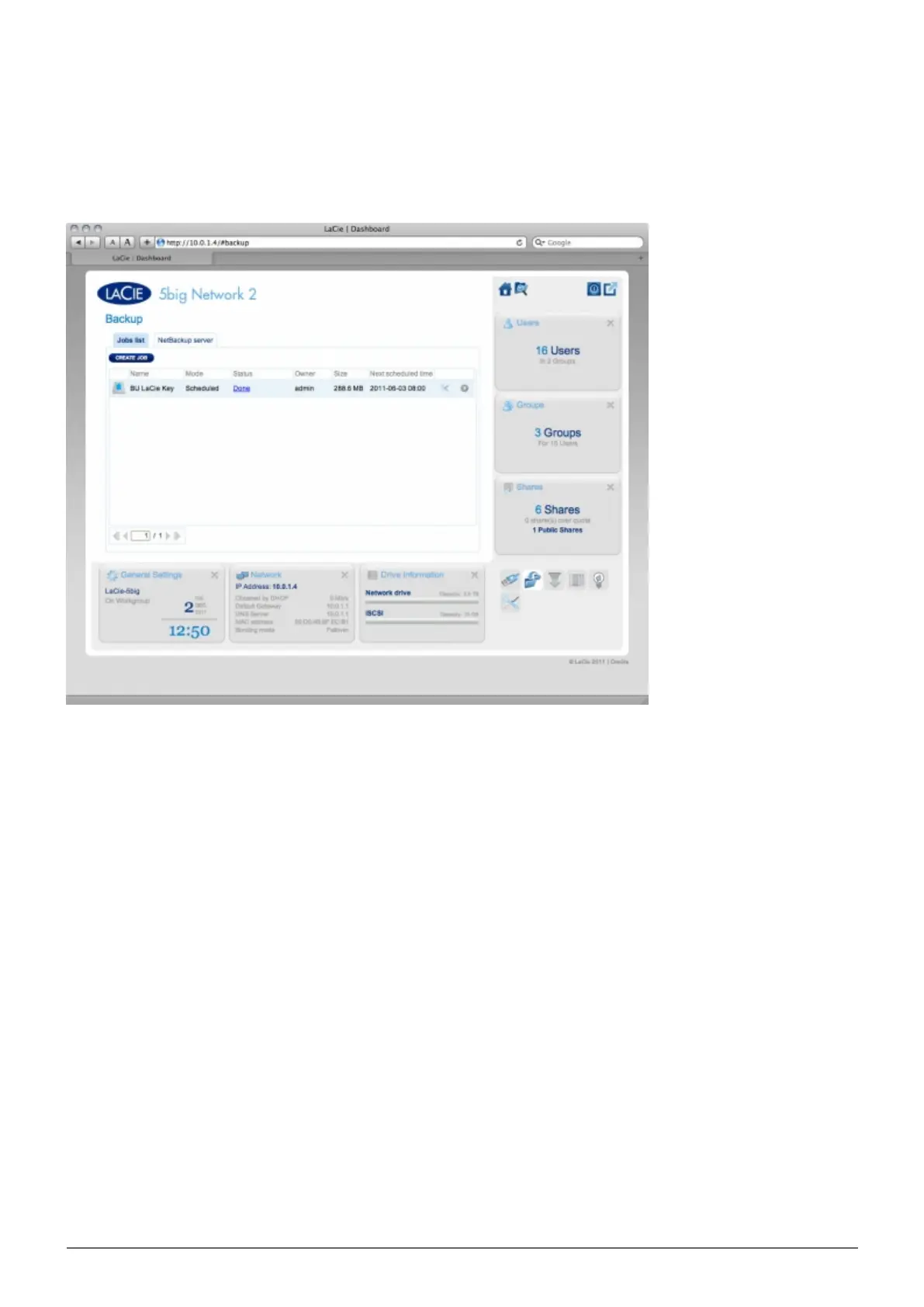
DASHBOARD - BACKUP
Your LaCie NAS features a robust backup and restore system. It allows you to back up files:
To and from another NAS on your local network or through the Internet
■
To and from your NAS and an external hard drive
■
Between shares on your NAS
■
The Backup & Restore Wizard will help you set up backup jobs. In the case of DAS backups, the system even
saves versions of backups, so you can restore earlier versions of files.
Local Backup
Local backup will let you use an external hard drive connected to your NAS as a backup source or destination. It
will also allow you to back up a share on your NAS onto another share on the same NAS.
Click the CREATE JOB button, then choose Backup.1.














 To Next Page