d2, 2big, and 5big Network 2 User Manual 109
Rebuilding Times
Rebuilding a protected RAID array takes many hours, depending on the capacity of the disks and your NAS'
available resources (concurrent tasks such as backups or torrent downloads will slow rebuilding). Changing to
an unprotected RAID mode (ie RAID0) takes less than a minute. Note that data is accessible during rebuilding.
ABOUT RAID MODES
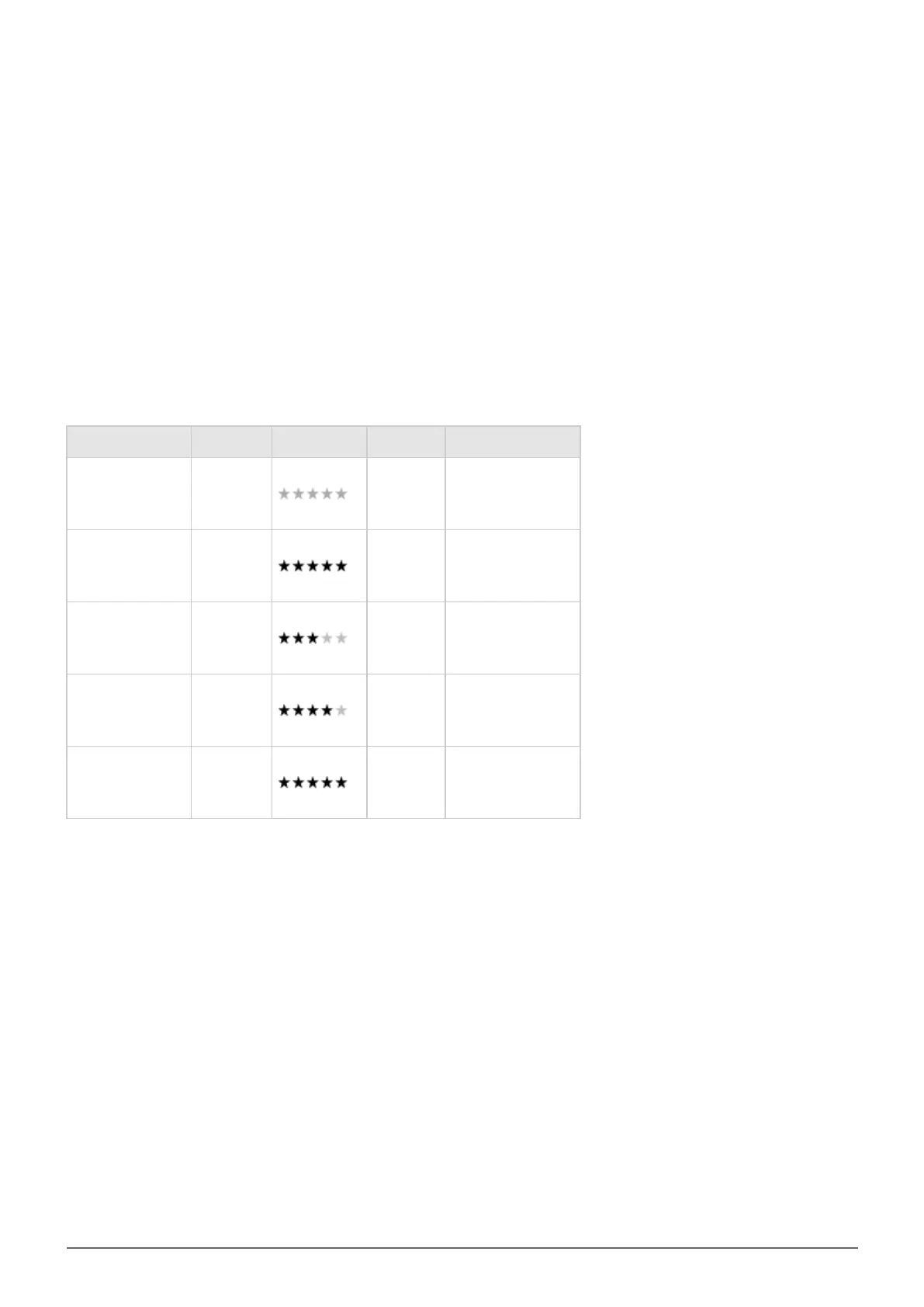
Refer to the table below for an overview of the different RAID modes, and see the descriptions for details. Note
that this information is also explained in the RAID Setup Wizard on the Dashboard (see above for details).
RAID Mode Capacity Protection Product Factory Default
RAID 0 100% 2big/5big 2big
RAID 1
1
50% 2big/5big –
RAID 5 (default) 80% 5big 5big
RAID 5+Spare 60% 5big –
RAID 6 60% 5big –
1
RAID 1 is only available for the 5big if there only two disks are installed.














 To Next Page