d2, 2big, and 5big Network 2 User Manual 113
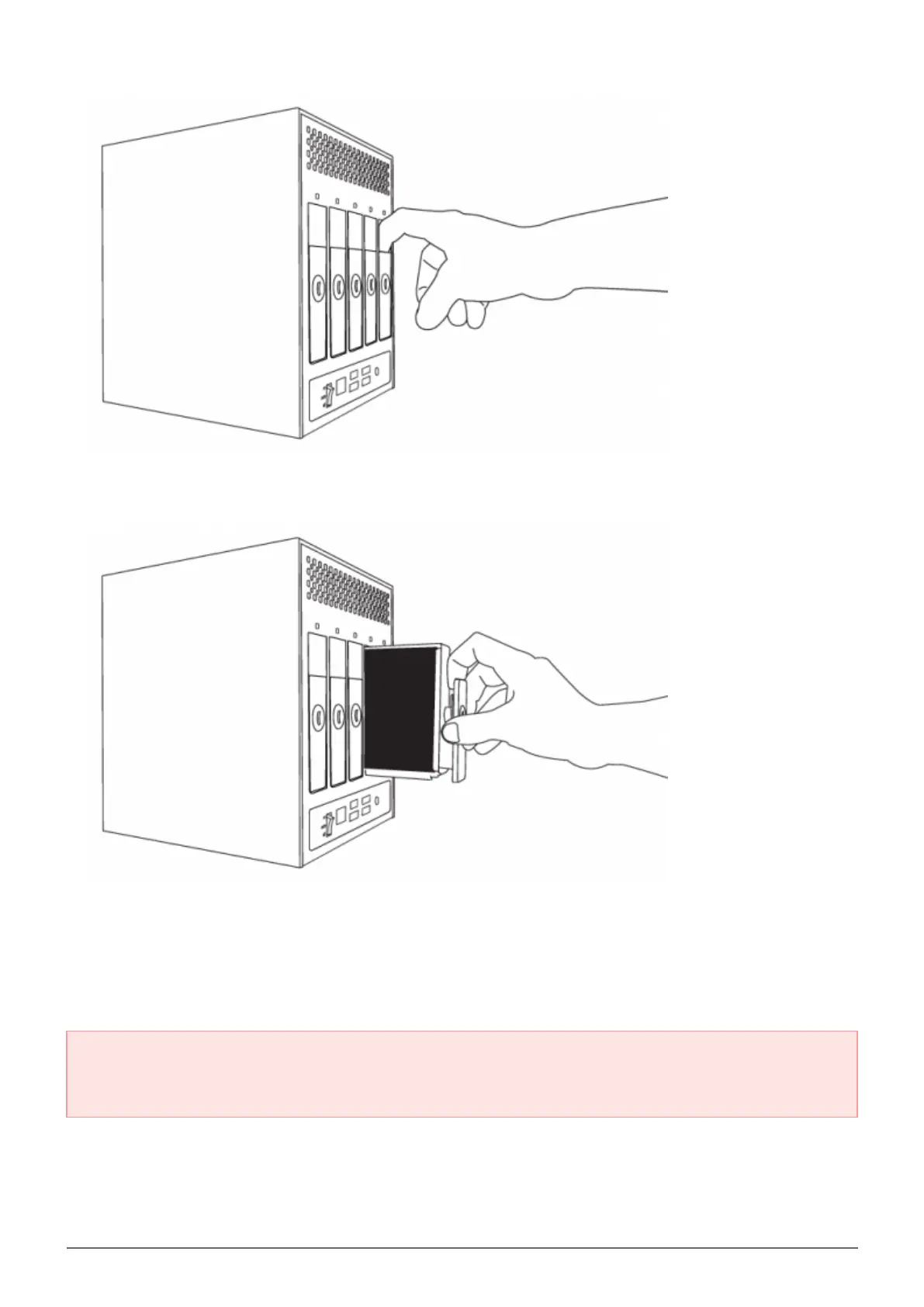
Grasp the drive tray handle and carefully extract the drive.3.
Disk Insertion
Important info: In the event that an individual hard disk fails in your LaCie NAS, please contact your LaCie
reseller or LaCie Customer Support. Please replace a defective hard drive only with a new drive provided by
LaCie.
Replacing a drive involves two main steps, installing the new drive and claiming the new disk on the
Dashboard - RAID page (see below). Note that the new disk must have equal or greater capacity than the disk
it is replacing.
Carefully insert the drive tray into an empty drive bay. When the drive tray is most of the way in and you feel1.














 To Next Page