d2, 2big, and 5big Network 2 User Manual 18
The front LED will:3.
Blink blue1.
Turn solid blue when initialization is finished2.
Flash red and blue. The red and blue lights indicate the system is loading.3.
The LaCie NAS is ready to format the disk(s) once the front LED turns solid blue again.4.
6. FORMAT THE DISK(S)
Steps 1 through 3 should take approximately seven minutes.
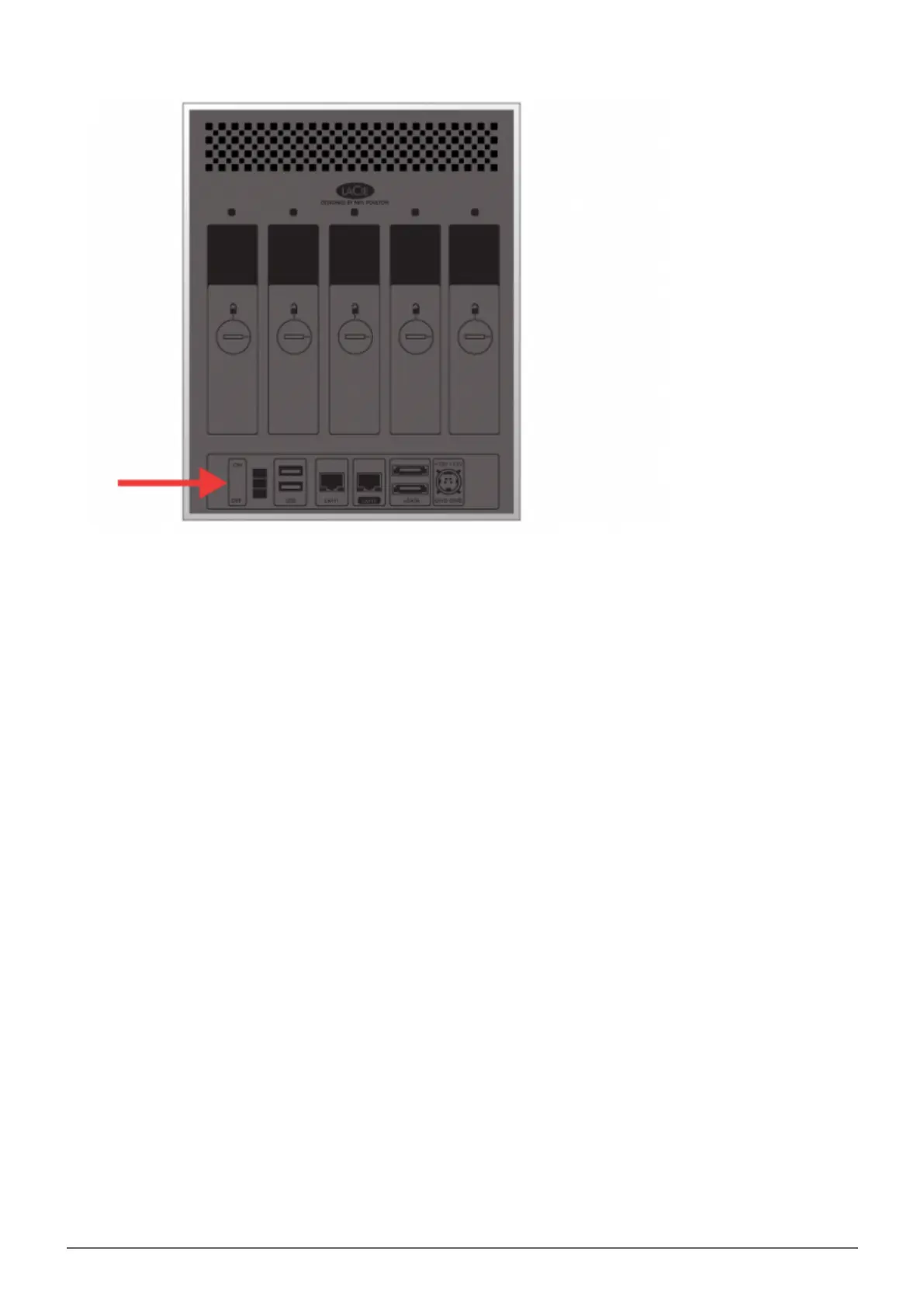
5big Network 2
Press the front LED button for five seconds. The drive(s) will spin up and the front LED will blink blue1.
and red.














 To Next Page