d2, 2big, and 5big Network 2 User Manual 24
Thus, when the 5big Network 2 is connected to the network, all three shares are accessible to the administrator,
and Public and iSCSIShare to guests (iSCSIShare will only be available if you have allocated space to iSCSI
access).
It is also possible to create new shares and/or to delete the default shares (except USBShare or iSCSIShare). See
Dashboard - Drive Information for details.
ACCESS SHARES
You have several options for accessing shares on your LaCie product.
Note: See Advanced Accessibility Features for related features such as accessing your device remotely,
creating shortcuts to shares, and multimedia streaming.
Option 1
Launch LaCie Network Assistant.1.
Windows Users:
■
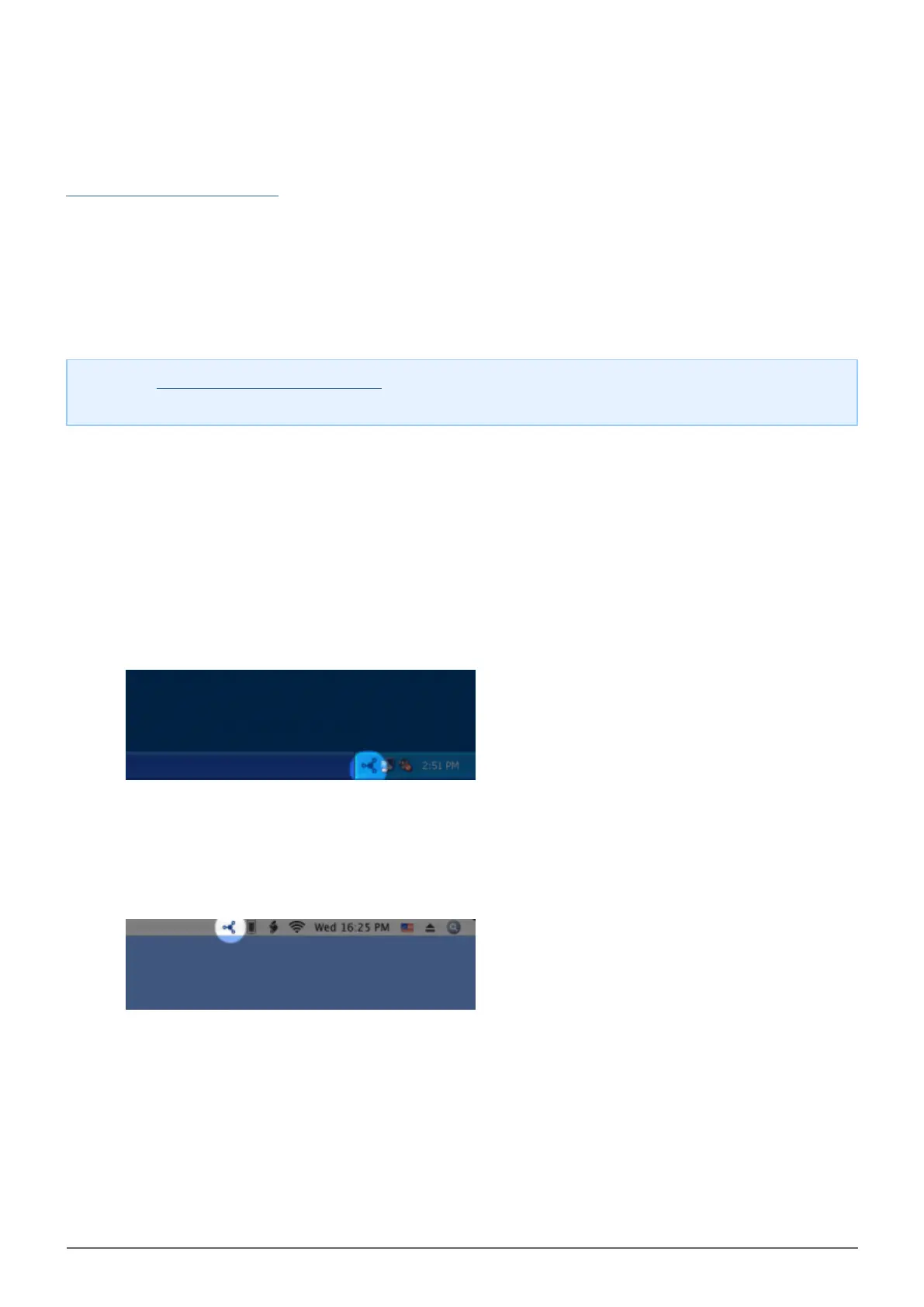
Select LaCie Network Assistant in Start/Programs. A Network Assistant icon will appear in the system1.
tray and LaCie Network Assistant will automatically detect your LaCie product on the network.
Right-click on the icon in the system tray.2.
Mac Users:
■
Select LaCie Network Assistant in your Applications folder. A Network Assistant icon will appear in the1.
menu bar and LaCie Network Assistant will automatically detect your LaCie product on the network.
Click on the icon in the menu bar.2.
Under your LaCie NAS' machine name, choose the share you want to access.2.














 To Next Page