d2, 2big, and 5big Network 2 User Manual 43
Group Access, then click the Edit button. In the left-hand column of the resulting window, the users or groups
without access to the share are listed. Select the group or user to be granted access, then click the right arrow
either to the Read + write access cell or to the Read only access cell. To withdraw access, select a user or
group in the Read + Write access cell or the Read only access and click the right arrow.
Select Grant read access to Guest and System Users to give read-only access to the share to non-users.
Delete a Share
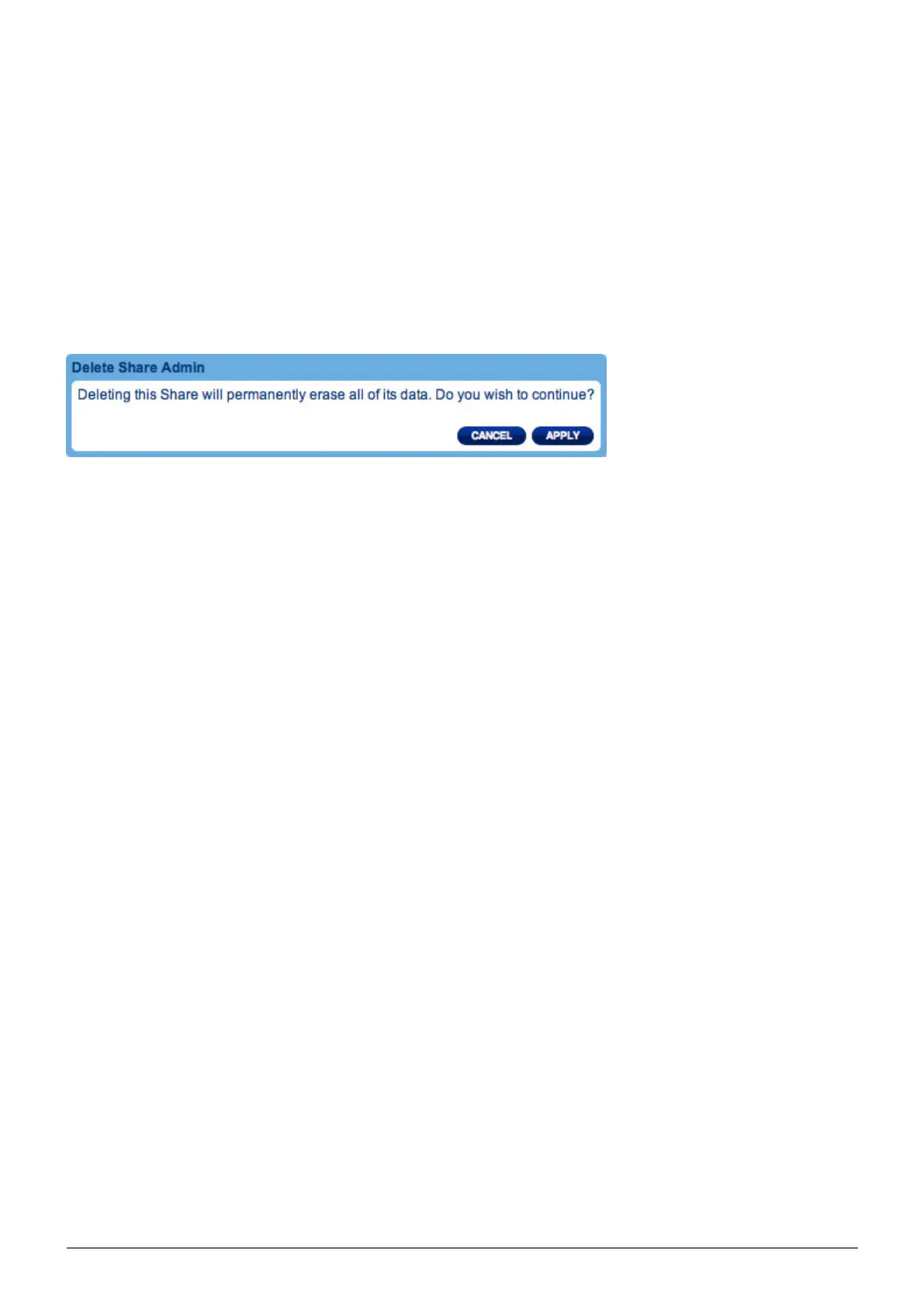
To delete a share, click the gray X on the far right of the share's row. Confirm in the dialogue window. Note that
deleting a share deletes all files on the share as well as any backup jobs involving that share.














 To Next Page