d2, 2big, and 5big Network 2 User Manual 78
DASHBOARD - NETWORK
Standard Tab
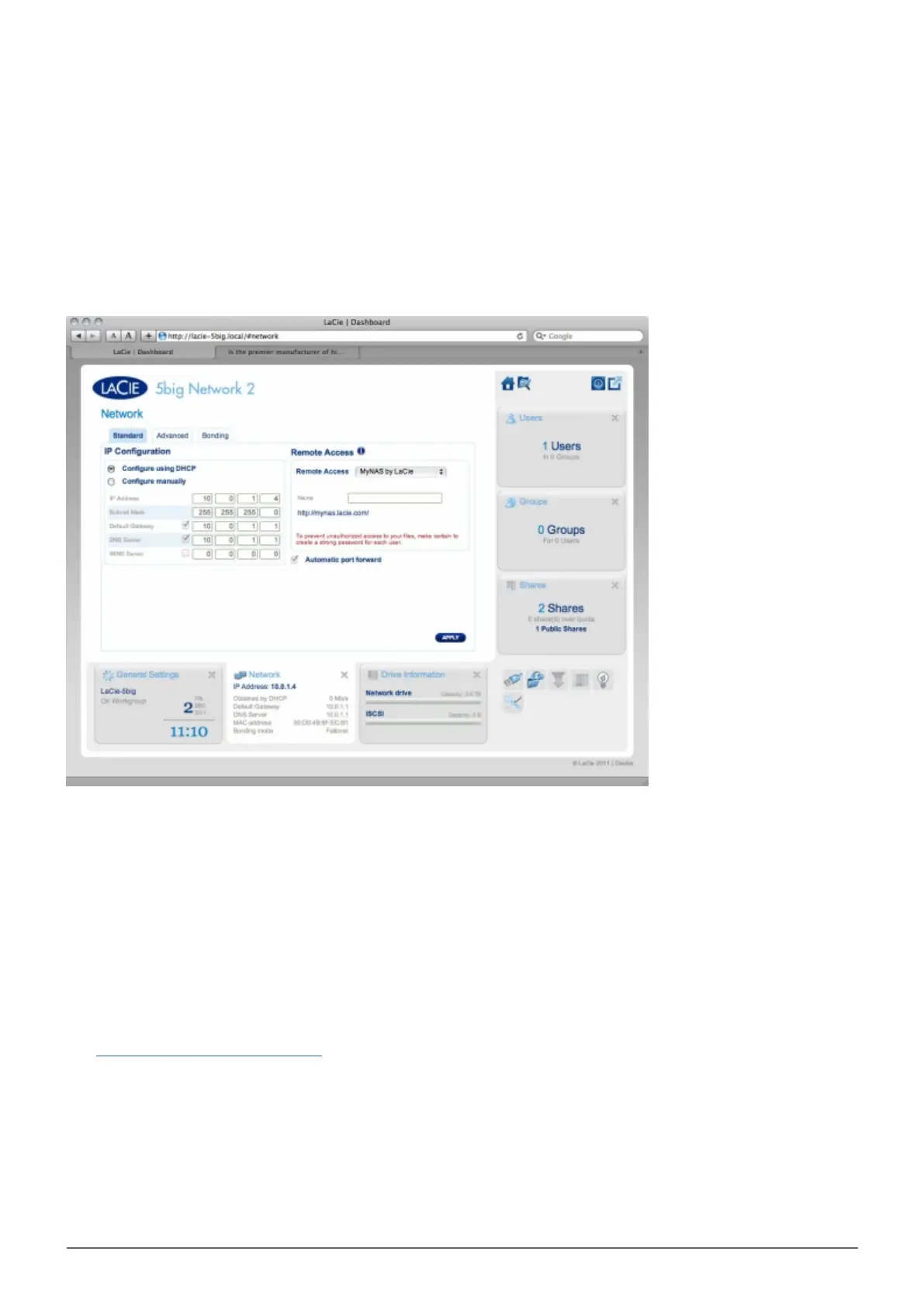
IP Configuration
Choose between Configure using DHCP and Configure manually. If your network is DHCP-enabled, as are
most consumer networks, the LaCie NAS will automatically be assigned an IP address and other values. As a
result, most users will see that the table has been filled in with values. If you select Configure Manually, you
will be able to modify the table values to conform to your non-DHCP-managed network.
Remote Access
See Advanced Accessibility Features.














 To Next Page