d2, 2big, and 5big Network 2 User Manual 118
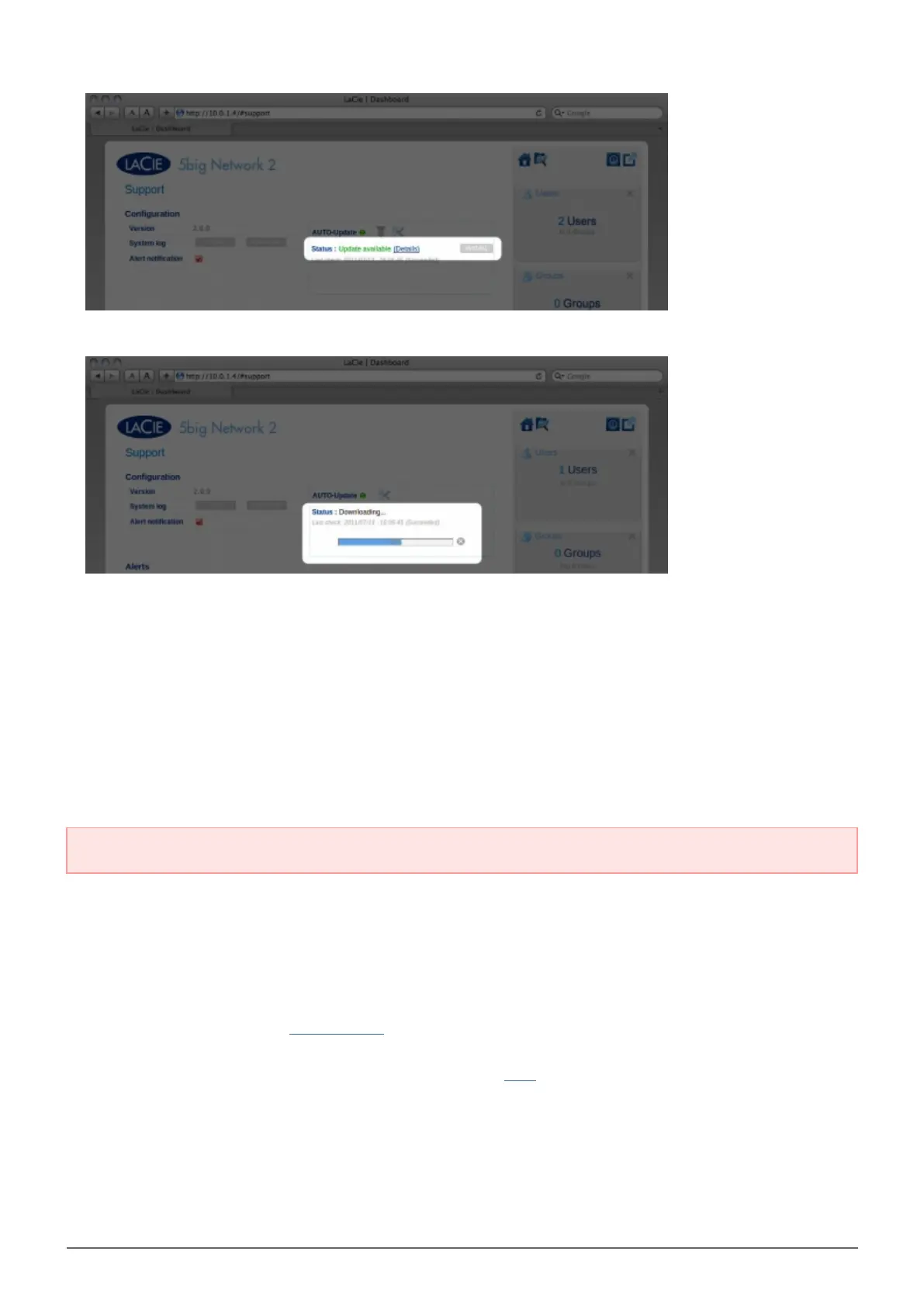
When the download completes, follow the onscreen instructions to complete the update.4.
During the process, the drive will reboot and will therefore disappear from the network temporarily. When it5.
reappears, you can verify the new software version on the Support page.
UPDATE USING LACIE NETWORK ASSISTANT
This update procedure will not erase your configuration or files saved to the drive.
Important info: Before proceeding, make sure to follow the following recommendations:
Connect your PC or Mac to the network using an Ethernet cable (turn off wireless connection)
■
Make sure users on your network have stopped data transfers to the NAS
■
Turn off other NAS on the network except the one you wish to update
■
Disconnect all connections to shares on the NAS you want to update
■
Make sure you are using the latest version of LaCie Network Assistant (minimum 1.4.2). If you download a1.
newer version, make sure to uninstall previous versions.
Download the latest software update for your product from here.2.
Run LaCie Network Assistant.3.
Go to Preferences and make sure IPConf Support is deactivated.4.














 To Next Page