d2, 2big, and 5big Network 2 User Manual 14
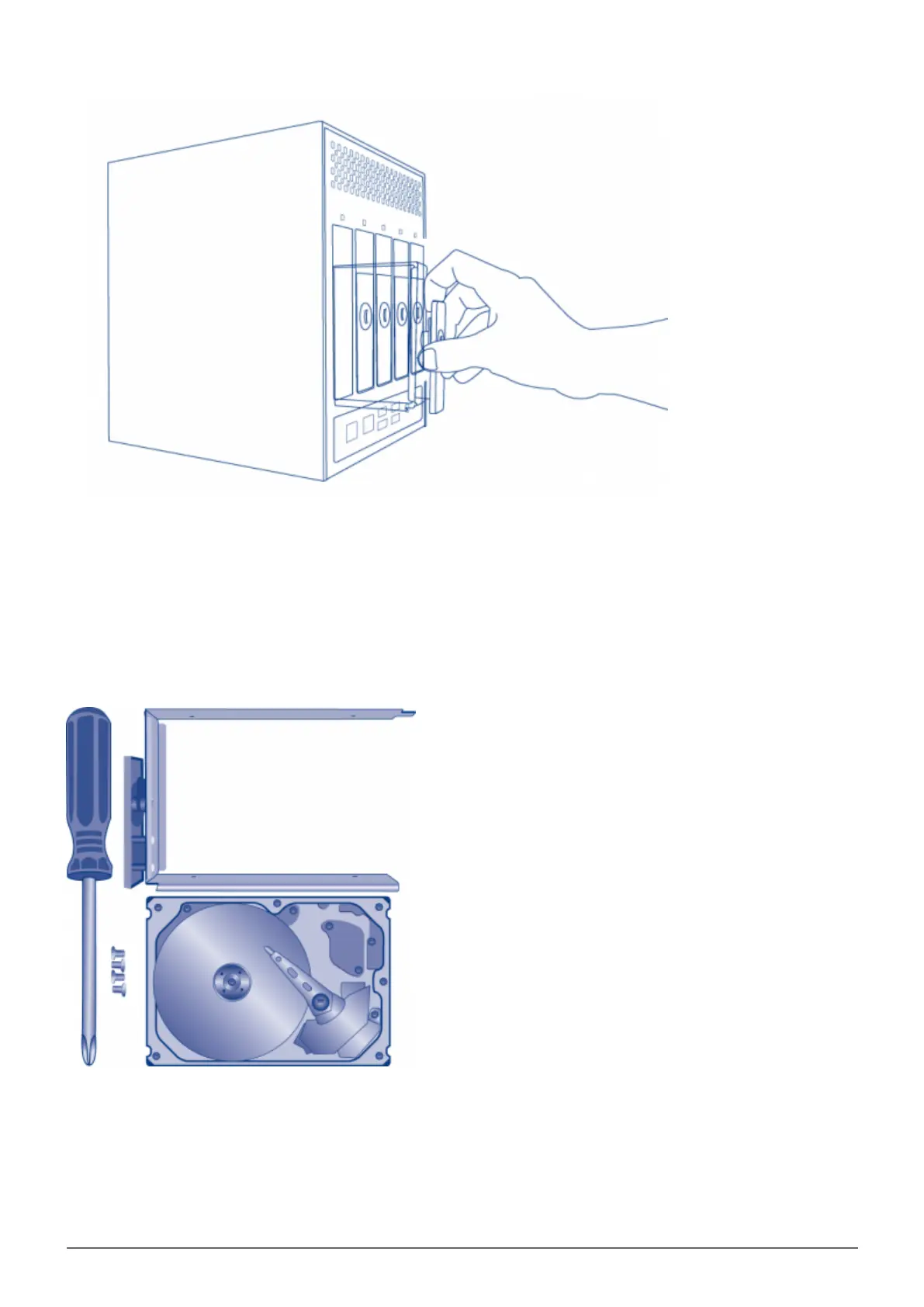
Repeat the process if you are adding more than one disk. Make certain to remove the Disk Trays in the4.
proper slot order.
4. SECURE THE DISK
Find a suitable work area with adequate space and a flat, even surface. Make certain that all necessary
components are available:
LaCie NAS Disk Tray
■
Hard drive
■
Disk Tray screws. Use only the screws that are provided with your LaCie NAS.
■
Phillips head screwdriver. Please confirm that the head of the screwdriver is the proper size for the Disk Tray
■














 To Next Page