d2, 2big, and 5big Network 2 User Manual 76
DASHBOARD - EXTERNAL PORTS
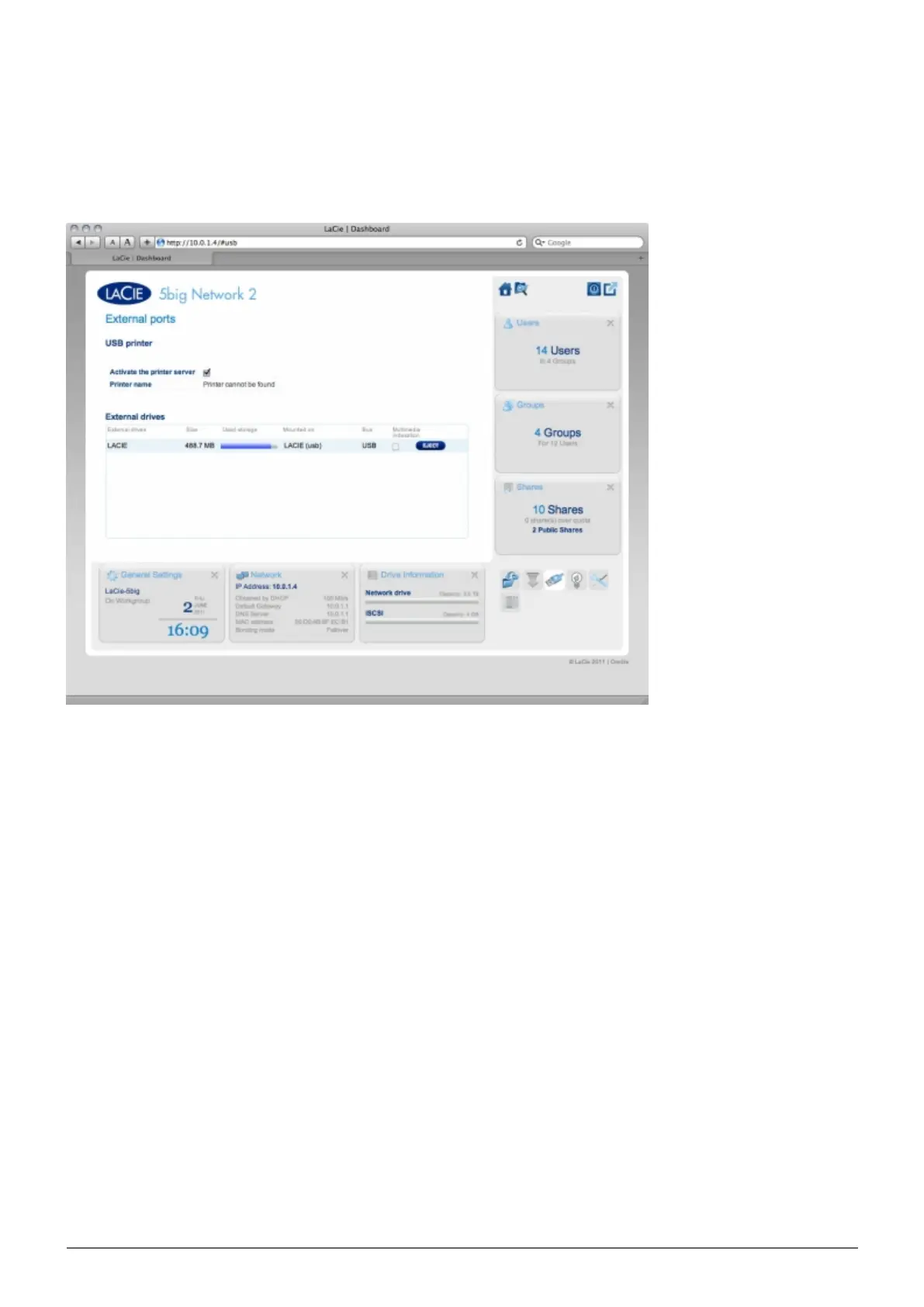
This page provides you with information on devices connected to one of the LaCie NAS' USB or eSATA expansion
ports.
USB Printer
Your LaCie NAS features a printer server. To activate it, click the Activate the printer server check box. Then
power on the printer and connect it to the NAS via a USB expansion port on the rear of your LaCie NAS. Once
connected, the printer will be listed on the Dashboard - External Ports page, and the printer will become
available throughout your network. Correct printer drivers must be installed on the host computer.














 To Next Page