d2, 2big, and 5big Network 2 User Manual 47
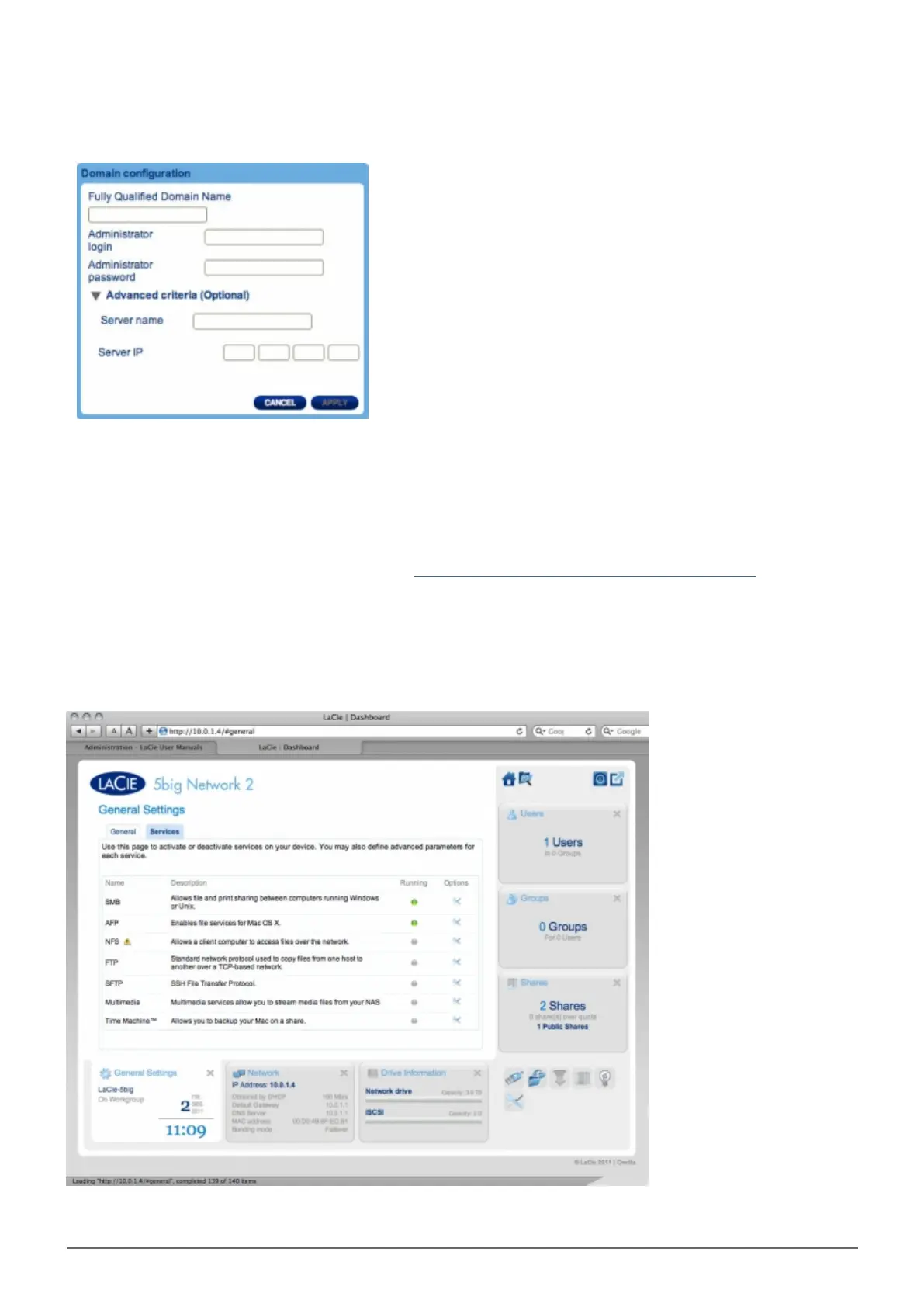
To connect to a share, select the Domain box, then fill in the Fully Qualified Domain Name, Administrator
login, and Administrator password. For more complex network configurations, click the Advanced
Criteria arrow and fill in the Server name and Server IP.
Once connected, you should see the domain's associated users in the Dashboard's Users page (these users
will be identified by the word Domain in place of password).
To leave the domain, click the Leave button, then authenticate by inputting admin username and password.
For help with joining your NAS to a domain, see Troubleshooting the Active Directory Connection.
Services Tab
This page allows you to activate or deactivate services on your device on a global or default level. There are














 To Next Page