d2, 2big, and 5big Network 2 User Manual 48
three levels of service activation – global, default, and share. The global level overrides the other levels. If a
service is activated at the global level, a green light will be listed in the Running column. When the light is
green, the service will be activated by default when a new share is created. The share level overrides the
default level but not the global level. To activate a service at the share level, see Dashboard - Shares).
Click the box in the service's row to activate or deactivate the service for all shares.
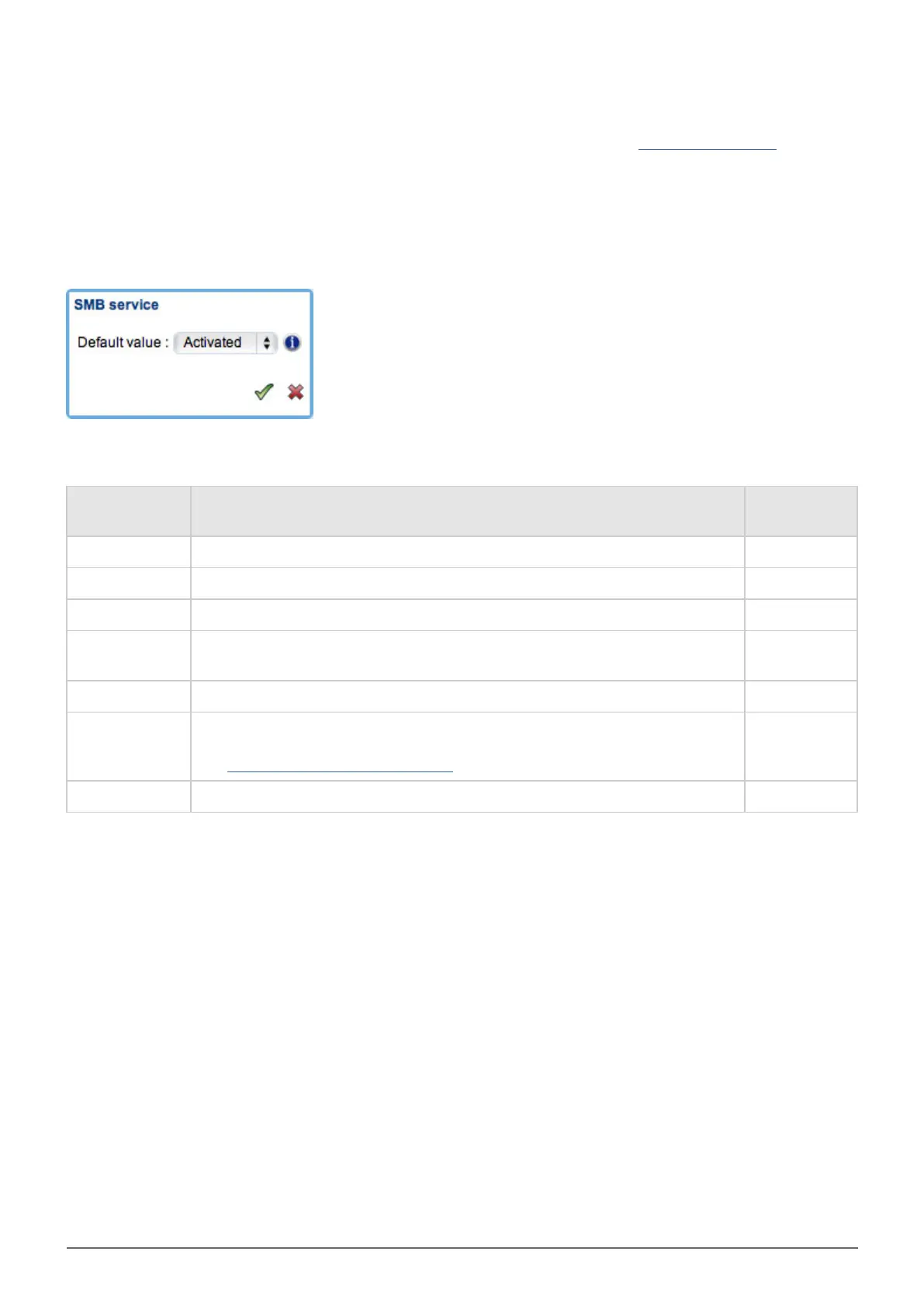
Click the Options icon to:
Activate or deactivate the service at the global level.1.
Activate or deactivate the service at the default level.2.
The following table describes the available services.
Service Description
Active by
Default
SMB Allows file and print sharing between computers running Windows or Unix. Yes
AFP Enables file services for Mac OS X. Yes
NFS Allows a client computer to access files over the network. No
FTP
Standard network protocol used to copy files from one host to another over
a TCP-based network.
No
SFTP SSH File Transfer Protocol. No
Multimedia
Multimedia services allow you to stream media files from your NAS to
UPnP-enabled players (such as cell phones, computers, and game consoles).
See Advanced Accessibility Features for details.
No
Time Machine™ Allows Time Machine to back up a Mac onto your LaCie NAS' share. No














 To Next Page