d2, 2big, and 5big Network 2 User Manual 122
RESET WITH DATA LOSS
Important info: This procedure only works with the 5big Network 2.
Caution: Following these steps will erase all Dashboard data such as users, groups, shares, and settings, AS
WELL AS FILES STORED ON YOUR NAS. It will also reset the machine name to the default and reset the
network settings to DHCP.
In certain cases, you may wish to reinitialize your LaCie 5big Network 2. For example, it is going to be
repurposed by moving it from one branch office to another. Since the new branch office employs a different
team, you decide to reset the 5big to its out-of-box state. To do so, follow these steps:
Remove the disks
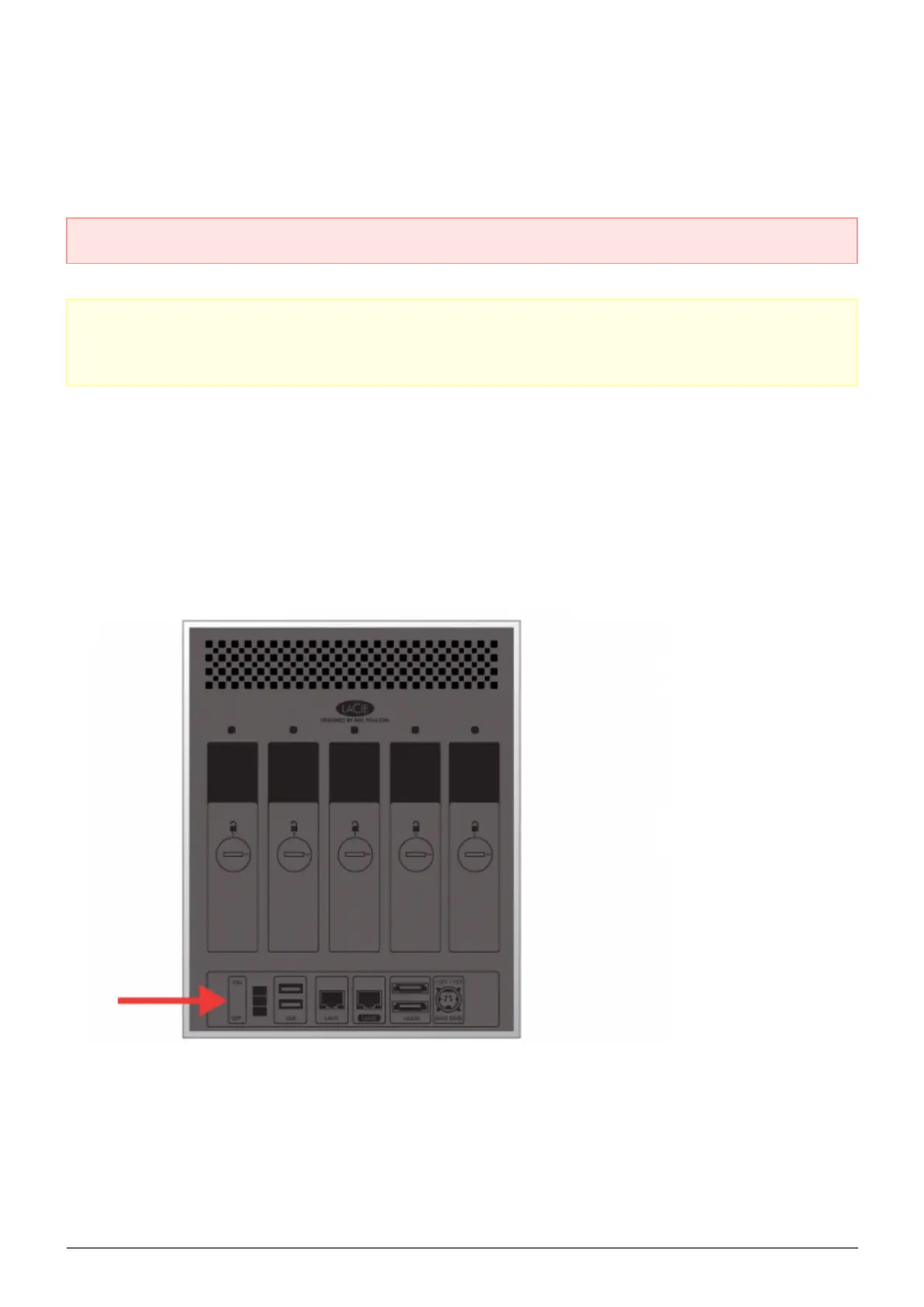
Turn the power switch to the Off position.1.
Since the drives must spin down, please wait a few minutes before removing all disk trays.1.
If necessary, use the disk lock tool to unlock each disk tray. The line must be in a vertical position.2.
Please prepare a flat, clean area to place all five disk trays. Since they contain hard drives, make certain to3.
use caution and avoid electrostatic discharge.
Once the disks spin down, remove all the disk trays.4.














 To Next Page