d2, 2big, and 5big Network 2 User Manual 20
CONNECT TO THE NETWORK
This chapter explains how to connect your LaCie NAS to a network. For details on connecting your NAS directly
to a computer via USB (2big/d2 only), see Connect to a Computer via USB.
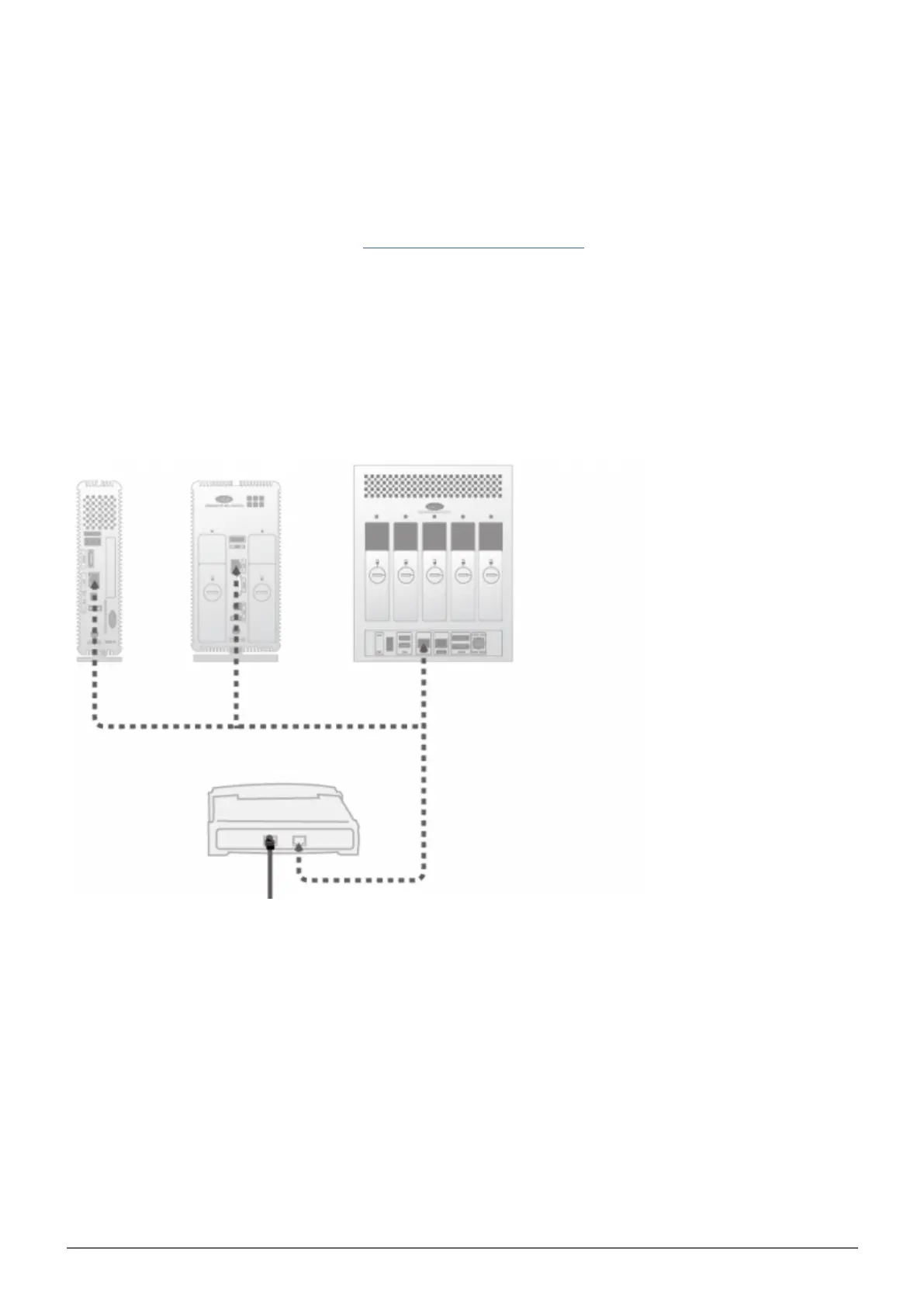
A - CONNECT THE ETHERNET CABLE
Connect the Ethernet cable to the Ethernet port on the back of the product.1.
Connect the other end of the Ethernet cable into an available Ethernet “out” port on your router or hub (refer2.
to your router or hub’s documentation if necessary).














 To Next Page